
Audio and voice
ElevenLabs
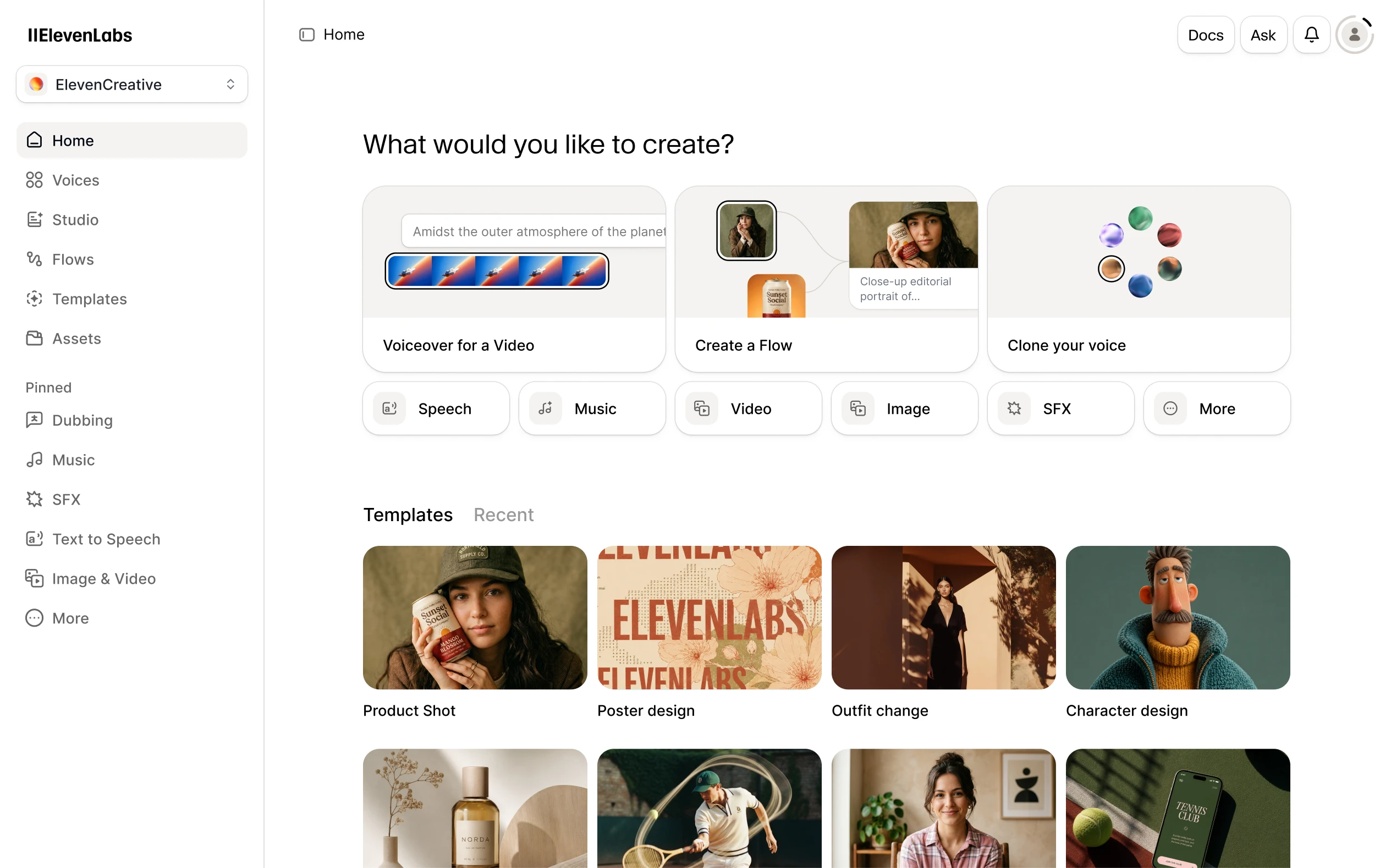
Create AI voiceovers, clone your voice and transcribe recordings with ElevenLabs. Free credits are available; commercial voiceovers require a paid plan.
Explore AI tools for writing, research, coding, images, video and business. Browse free and paid products, with detailed reviews, features, pricing and alternatives.
Saved in this browser.
16 tools · Page 1 of 2
Create AI voiceovers, clone your voice and transcribe recordings with ElevenLabs. Free credits are available; commercial voiceovers require a paid plan.

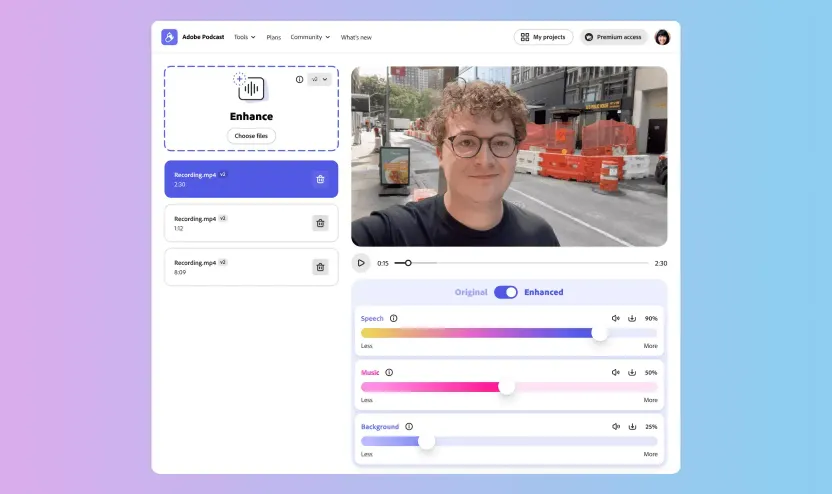
Adobe Podcast combines speech cleanup with browser recording, transcription and text-based audio and video editing. Enhance Speech removes noise and echo; Studio supports remote interviews and separate participant tracks. Premium adds source separation, video enhancement and larger export allowances.
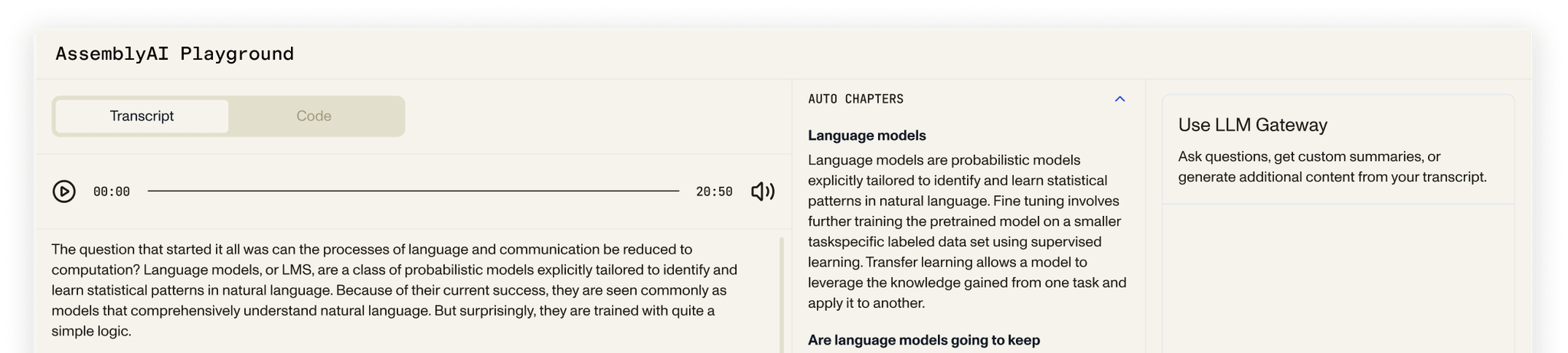
AssemblyAI provides speech-to-text APIs for recorded files, live audio and short synchronous clips. Developers can add speaker labels, word timestamps, subtitle exports and speech analysis to their own products. A browser playground helps explore the models; production use centers on API integration, with language coverage and pricing varying by model.

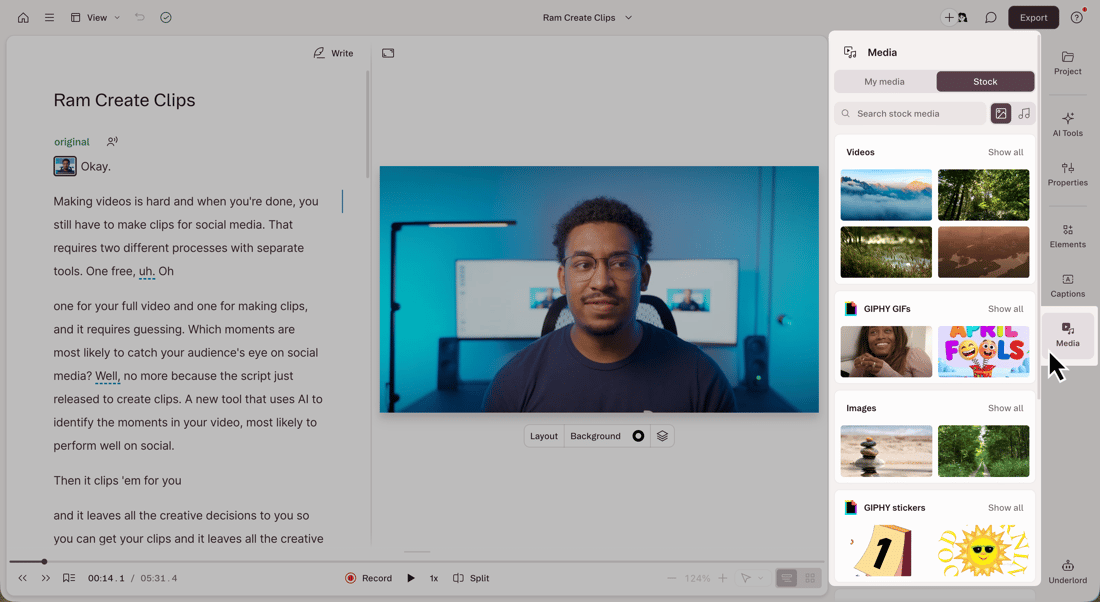
Descript edits recorded video and audio through a linked transcript. Its editor brings together captions, voice cleanup, screen recording and AI-assisted production, with an API for automated projects.

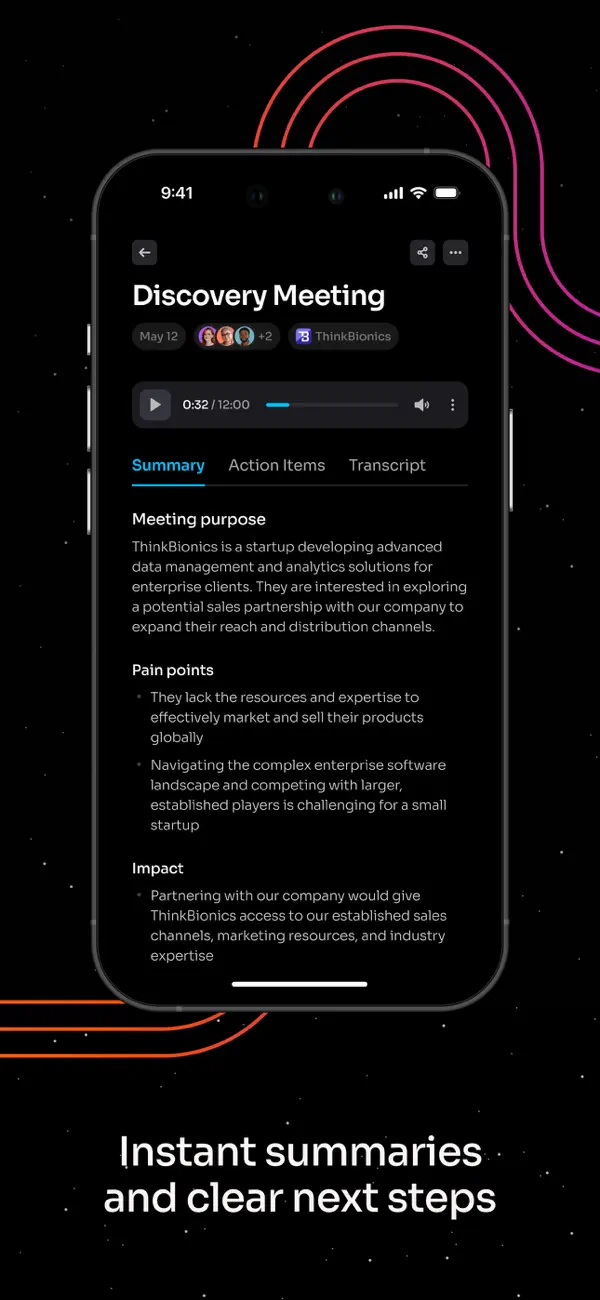
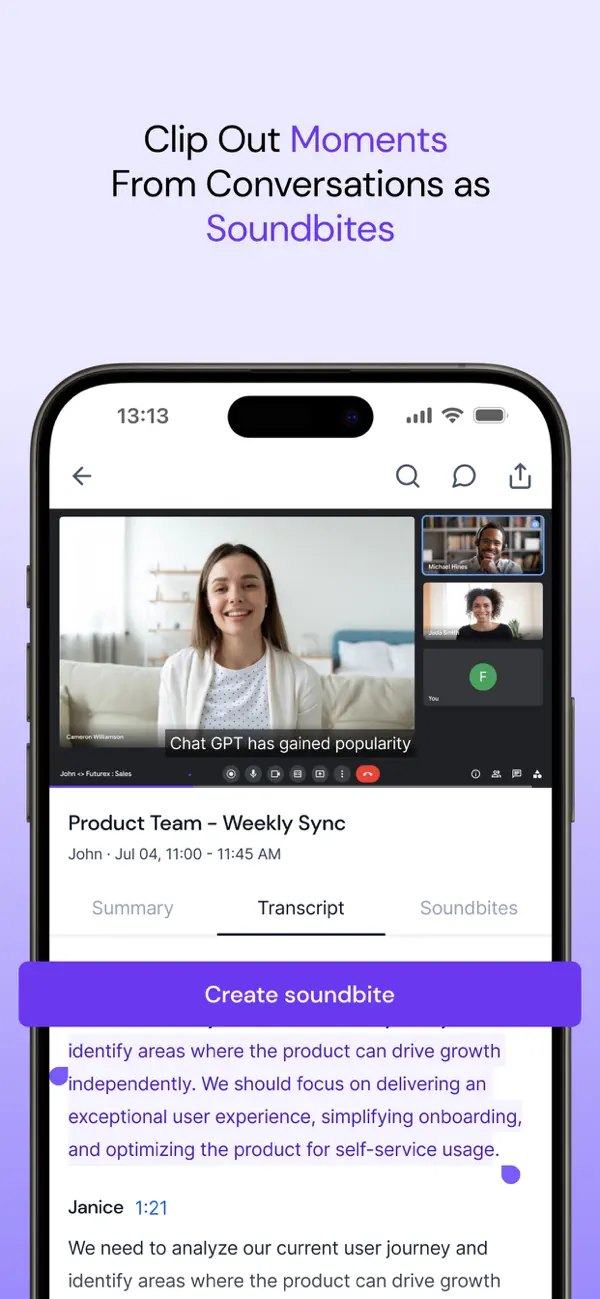
Fathom records meetings, turns conversations into transcripts and creates summaries and action items. Its desktop and web experience supports meeting playback, clips and questions across conversation history. The iPhone app adds in-person capture and mobile review, with a more limited feature set at launch.

Fireflies.ai records meetings, creates searchable transcripts and produces summaries and action items. Teams can revisit conversations, share clips and send notes to connected apps. It supports uploaded recordings, desktop and mobile capture, and a Chrome extension alongside its meeting bot.

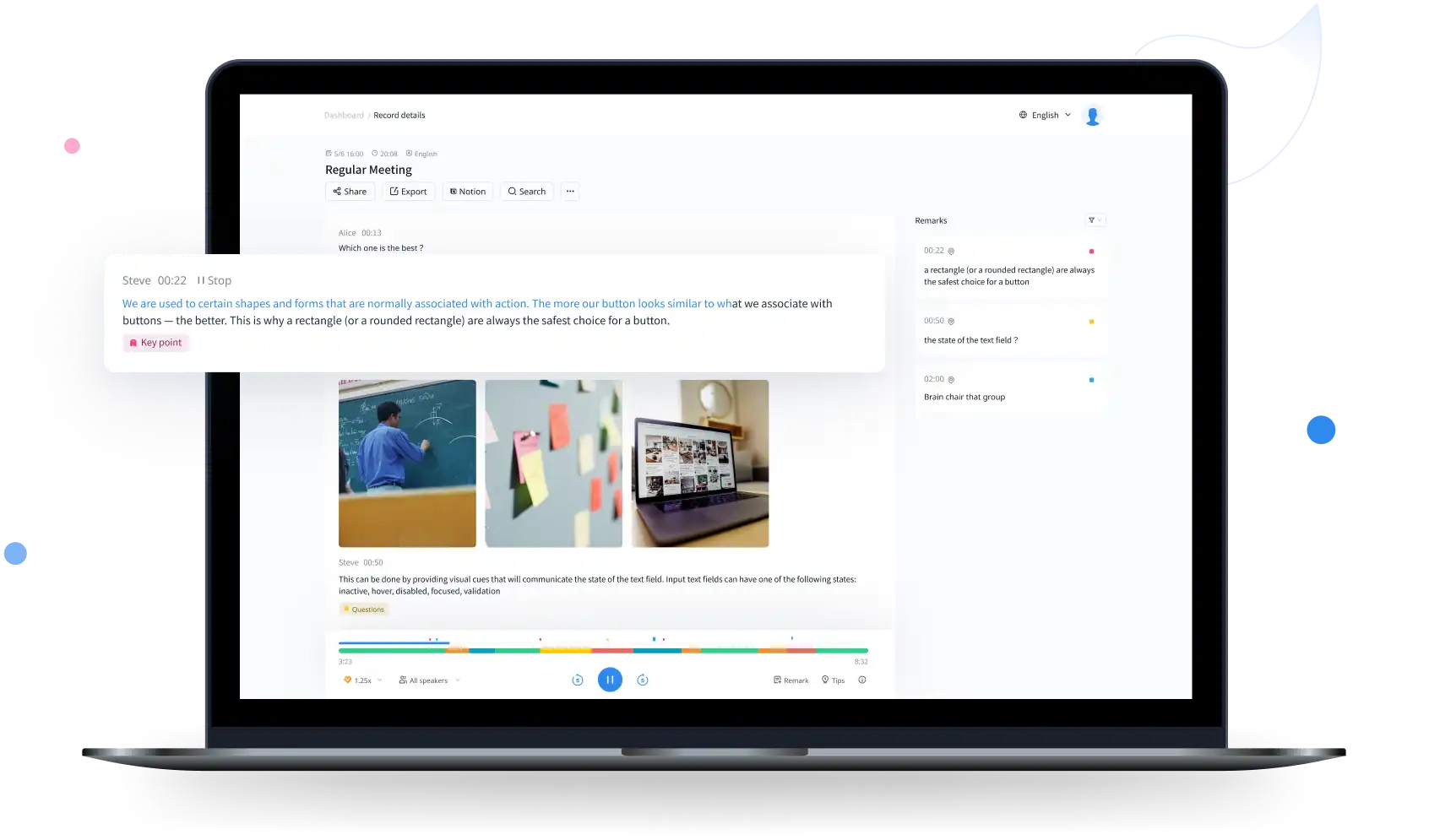
Notta transcribes recorded files and meetings, identifies speakers and provides translated transcripts and AI notes. Its web, mobile and desktop apps cover different recording needs. Desktop Privacy Mode offers a separate local transcription option with narrower language support than the cloud service.

Otter.ai records meetings, creates live transcripts and turns conversations into summaries and action items. Its web and mobile apps support recordings and uploads; the Mac and Windows apps also capture meeting audio without a bot joining. Shared transcripts, comments and AI Chat help teams revisit decisions.
Rev combines AI transcription, a transcript editor and paid human transcription services. Turn recordings into searchable text, review passages alongside playback and use AI to analyze multiple files. Its current platform emphasizes interviews, investigations and detailed document review, with language support and analysis features varying by plan.
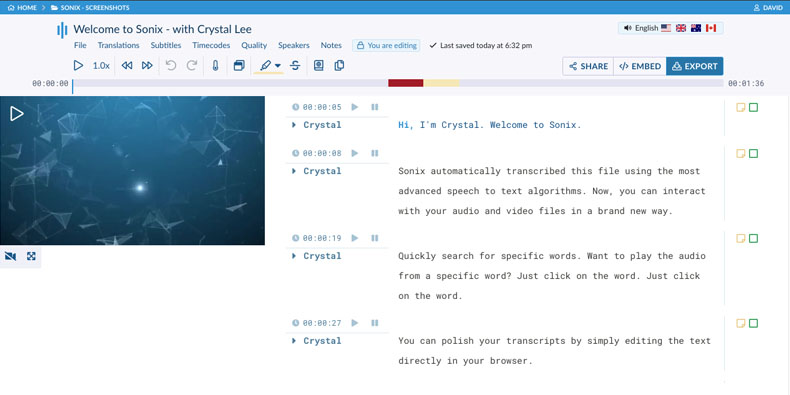
Sonix turns audio and video into editable transcripts in 54+ languages. Its browser editor links each word to the recording, with speaker labels, comments and document or subtitle exports. Paid workspaces add AI analysis and team features, while pay-as-you-go transcription suits occasional recordings.

Trint turns interviews, recorded footage and live speech into editable transcripts. Its playback-linked editor, shared drives, captions and Story Builder make it particularly relevant to journalists and production teams. Recorded transcription supports 50+ languages; translation supports 70+, with live capture and collaboration limits depending on the plan.

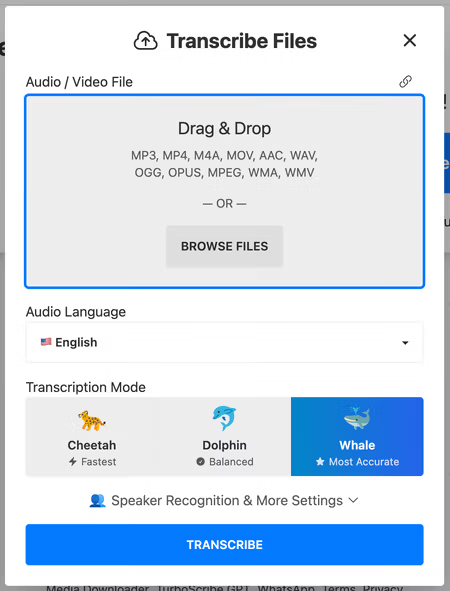
TurboScribe turns recorded audio and video into editable transcripts and subtitles. It supports 98+ transcription languages, speaker labels, audio-linked text and translated exports. Unlimited accepts files up to ten hours / 5 GB, with batches of up to 50 files.
Explore conversational assistants for questions, documents, research and everyday work, including ChatGPT, Claude and Gemini.
Explore AI assistants →Find web answers, search academic papers and explore evidence with AI search engines and research assistants.
Explore search and research →Generate, explain and refactor code with editor assistants, repository agents and coding tools for the terminal.
Explore coding assistants →Create images from prompts and references, edit existing pictures and explore tools for illustration, photography and visual concepts.
Explore image generation →Explore AI video generators, avatar presenters and editing tools for clips, tutorials, campaigns and longer productions.
Explore video creation →Generate narration and synthetic speech, create custom voices and explore dubbing tools for audio and video.
Explore voice generation →Explore free products and free plans for writing, research, creative projects and more. Free plans often include a usage allowance or a smaller set of features; paid plans can offer higher limits and additional tools.
Yes. The directory includes free products and products with a free plan. A free plan may limit usage, features or exports. Free trials are listed separately because their access ends after the trial period.
Our product pages cover key features, supported platforms, pricing, limitations and alternatives. Category guides bring related products together, from image generators and coding assistants to research and audio tools.
The AI directory covers third-party products, with links to their own websites. Our browser tools are BestOnline.Tools utilities for editing images, organising PDFs, converting audio and working with text. You can use those tools directly on this site.
Edit images, organise PDFs, convert audio and work with text in your browser.