
An AI coding editor with local and cloud agents
Cursor
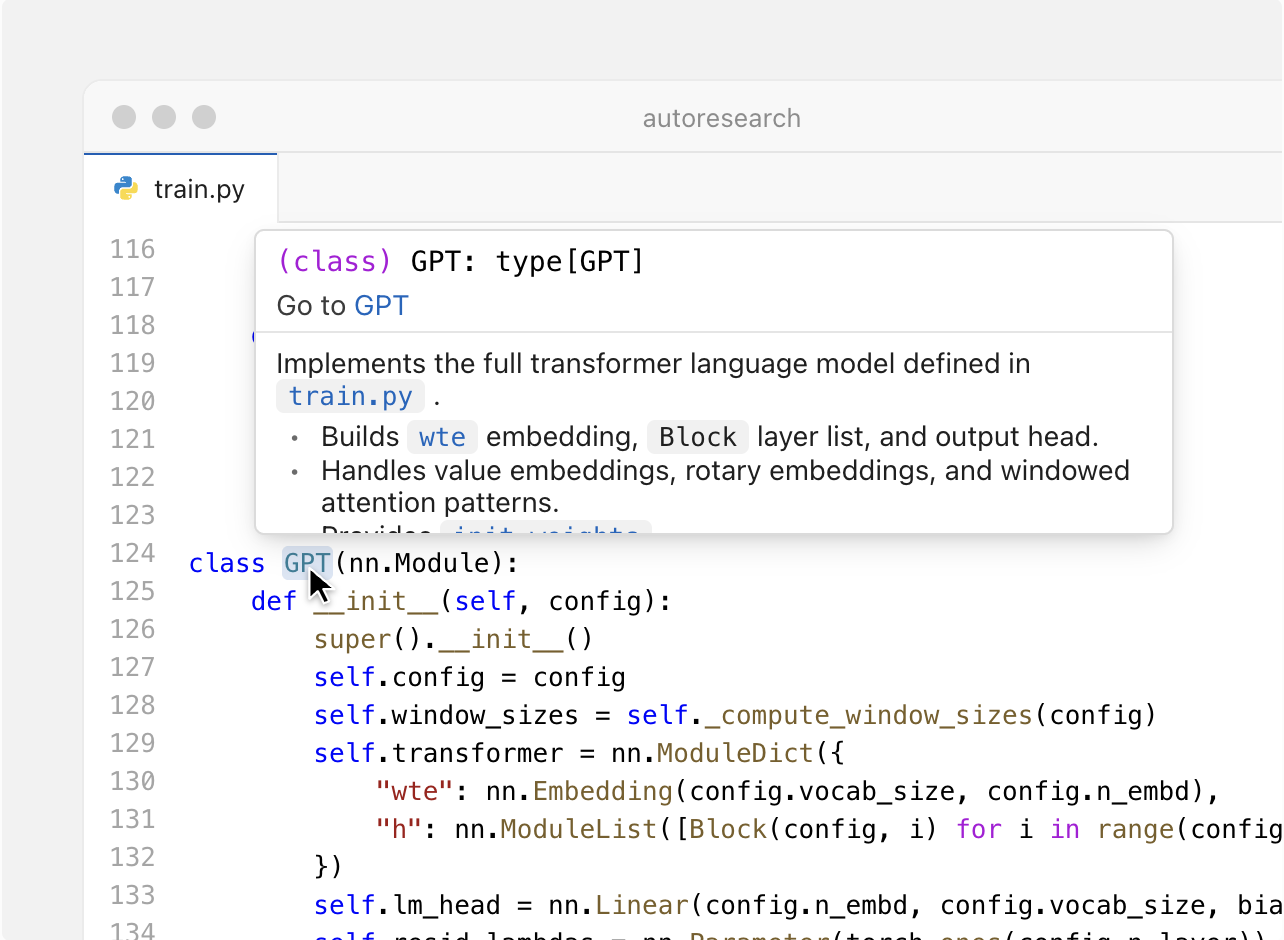
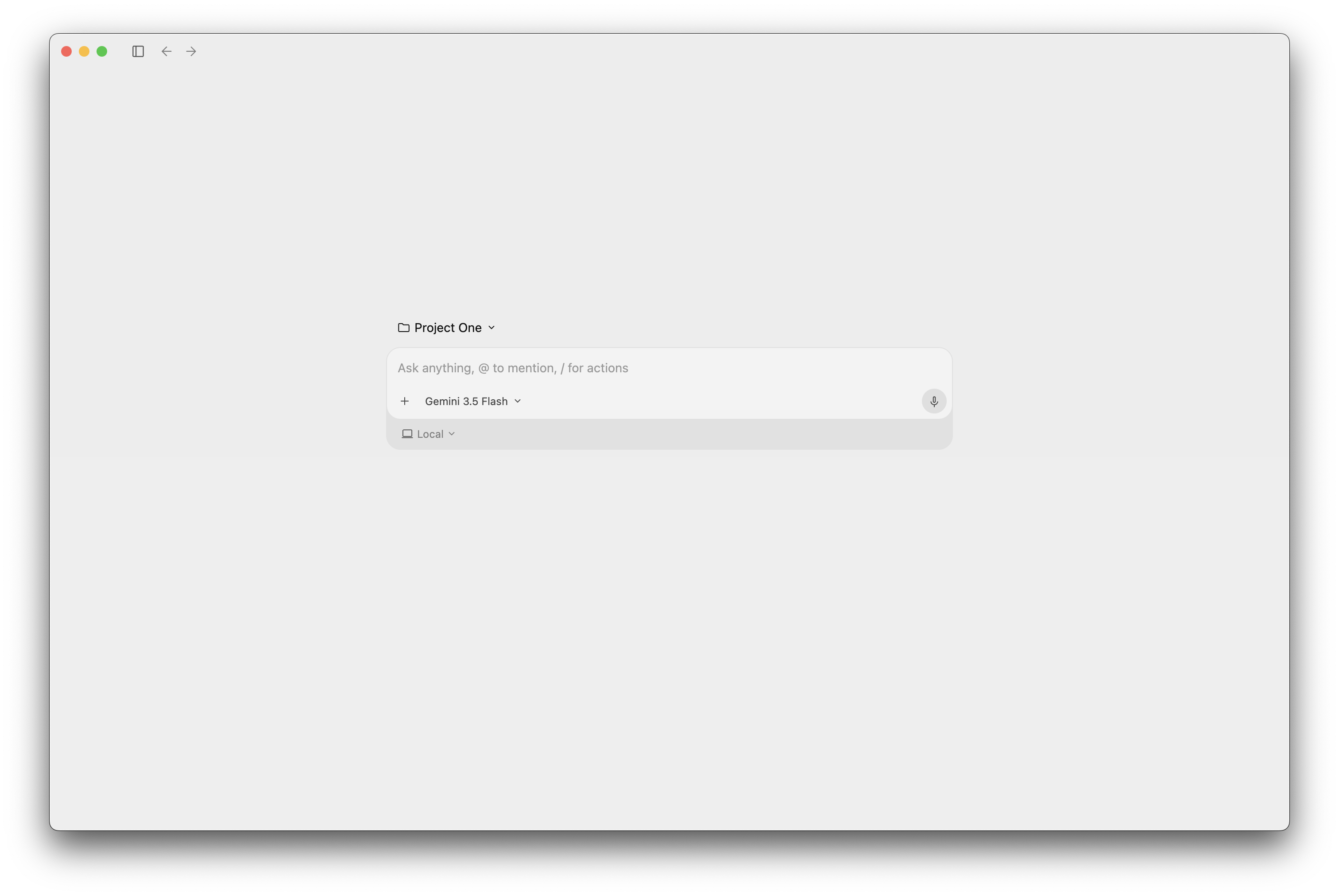
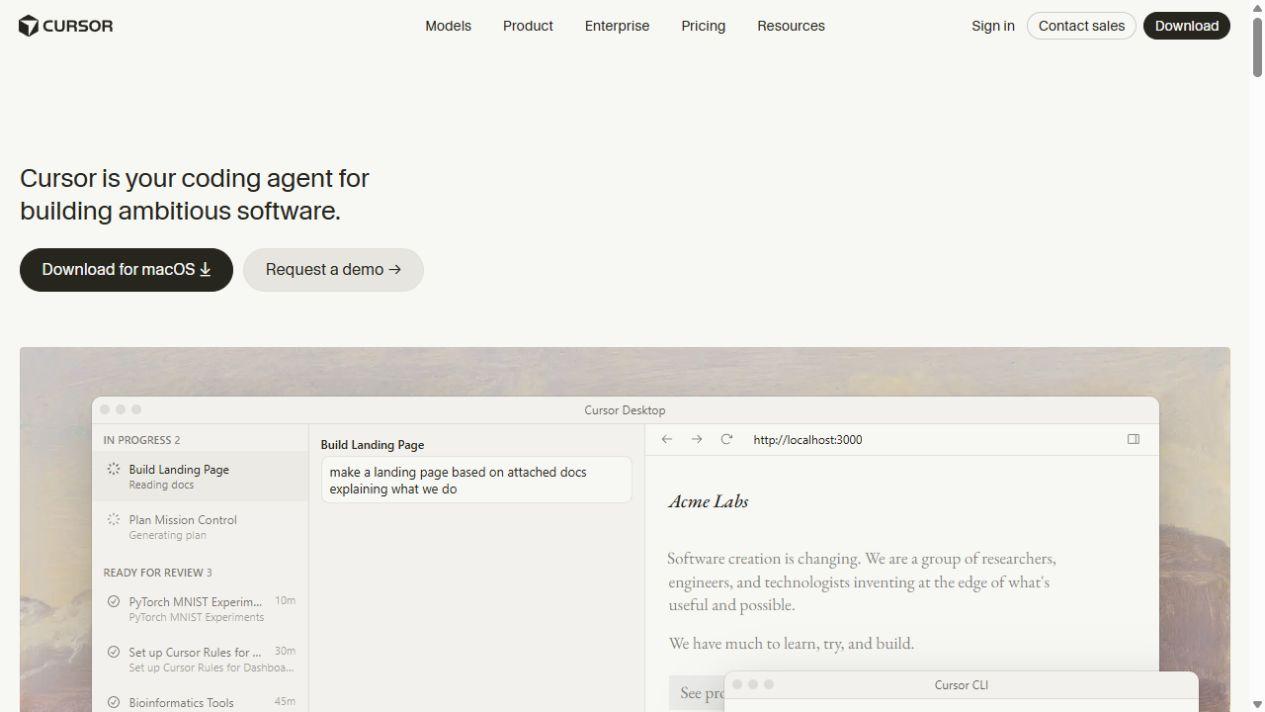
Cursor combines an AI code editor with coding agents that search your repository, change files and run commands, locally or in a cloud development environment.
Discover leading AI coding assistants for writing code, understanding a repository and building features across multiple files. Explore Cursor, GitHub Copilot, Claude Code and other coding agents for IDEs, terminals and desktop development.
Cursor combines an AI code editor with coding agents that search your repository, change files and run commands, locally or in a cloud development environment.
Get code suggestions, ask questions about a repository and delegate coding tasks with GitHub Copilot across supported editors, its desktop app, the terminal and GitHub.
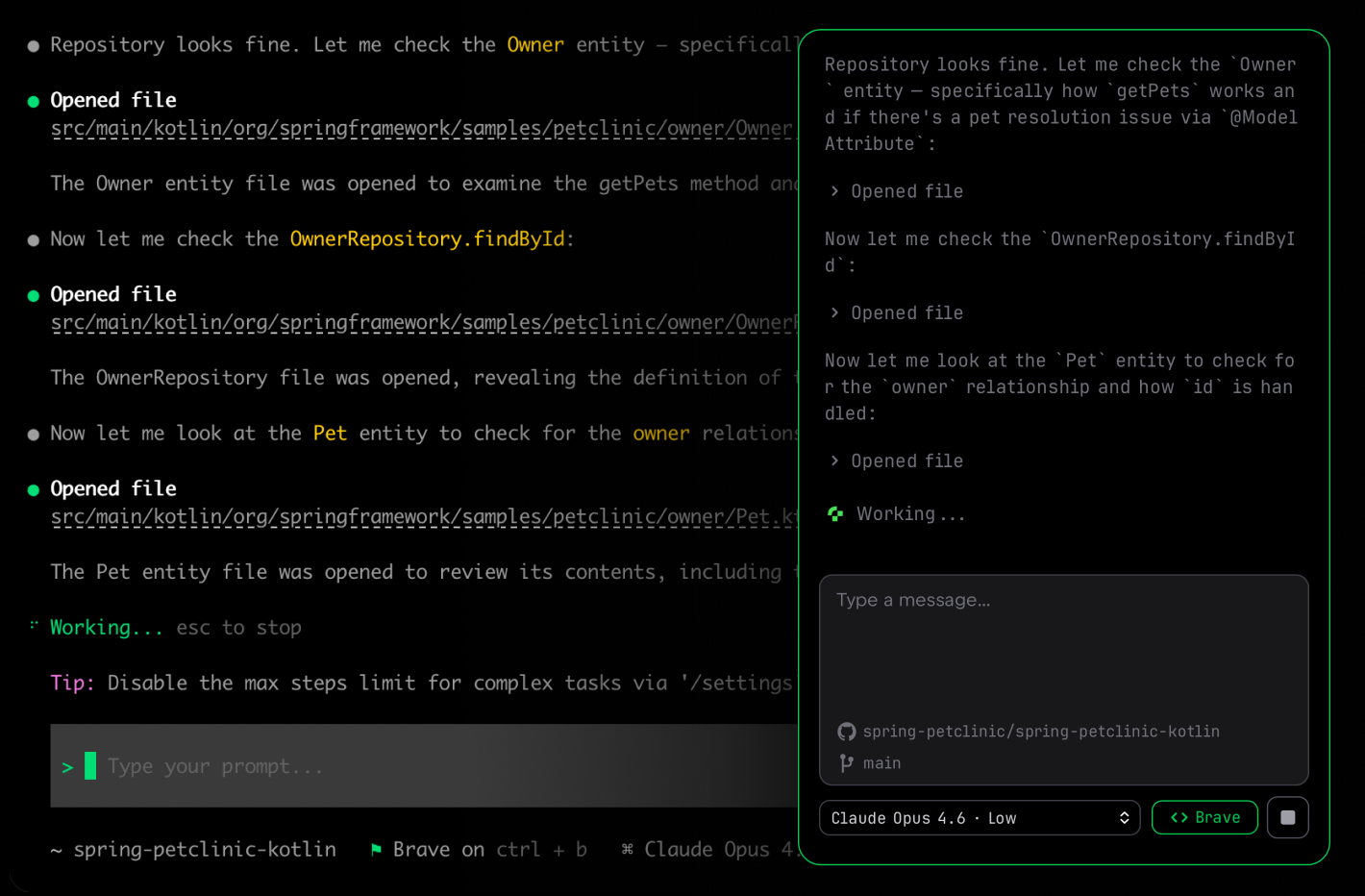
Work on repositories with Claude Code, a coding agent that can read project files, propose and apply edits, run commands and develop changes through terminal, editor and cloud sessions.

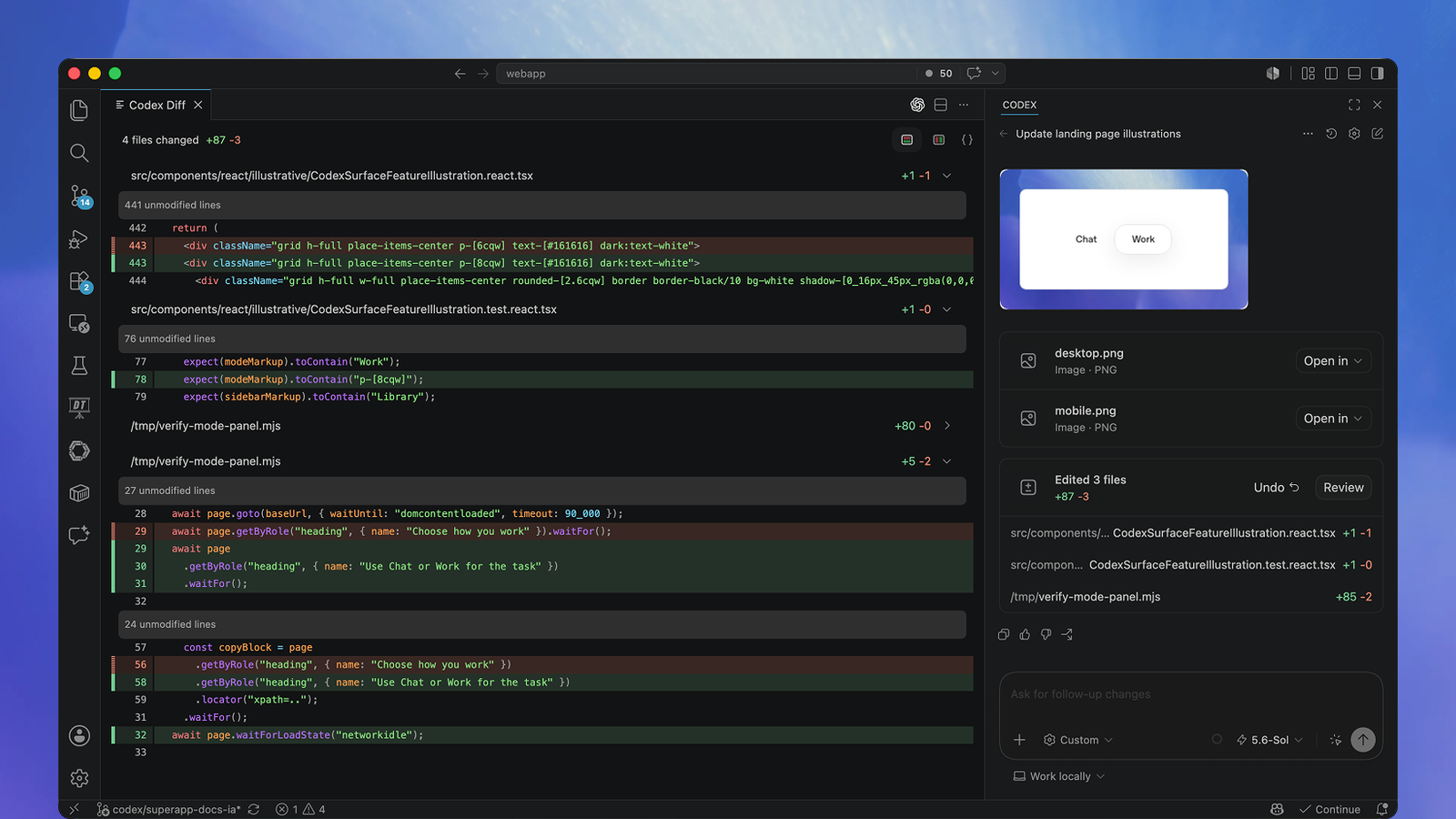
Codex is OpenAI’s coding agent for repository edits, debugging, tests and code review. It works in the terminal, supported IDEs and the ChatGPT desktop app, with separate cloud environments for work that continues away from your computer.

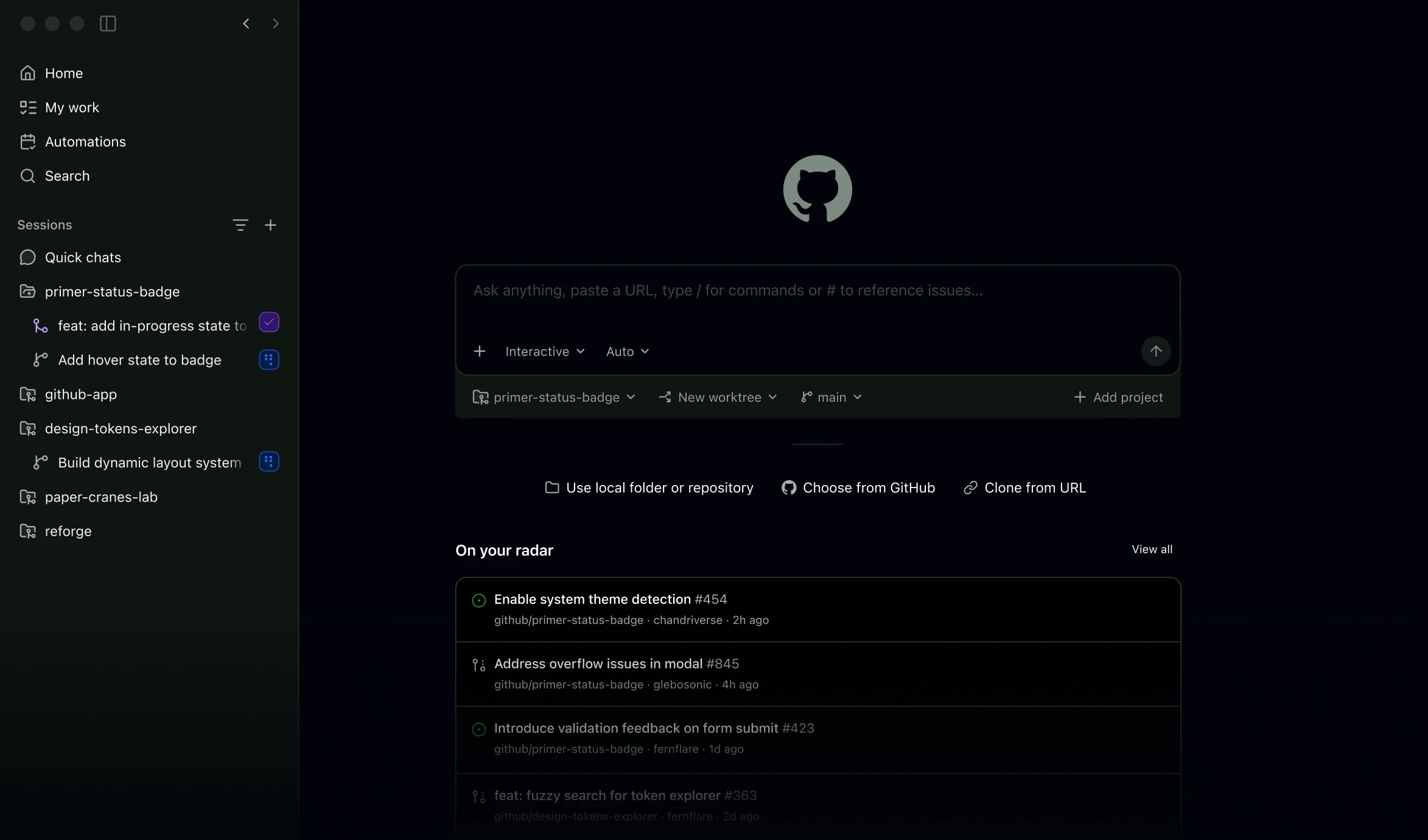
Devin Desktop is the renamed Windsurf editor, combining a full IDE with a command centre for local and cloud coding agents. Spaces group sessions and project context, while compatible third-party agents can work alongside Devin Local.

New Amazon Q Developer IDE accounts and Pro subscriptions are closed. Existing IDE support ends on 30 April 2027; assistance in the AWS Console and supported chat experiences continues.
Tabnine combines code completions, IDE chat and coding agents with private deployment and organisation controls. Now part of Tricentis, its current commercial access is handled through the new owner; the legacy free extension no longer accepts new users.

JetBrains Junie is a coding agent for the terminal and supported IDEs. It can inspect a repository, change code and run tests, with a free Junie Lite model, JetBrains AI subscriptions and separately billed bring-your-own-key access.

Google Antigravity brings coding agents to a desktop command centre, the terminal and supported IDEs. Free access includes limited agent usage; Google AI subscriptions expand capacity, and Google Cloud provides a separate business route.

Mistral Vibe adds code-focused agents and MCP connections to its wider work assistant, with deeper workflows on Pro.
Cursor combines a coding editor with inline suggestions and an agent that can search a project, edit files and run terminal commands. GitHub Copilot brings completion, chat and agent features to supported editors, with further tools in GitHub and the command line. JetBrains Junie offers agent assistance in JetBrains IDEs as well as a separate CLI. Inline completion helps with the next few lines; an agent can take on a change across several files.
Claude Code, Codex and Mistral Vibe can work from a terminal in an existing repository. They read project files, propose edits and run commands such as tests within their available permissions. These products also have other entry points: Claude Code offers IDE and desktop access, Codex has desktop and cloud environments, and Vibe supports IDE integrations and asynchronous tasks. A local checkout gives an agent access to local files; model processing may still use an external service.
Devin Desktop, formerly Windsurf, combines an IDE with an agent command centre for local and cloud work. Google Antigravity 2.0 provides a standalone agent manager alongside a separate IDE experience. These interfaces make it possible to follow several coding tasks without keeping every interaction in one editor conversation. File changes, command results and review controls remain essential parts of finishing a feature.
Team features extend beyond sharing a subscription: they can include account administration, repository context, access policies and deployment options. Tabnine offers enterprise coding assistance with private installation options for organisations that need control over where their code is processed. Running a desktop client on your computer is different from hosting the model or service within your organisation.
Free access is available in parts of the category, including GitHub Copilot Free and Junie Lite. Paid plans can expand model access, agent usage and team features. Subscriptions may include credits or a usage allowance, while additional consumption and personal API keys can create separate charges. Product reviews cover the current pricing structure, free access and plan restrictions without treating a seat, a credit and a model token as the same unit.
Amazon Q Developer remains relevant to existing AWS users, but new Free IDE accounts and new Pro subscriptions closed on 15 May 2026. Existing IDE plugins and paid subscriptions reach end of support on 30 April 2027; existing Pro subscriptions can still add users during the transition. AWS Console and supported first-party chat experiences continue. AWS directs new IDE development towards Kiro, a separate product.
An AI coding assistant helps write, explain or change code. Some suggest code as you type; others act as agents that read repository files, make edits and run commands with permission. IDE extensions, dedicated editors, terminal tools and desktop apps provide different ways to use these features.
GitHub Copilot supports multiple editors, JetBrains Junie works in JetBrains IDEs, and Claude Code and Mistral Vibe offer IDE integrations. Terminal clients can also work beside an existing editor. Cursor and Devin Desktop provide their own IDE experiences.
GitHub Copilot Free provides a limited free allowance, and JetBrains offers Junie Lite. Free tiers and trials differ in included features, model access and usage. More extensive agent work or team features may require a paid plan.
Yes. Repository agents such as Claude Code, Codex and Cursor can edit multiple files and run commands, including tests, within their permissions. Their changes and test results still need review; a completed agent task does not guarantee correct or secure software.
A local editor or terminal client can send code or project context to an external model service. Private processing depends on the deployment, model provider and account settings. Tabnine offers private installations, while products with personal API keys follow the chosen provider’s processing terms.
Build a business website, portfolio or custom app with the best AI website builders and app builders. Discover visual site editors, prompt-based development and hosting options from Wix, Framer, Lovable, Bolt and other leading platforms.
Convert, edit and prepare files with our own browser utilities.