Wix: AI website creation, visual editing and business tools
Wix
Build business websites with Wix Harmony’s AI and visual editing. Explore stores, bookings, pricing tiers, SEO tools and hosted publishing.
Build a business website, portfolio or custom app with the best AI website builders and app builders. Discover visual site editors, prompt-based development and hosting options from Wix, Framer, Lovable, Bolt and other leading platforms.
Build business websites with Wix Harmony’s AI and visual editing. Explore stores, bookings, pricing tiers, SEO tools and hosted publishing.

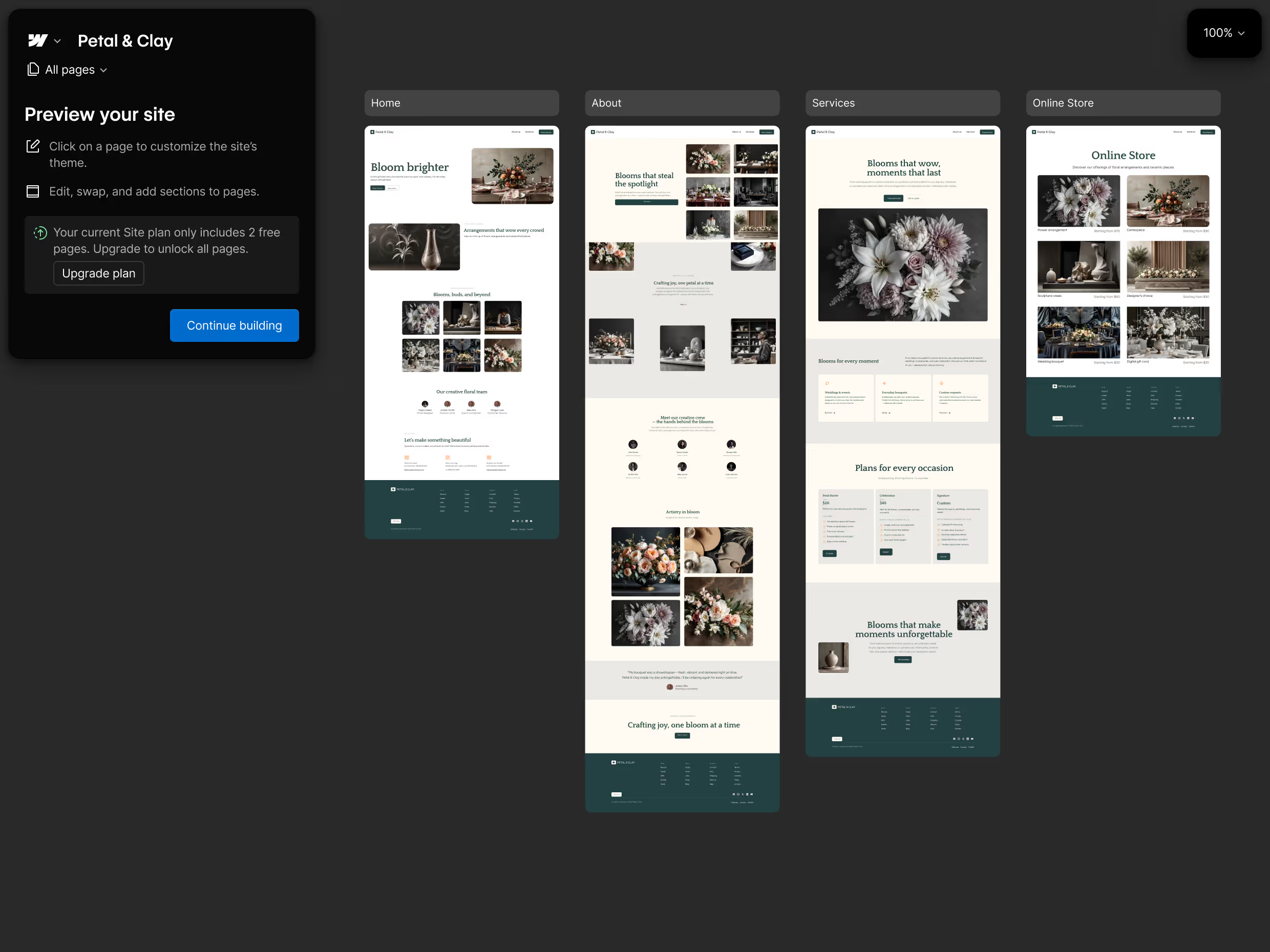
Design responsive websites with Framer’s visual canvas, AI Agents and CMS. Explore its pricing, SEO tools, hosting and alternatives.

Build custom websites with Webflow’s visual editor, AI site builder and CMS. Explore its pricing, SEO features, code export and alternatives.
Hostinger AI Builder combines visual website editing and AI app creation with hosting. Explore its features, pricing, SEO tools and export limits.

Lovable builds AI web apps with editable code, a hosted backend and Git sync. Explore its pricing, shared credits, SEO features and deployment options.

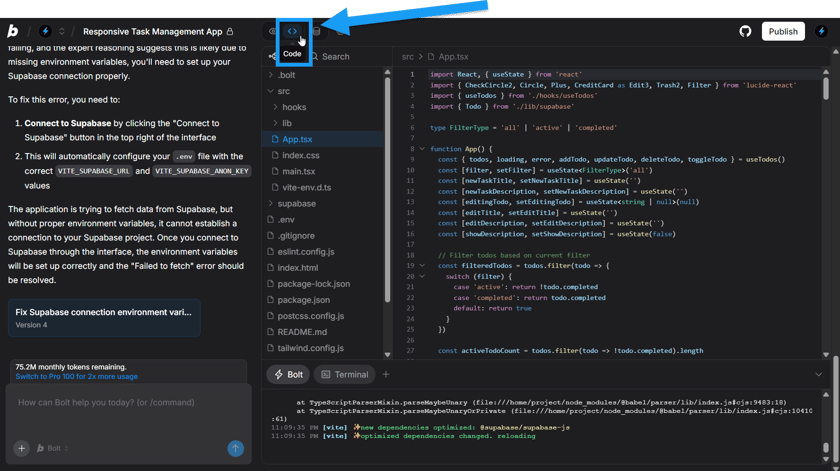
Bolt.new builds web and Expo mobile apps with AI and editable JavaScript code. Explore its features, token pricing, hosting limits and alternatives.

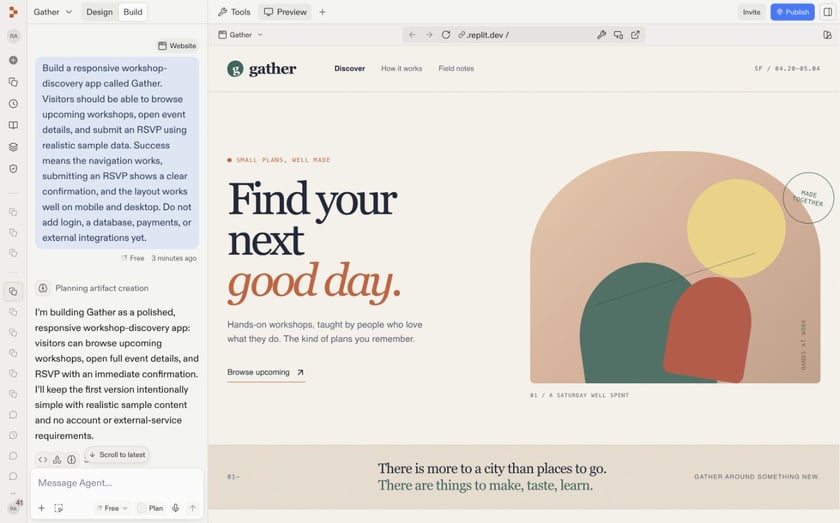
Replit builds web and mobile apps with AI, an editable codebase and cloud hosting. Explore its plans, usage credits, SEO features and deployment options.

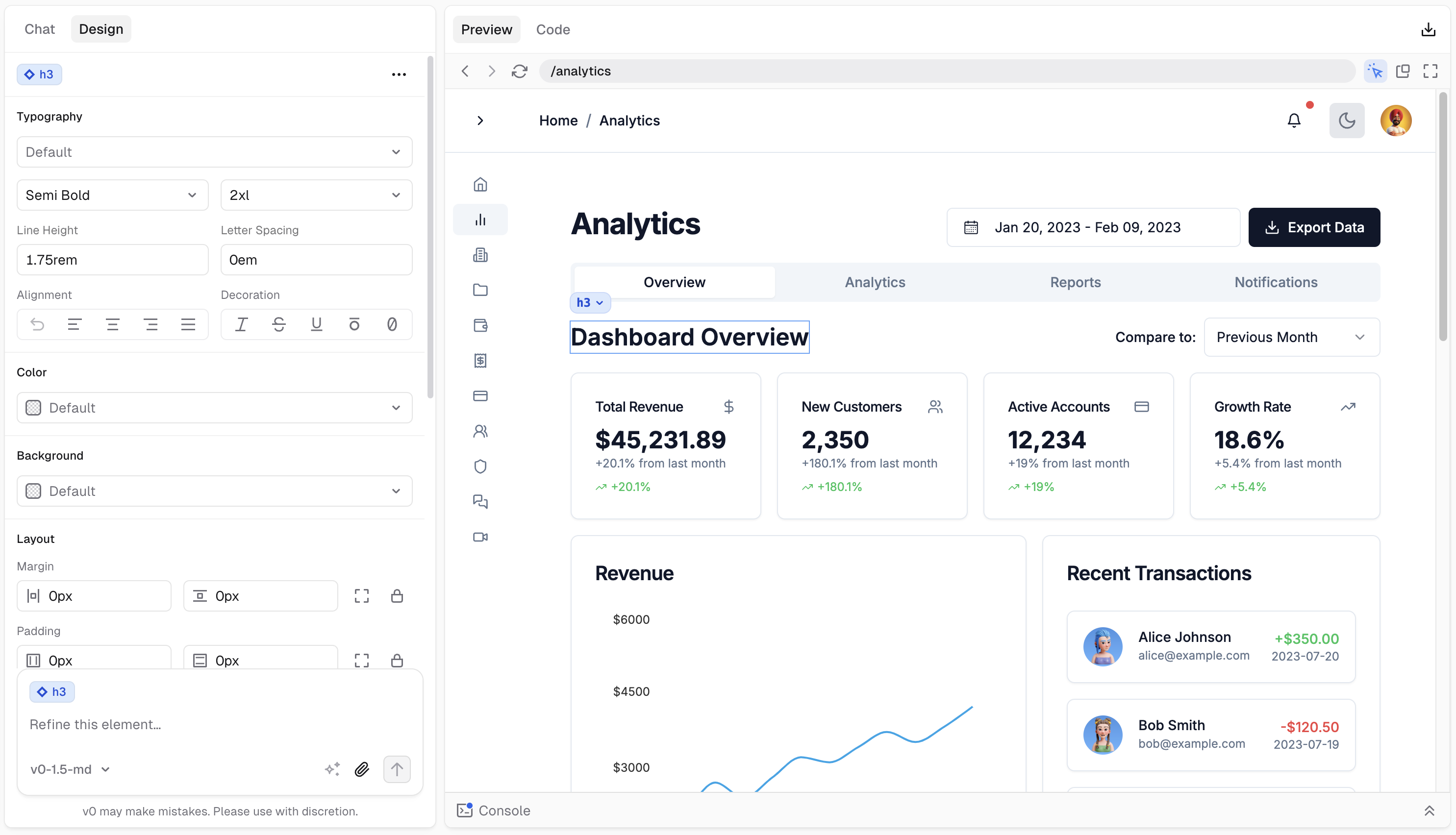
v0 by Vercel builds interfaces and full-stack web apps with editable code. Explore its visual editor, GitHub publishing, credit pricing and alternatives.

Base44 builds apps with AI prompts, visual editing and a hosted backend. Explore its pricing, credits, SEO features, GitHub sync and export limits.
Google AI Studio combines Gemini prompt testing with web and Android app building. Explore its features, free access, API costs, exports and alternatives.
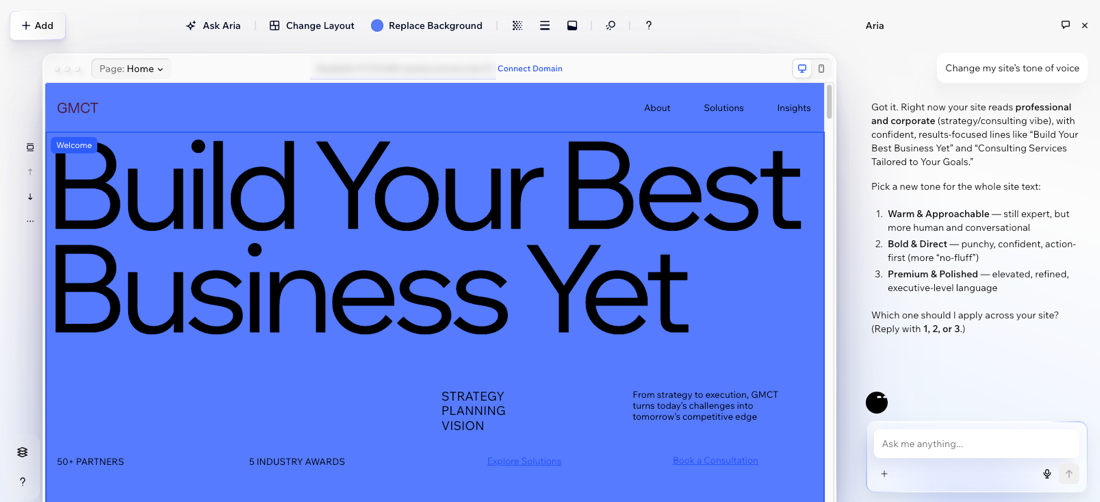
Wix brings AI website creation, visual editing and business tools into one platform. In its Harmony editor, the Aria assistant can create pages, refine layouts and update content, while drag-and-drop controls let you make changes by hand. Stores, blogs and booking tools connect the website to everyday business operations. Aria works in the desktop editing view; the mobile layout has its own manual controls.
Framer combines an editable design canvas with AI agents, responsive layouts, a CMS and hosted publishing. Its AI can work on pages, components and CMS content, including an existing site. Webflow’s AI builder creates a site structure and design system from a prompt, with tools for copy, CMS items and React components. Both provide visual controls beyond the initial generation, making them strong options for marketing websites, portfolios and content-led sites.
Hostinger combines its website builder and app-building tools in two modes. Manual mode offers drag-and-drop editing for business sites, blogs and stores; Agentic mode uses conversation and a code editor for web apps, portals and other interactive projects. Hosting is included in its plans. Agentic projects can export React and Vite source files, but the export excludes integrated backend data and cannot be imported back into the builder after editing.
Lovable builds web applications with editable code, a database, authentication and integrations. Shared workspaces and Git sync connect the app to an engineering team, while its managed Cloud backend supports the deployed project. Base44 combines prompt-based building with direct visual editing and separate Build and Discuss modes. It supports two-way GitHub sync on Builder plans and above. These platforms suit dashboards, customer portals and internal tools with functionality beyond a set of web pages.
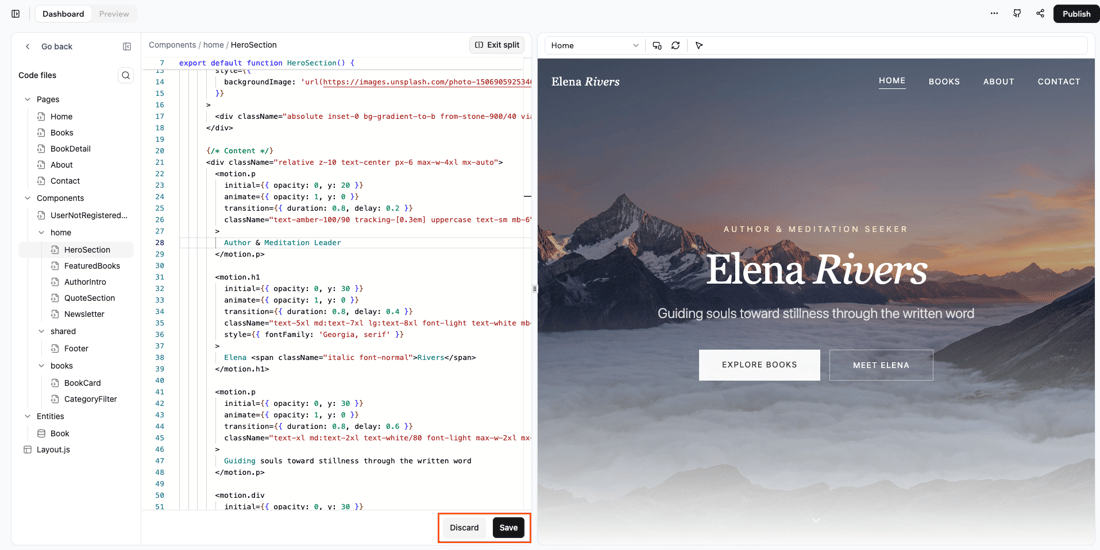
Bolt combines prompting, code editing, previews and Bolt Cloud services, including a database, authentication and hosting. It supports JavaScript frontends and Node.js backends; PHP and Python backends are outside its supported stack. Replit’s Agent creates full-stack web apps with API routes, database connections and server logic as needed, within a hosted development environment. Its publishing tools handle the deployed app, alongside development and usage controls.
v0 can turn an interface into a web application with backend routes, API calls and database connections. Next.js is its default framework, with integrations including Supabase, Neon and Upstash. Projects deploy to Vercel, where working branches can have separate preview URLs before changes reach production. That combination makes v0 especially relevant to teams building within the Next.js and Vercel ecosystem.
Google AI Studio’s Build mode creates web applications with a React frontend and Node.js server, with support for Firebase data and sign-in services. Code can sync with GitHub or be exported for development elsewhere. A separate Android route generates Kotlin and Jetpack Compose projects. Web apps can deploy to Cloud Run; Starter deployment is limited to eligible accounts, while standard deployment requires Google Cloud billing. Gemini API usage and hosting can incur their own charges.
Free access can cover building a first version without covering every publishing or runtime feature. Bolt includes a bolt.host address, with custom domains on paid plans. Lovable’s credit balance can fund both development and deployed Cloud or AI usage, while Base44 separates building messages from app integration credits. Replit credits can cover Agent work and cloud services. Hostinger’s introductory hosting rates have their own commitment and renewal prices. Building an app and running it are distinct costs, even when they appear on one bill.
Wix is a strong choice for a business website with stores, bookings or a blog. Framer offers a visual canvas, AI agents and a CMS for custom layouts, while Webflow combines visual design with structured content and AI site creation. Hostinger includes website and app-building routes with hosting. For a custom application with user accounts or database-backed functionality, Lovable, Base44, Bolt, Replit and v0 expand the options.
A website builder focuses on pages, layouts, content and publishing. An app builder also creates interactive functionality such as accounts, dashboards, database records and server logic. The categories overlap: a web app can include marketing pages, and a website can include forms or interactive components. The key distinction is the functionality and data behind the interface.
Yes. Wix offers free website creation, and Lovable and Base44 include free building allowances. Bolt can publish on a bolt.host address, with custom domains on paid plans. Google AI Studio offers a limited Starter deployment route for eligible accounts. Free building, public hosting, custom domains and ongoing app usage have different conditions; a free account does not include every paid feature.
Portability differs by platform. Lovable supports Git sync and external hosting, with separate work needed to move its managed backend. Hostinger’s Agentic export includes frontend and logic files, but excludes its integrated backend data and cannot round-trip into the builder. Framer does not export a standalone HTML website for self-hosting. Source-code access and a complete move of a running app are different capabilities.
Some have a separate native mobile route. Bolt supports Expo projects, and Google AI Studio can generate Kotlin and Jetpack Compose Android apps with device preview and Play Store internal testing. Hostinger AI Builder creates responsive web apps and does not support native App Store or Google Play builds. A website that adapts to a phone screen is still different from a native mobile application.
Costs can include the builder subscription, AI development usage, hosting, database resources, storage, traffic and services called by the app. Lovable draws development and runtime usage from a shared balance, Base44 has separate message and integration credits, and Replit combines Agent and cloud-service usage. Custom domains, collaborator access, annual commitments and renewal rates can also change the total. Credit counts are not interchangeable across providers.
Discover leading AI coding assistants for writing code, understanding a repository and building features across multiple files. Explore Cursor, GitHub Copilot, Claude Code and other coding agents for IDEs, terminals and desktop development.
Convert, edit and prepare files with our own browser utilities.