

Webflow
Webflow review: AI website design, CMS and code export
Build custom websites with Webflow’s visual editor, AI site builder and CMS. Explore its pricing, SEO features, code export and alternatives.
Free plan availableAccount required
- Access
- Free and paid plans
- Example plan
- USD 25 / site / monthBasic monthly
- Available on
- Web
Custom websites with visual design and structured content
Webflow is a strong option for designers, agencies and marketing teams building custom brand websites, blogs and content libraries. Its visual editor brings page design, responsive layouts, reusable components and publishing together. The AI site builder creates an editable starting point and a shared style guide. It works on new sites and sites originally built with that tool; it cannot regenerate every existing Webflow website.
The CMS turns articles, projects and other repeatable content into collections and reusable page templates. It supports CSV imports, reference fields, filtering, sorting and conditional visibility. Editors can update content in context, while APIs connect it with external systems. Premium is the current self-serve plan for publishing CMS websites. Starter allows a limited CMS trial, while Basic is for sites without CMS content.
Webflow includes page titles, meta descriptions, image alt text, XML sitemaps, robots.txt controls and 301 redirects. CMS fields can populate metadata across collection pages, and schema markup can be added or generated with AI. These are useful tools for maintaining a content-rich website; they do not guarantee rankings. Some settings on Starter require a paid Workspace.
A paid Workspace enables static HTML, CSS, JavaScript and asset export. That export does not recreate the hosted CMS, Ecommerce, code components, localized secondary content, forms or search. CMS data can be exported separately as CSV, but rebuilding its functionality is another task. For custom application logic, Webflow Cloud supports Next.js and Astro apps, GitHub deployments and built-in storage. A Cloud app can run independently or alongside a Webflow site; it is distinct from static code export.
Webflow pricing separates the website from the workspace. A paid Site plan covers that website’s domain, hosting and capacity, and can be used with the free Starter Workspace. A paid Workspace adds development and collaboration features; it is not mandatory for every paid site. The current public lineup uses Basic and Premium rather than the former CMS and Business plans. Team and Enterprise bundle more capabilities, while Ecommerce has its own plans. AI credits and Cloud resources have their own allowances.
Best for
- Designers and agencies building custom brand websites
- Marketing teams publishing blogs, portfolios and structured content
- Teams combining visual website design with developer-built applications
Limitations
AI site building applies to new or AI-built sites. Static export needs a paid Workspace and excludes hosted CMS, store and other services. Basic has no CMS; Site capacity, collaboration, Ecommerce and Cloud resources can carry different costs.
Webflow design, CMS and publishing features
Editable AI-generated websites
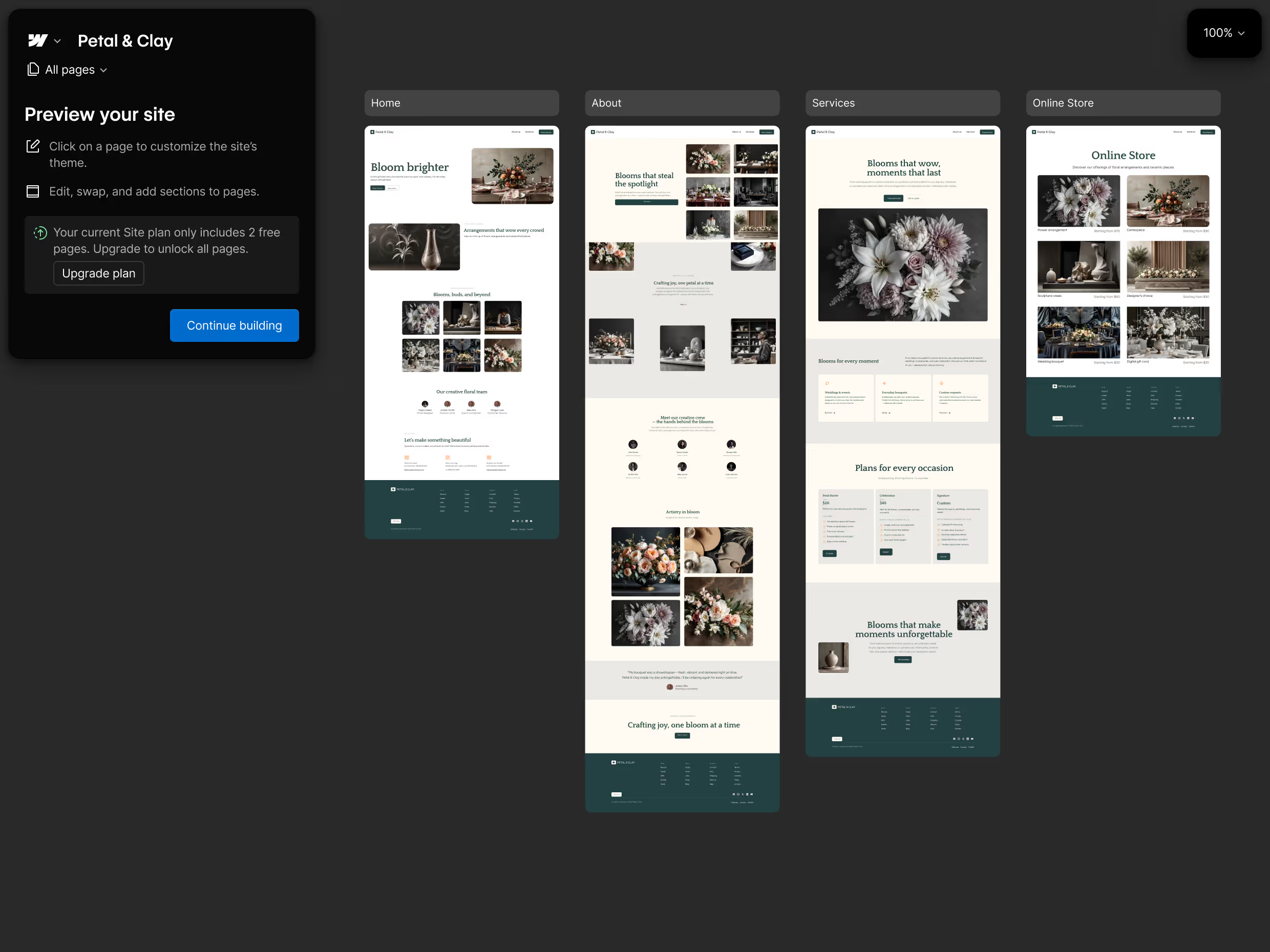
Create an initial site and style guide from a brief, then continue in the visual editor. Without a paid Site or Workspace plan, AI generation is limited to two total static pages; paid access allows up to five initial pages.
Visual responsive design
Build page layouts and reusable components, then adjust their presentation for different screen sizes.
CMS collections and content APIs
Publish repeatable content through collection templates, with CSV imports, reference fields, filtering and programmatic content access.
SEO metadata and structured data
Manage page and CMS metadata, alt text, sitemaps, crawl rules, redirects and schema markup from the website platform.
AI content and code components
Generate draft copy, CMS items and React components. Credit usage depends on the type of action; site building, section generation and contextual help are credit-free.
Static website code export
Export HTML, CSS, JavaScript and assets with a paid Workspace. Hosted CMS, stores, forms and search need separate implementations after export.
Webflow Cloud applications
Deploy Next.js or Astro applications from GitHub, with server-side logic and storage. Cloud apps can run without a separate Webflow site.
Custom domains and Ecommerce
Connect a custom domain through a paid Site plan. Ecommerce plans add products, cart and checkout features; their allowances and fees differ from standard website plans.
Webflow pricing
Starter is free on a webflow.io address. Basic covers custom-domain websites without a CMS; Premium adds CMS publishing and more site capabilities. A paid Site plan can use the free Starter Workspace. Paid Workspaces add collaboration and development features, including static code export. Ecommerce plans are separate, while Team and Enterprise combine more of the platform. Additional AI credits, localization and Cloud resource usage can add to the bill. Annual prices are displayed as monthly equivalents, with applicable taxes added separately.
Example plans.
Basic monthly
USD 25 / site / month
Webflow current Site subscription
Plan details
Site plan only; Workspace and additional AI credit packs are separate. Monthly billing.
Premium monthly
USD 39 / site / month
Webflow current Site subscription
Plan details
Site plan only; Workspace and additional AI credit packs are separate. Monthly billing.
Technical specifications
App and website builders
| Feature | Webflow |
|---|---|
| Application outputs | Editable AI-generated websites, responsive visual layouts, CMS collections and code components. Webflow Cloud can host separate full-stack apps.AI builder applies to new sites and sites created with that builder |
| Code ownership and export | Static HTML, CSS, JavaScript and assets with a paid Workspace. Hosted CMS, Ecommerce, code components, forms and search are excluded; CMS data can be exported separately as CSV.Hosted services are excluded; exported code cannot be re-imported |
| Database and backend | Managed CMS and hosted forms; content APIs connect external systems. Webflow Cloud supports separate Next.js and Astro applications with server-side logic and storage.Cloud resources are distinct from a hosted CMS and static export |
| Hosting and deployment | Starter publishes to a webflow.io address; paid Site plans add a custom domain. A paid Site can use a free Starter Workspace. Cloud apps can run independently.Starter uses a webflow.io address |
| Generation and hosting limits | Site hosting, Workspace features, Ecommerce and Cloud resources have separate allowances. Workspace AI credits reset monthly for self-serve, yearly for Team and Enterprise, without rollover.Certain generation actions are credit-free; hosting remains separate |
Webflow alternatives
Framer, Wix and Lovable offer different approaches to website design, business features and web applications.
Webflow FAQs
Is Webflow free?
Yes. Starter lets you build and publish on a webflow.io address, with limited pages, CMS capacity, bandwidth and forms. A custom domain requires a paid Site plan. You can keep the free Starter Workspace when you add that paid site.
How much does Webflow cost?
Webflow’s standard website plans are Starter, Basic and Premium. Basic is for websites without CMS content; Premium adds CMS publishing. Each Site subscription pays for one website. Paid Workspace features, Ecommerce, localization, extra credits and Cloud usage can add separate costs. Team and Enterprise combine more capabilities. Annual rates are monthly equivalents rather than monthly billing.
Do I need both a paid Site plan and a paid Workspace?
No. A paid Site plan can run in the free Starter Workspace. Upgrade the Workspace if you need features such as static code export or additional collaboration and staging capacity. The Site plan controls the individual website’s hosting and publishing limits.
Can I export and self-host a Webflow website?
A paid Workspace allows static HTML, CSS, JavaScript and asset export. Webflow’s hosted CMS, Ecommerce and other managed services do not come with those files; exported forms and search also need replacement services. CMS records can be exported separately as CSV. Exported code cannot be re-imported into Webflow.
Can Webflow AI rebuild an existing website?
The AI site builder works on new sites and existing sites originally created with that builder. It creates editable pages and a style guide. Initial generation allows up to five pages with a paid Site or Workspace plan; without either, the site is limited to two total static pages. Later page capacity depends on the plan.
Is Webflow good for SEO?
Webflow supports page and CMS metadata, alt text, XML sitemaps, robots.txt controls, redirects and schema markup. CMS fields can populate titles and descriptions across collection pages. Some advanced settings on Starter require a paid Workspace. These controls support search-friendly publishing, but they do not guarantee visibility or rankings.
How do Webflow AI credits work?
Credits are shared within the Workspace. Self-serve allowances reset monthly; Team and Enterprise reset yearly, with no rollover. Copy, CMS generation, code components and certain SEO, AEO and translation actions use credits. Site building, section generation, contextual help and app generation are credit-free. Credit cost varies by action, and hosting or Cloud usage is billed separately.
Can Webflow host a full-stack application?
Yes. Webflow Cloud supports Next.js and Astro apps with server-side logic, GitHub deployment and built-in storage. Apps can run independently or alongside a website. Cloud bandwidth, requests, CPU and storage allowances are separate from AI credits, and usage above included resources can cost extra.
Is this your product? Claim this page to update your listing.