
AI search with source-linked answers
Perplexity
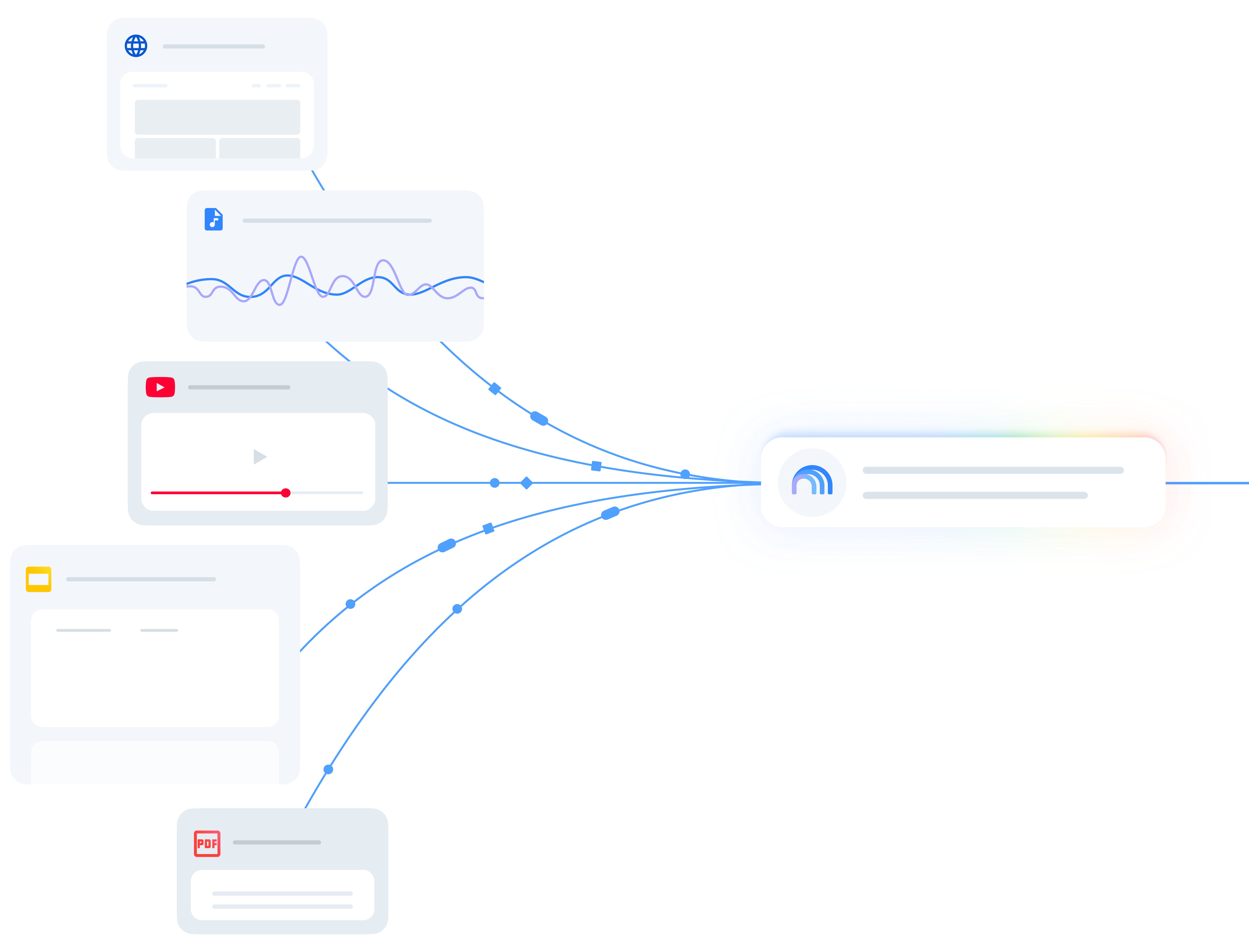
Perplexity brings web sources, document analysis and Research reports into one search workspace, with Projects that keep files and context together.
Discover the best AI research tools for finding web sources, exploring scientific papers and understanding documents. Explore AI search engines, literature-review assistants and source-based notebooks, with detailed reviews of their features, pricing and limitations.
Perplexity brings web sources, document analysis and Research reports into one search workspace, with Projects that keep files and context together.

Gemini Notebook, formerly NotebookLM, combines cited document research, source discovery, Audio Overviews and file exports. Explore its pricing and limits.

Elicit finds research papers, extracts study evidence and builds cited reports. Explore its Research Agent, systematic reviews, pricing and alternatives.

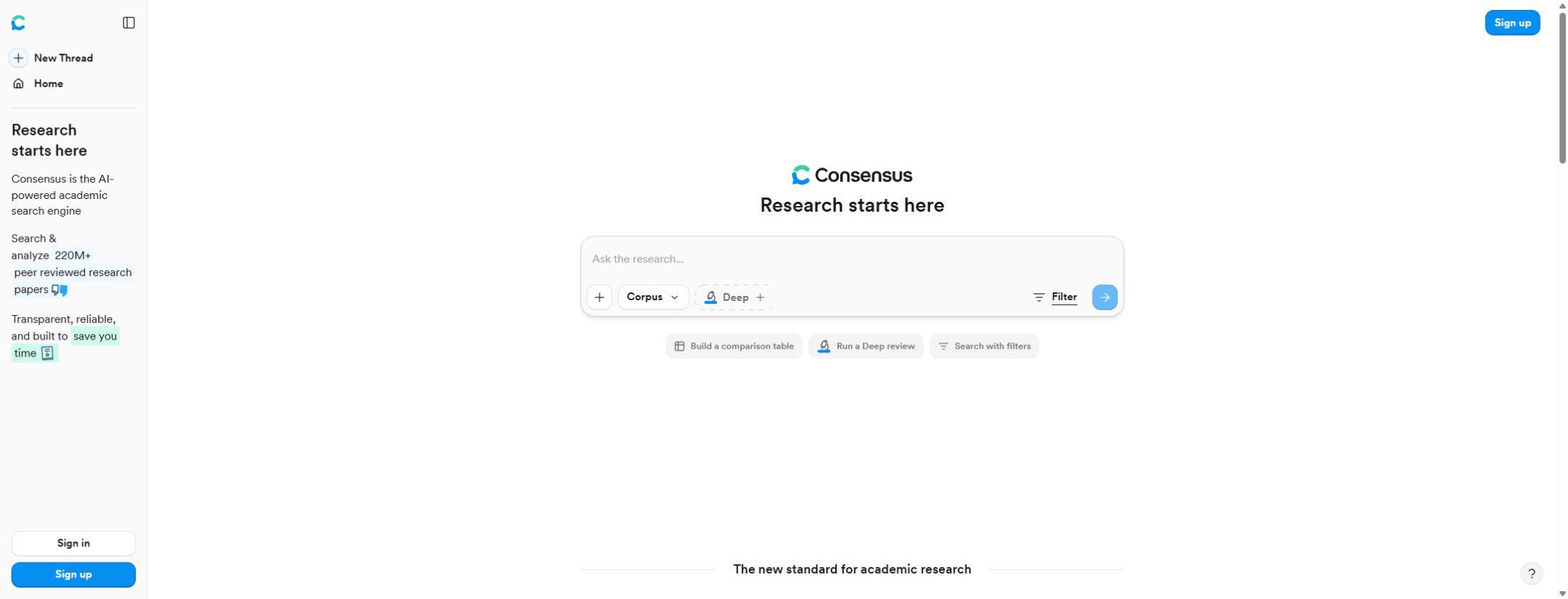
Consensus searches scientific papers and builds cited research answers. Explore Pro and Deep reviews, full-text access, pricing, exports and alternatives.

Scite reveals how research papers are cited, with Smart Citations, AI answers and reference checks. Explore its features, pricing, limits and alternatives.

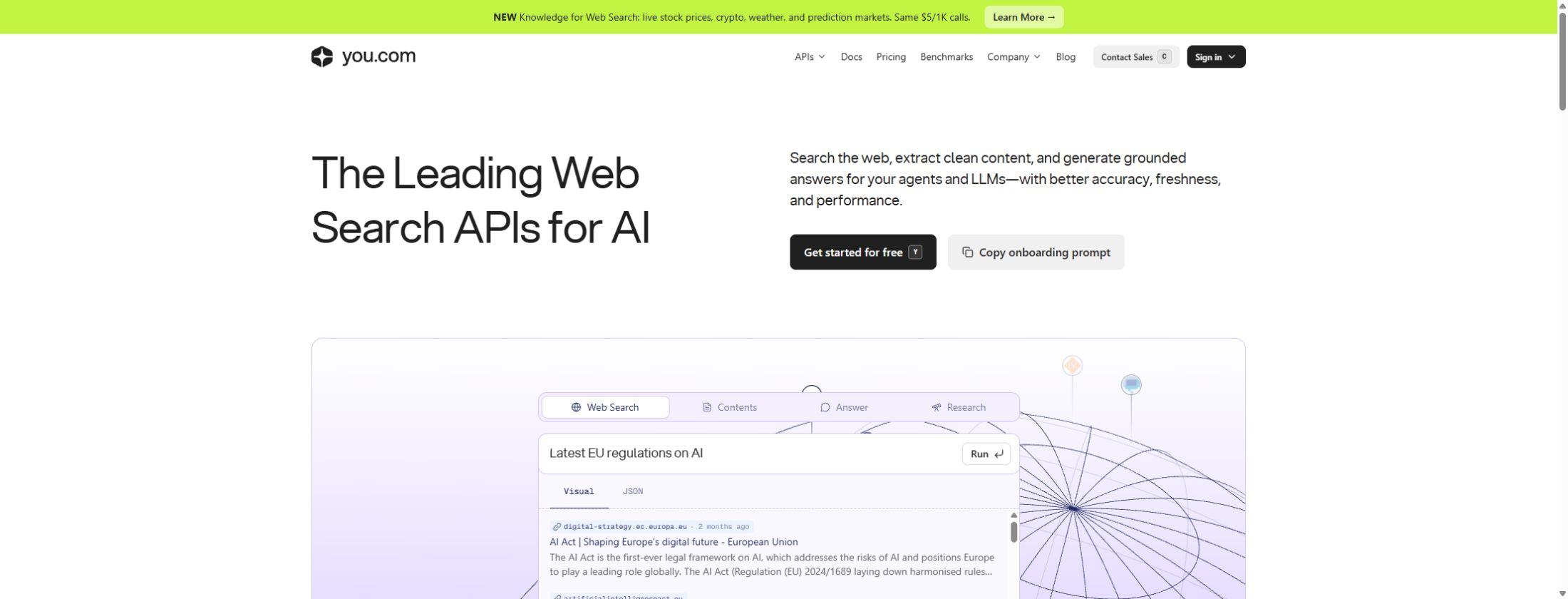
You.com brings web search, page content and cited research to AI applications. Explore its APIs, free MCP search, usage pricing, features and alternatives.

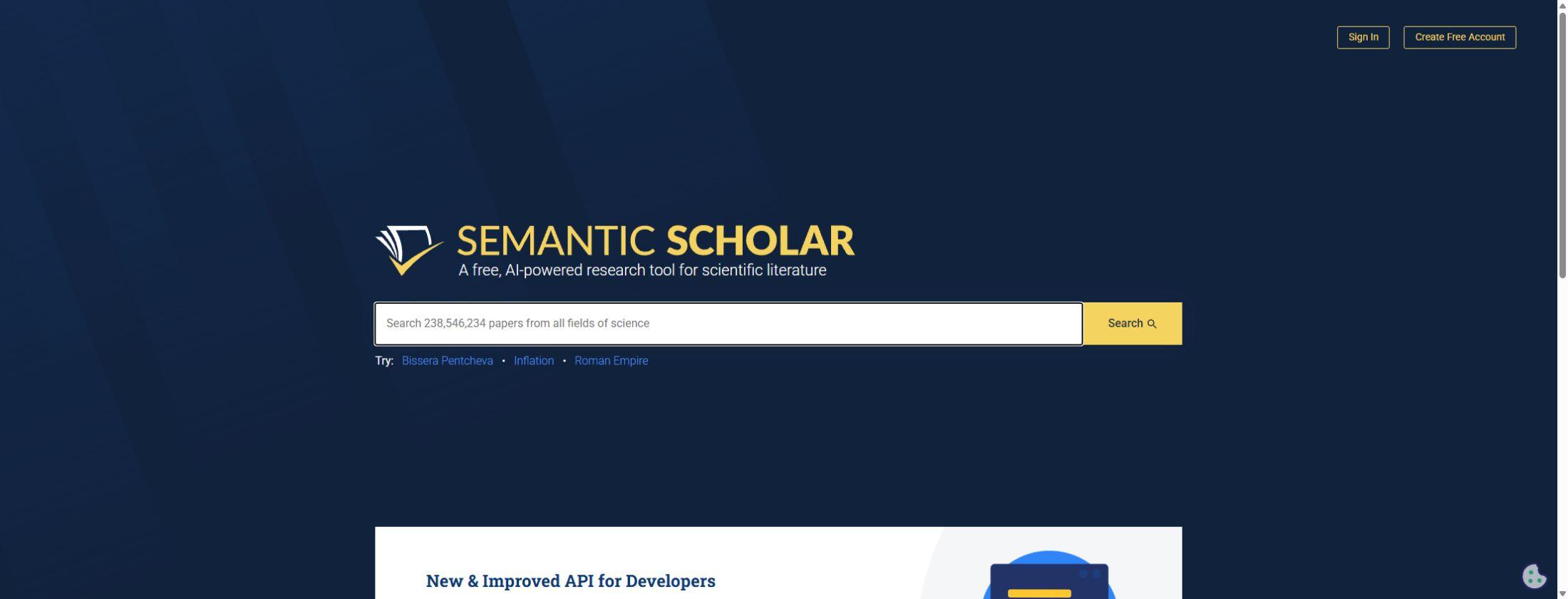
Semantic Scholar finds scientific papers with AI summaries, citation links and free research libraries. Explore its features, API access and alternatives.

SciSpace combines academic search, PDF chat and evidence extraction in one research workspace. Explore its features, plan limits, pricing and alternatives.

ChatGPT combines Deep Research and file uploads with a general assistant; research allowances vary by subscription.

Gemini includes Deep Research alongside conversation and connected Google features, with tier-dependent access.
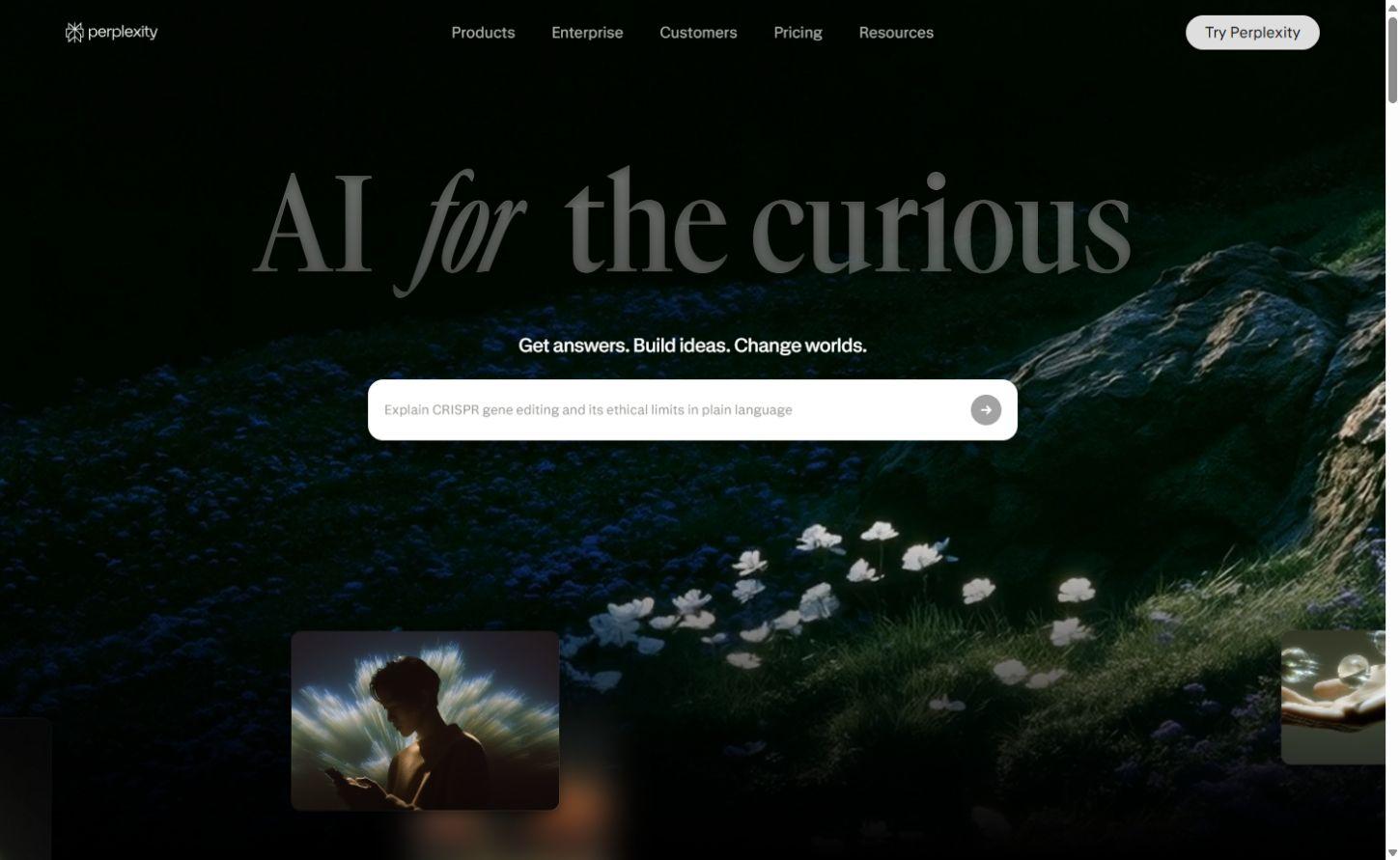
Perplexity combines web search with source-linked answers and follow-up questions. Research mode develops a topic into a longer report, while Projects keep relevant files and context together. It is a strong option for exploring a subject, gathering current online information and working from several sources in one conversation. A web answer can include academic material, news and other websites; it is a broader result than a search limited to scientific papers.
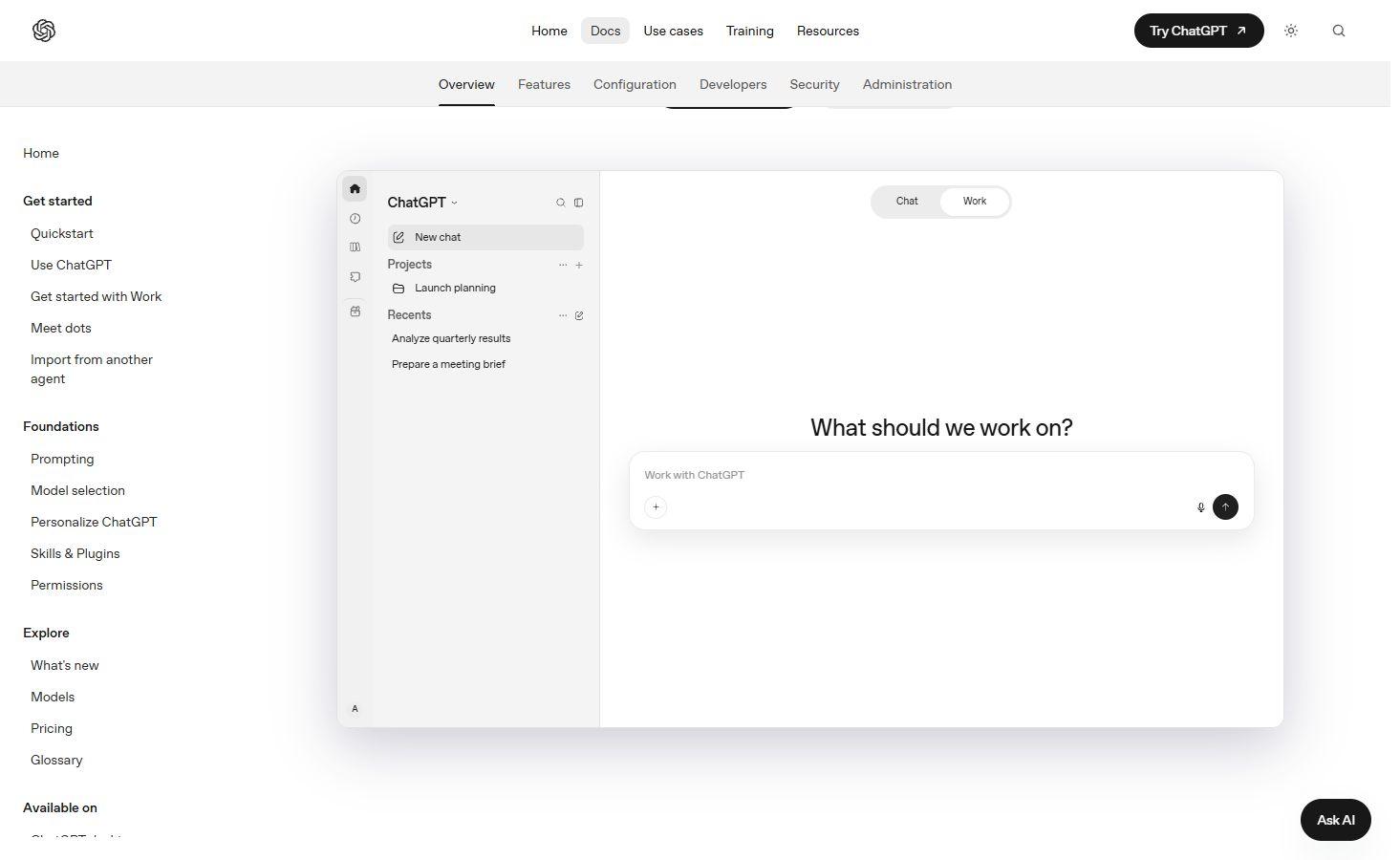
ChatGPT brings web search into conversation and offers deeper investigation through Work, with reports and finished documents, spreadsheets or presentations. Research access depends on account and workspace settings. Gemini Deep Research starts with a research plan, searches online and develops a report; it can also use uploaded files and connected Gmail, Drive or Chat when enabled. These assistants suit research that needs to become a brief, analysis or other finished piece of work.
Gemini Notebook, formerly NotebookLM, keeps research material together in a notebook. It accepts PDFs, documents, spreadsheets, websites, images and spoken audio, and can discover additional sources through Fast Research or Deep Research. You choose which results to import into the collection. Source-linked answers, notes and Audio Overviews provide different ways to understand that material; newer chat tools also create downloadable files and charts. Webpage imports take the page’s text rather than every image or embedded video, and paywalled webpages are unsupported.
Elicit supports a structured review of scientific literature: search for papers, apply screening criteria, extract information and synthesize the findings. Its systematic-review tools retain exclusion reasons and supporting passages, while Research Agent can explore literature alongside other supported datasets and supplied documents. Extraction tables organize details such as study design, population and outcomes across papers. Reports can export as PDF or Word; CSV, Excel and reference exports are available for supported tables, with table-export access depending on the plan.
Consensus focuses on scientific research rather than the general web. Paper search helps find relevant studies, while its deeper research features combine searches and selected papers into a cited report. This makes it useful for exploring what published research says about a question and following the answer back to individual studies. The underlying methods, populations and findings still matter: a synthesized answer is an introduction to the evidence, rather than a replacement for the papers themselves.
Scite’s Smart Citations show how a later publication uses an earlier one: supporting its findings, contrasting with them or mentioning them without a clear stance. The surrounding statement adds useful context beyond a citation count. A single paper can contain several citation statements, so statement tallies and the number of citing publications are different measures. Scite is especially useful when exploring a research discussion or tracing how a finding has been used; these labels describe the citation relationship, not a definitive score for study quality.
Semantic Scholar offers free scientific literature discovery, a saved library, paper recommendations and citation exports. Semantic Reader adds citation information and reading aids on supported papers, while Ask This Paper answers questions with supporting statements on a limited set of English-language papers. SciSpace’s PDF chat answers questions about a paper, explains highlighted passages and provides section summaries with citations. These tools connect paper discovery with closer reading, although the available full text and reading features vary by paper.
You.com provides APIs for developers building search and research into their own applications. Web Search returns results, snippets and metadata; Contents retrieves page material from known URLs. Research performs multiple searches and synthesizes an answer with inline citations and source details, with structured JSON output available. Source controls and research effort settings shape the request. This is a developer service with API access and usage billing, rather than the same product experience as a consumer research subscription.
Semantic Scholar is free, and several other products offer free access with limits on research, documents or generated outputs. Paid plans can expand those allowances, add collaboration or unlock table exports. A paper appearing in a search index does not necessarily include access to its full text: publisher subscriptions, institutional access and the files you supply can affect what a tool can read. Developer API charges and consumer subscriptions also cover different services. Individual product reviews explain the pricing structure and relevant restrictions.

Start with a relevant paper, follow its references and citations, and build a map of related research. ResearchRabbit helps you explore a field before you write about it.
Perplexity, ChatGPT and Gemini cover broad web research. Gemini Notebook organizes a source collection and can find additional material. Elicit and Consensus focus on scientific evidence, Scite adds citation context, and Semantic Scholar and SciSpace connect paper discovery with reading. You.com provides search and research APIs for developers.
An AI search engine usually draws from the open web, which can include news, company sites and academic sources. A specialist academic tool searches scientific material and may add screening, extraction or citation analysis. The source collection and the type of output differ even when both products answer a question in natural language.
Elicit provides systematic-review tools for paper search, screening and extraction. Consensus develops cited reports from scientific literature, while Scite adds the context of later citations. Semantic Scholar helps discover papers and related work. A review’s scope, inclusion criteria and full-text access still determine which evidence belongs in it.
It can do both. Fast Research finds web or accessible Drive sources, and Deep Research can develop a report with sources you can import. You choose which results become part of the notebook. It also accepts supplied documents and media. Source and usage limits apply, and the mobile app can have feature limitations.
Gemini Notebook accepts PDFs and other source types, SciSpace explains highlighted paper text and provides cited PDF answers, and Elicit extracts information from scientific papers, including supported tables and figures. Full-text availability and upload limits differ by product. A tool finding a paper does not automatically mean it can read the complete document.
Elicit supports PDF and Word reports, CSV and Excel tables, and RIS or BIB references for supported outputs; table export depends on the plan. Semantic Scholar provides individual and bulk citation exports from a library. Gemini Notebook’s newer chat features can create downloadable documents and structured files. Available formats and permissions differ between tools.
A citation provides a route back to a source. The source must still support the specific claim, and its methods and limitations remain relevant. Scite’s labels show how one publication cites another; they are not a definitive quality rating. An answer grounded in documents can still omit context or misinterpret the material.
Yes. Semantic Scholar is free, and products such as Gemini Notebook and Elicit have free starting options. Larger research allowances, exports and team features can require paid access. Publisher access to a paper’s full text is separate from the research tool’s plan, and a consumer subscription does not automatically include developer API usage.
AI assistants bring writing, research and creative tools into a conversation. Discover leading chatbots for answering questions, working with documents, generating images and getting more from the apps you already use.
Discover the best AI writing tools for clearer emails, polished documents, translated text and original content. Explore leading grammar checkers, paraphrasers, AI translators and writing assistants, with detailed product reviews covering features, pricing and everyday use.
Discover AI learning tools for class notes, exam revision, language practice and classroom teaching. Explore study apps, guided tutors and teaching assistants, with detailed reviews of their features, free plans and school access.
Convert, edit and prepare files with our own browser utilities.