
Grammar, tone and drafting across your apps
Grammarly
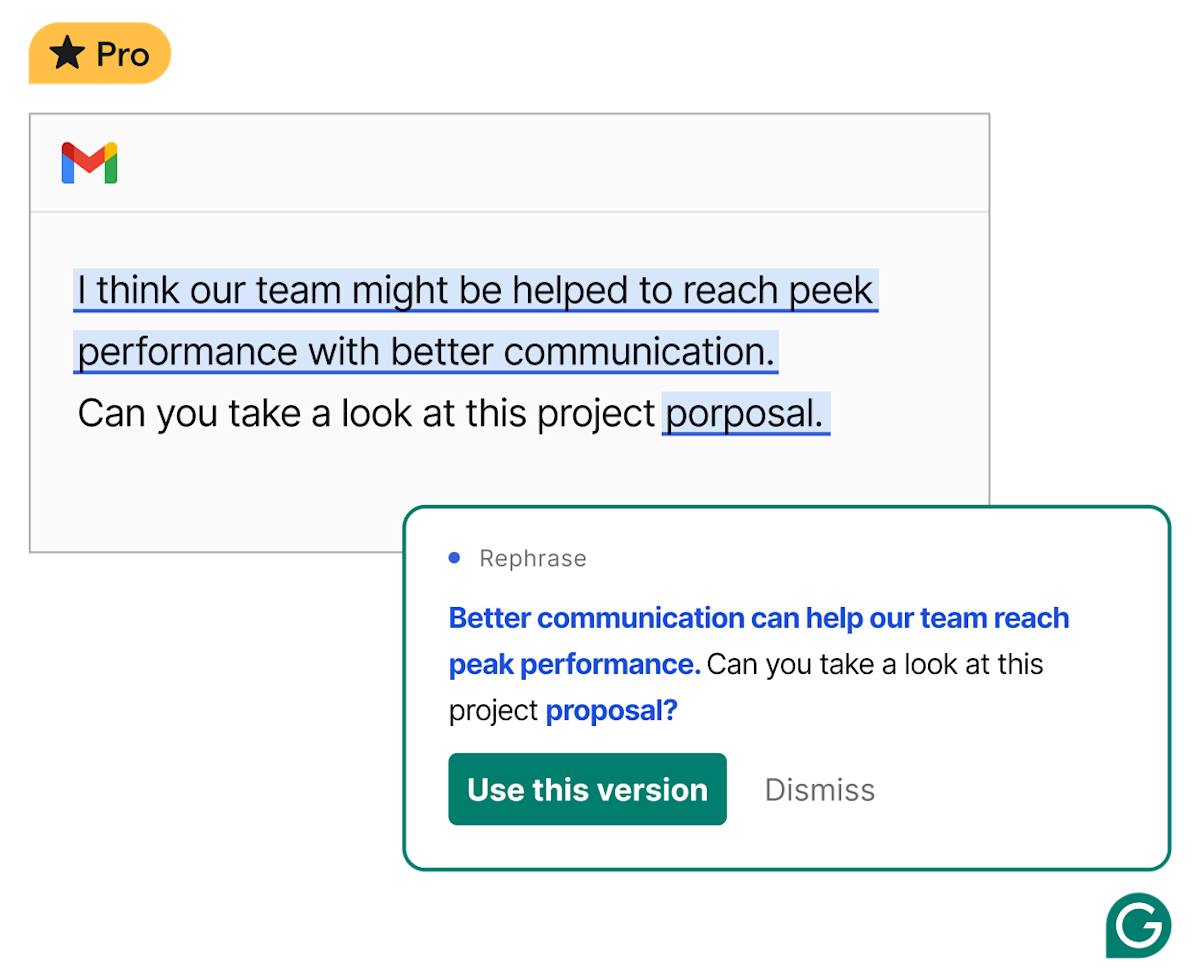
Grammarly adds grammar checks, rewrites and tone suggestions to everyday writing. Explore Free and Pro features, subscription prices and alternatives.
Discover the best AI writing tools for clearer emails, polished documents, translated text and original content. Explore leading grammar checkers, paraphrasers, AI translators and writing assistants, with detailed product reviews covering features, pricing and everyday use.
Grammarly adds grammar checks, rewrites and tone suggestions to everyday writing. Explore Free and Pro features, subscription prices and alternatives.
QuillBot combines paraphrasing, grammar checks, summaries and citations. Explore its Free and Premium features, subscription options and alternatives.

Explore DeepL for text and document translation, glossaries and writing improvements, with a clear look at free limits, paid plans and separate API access.

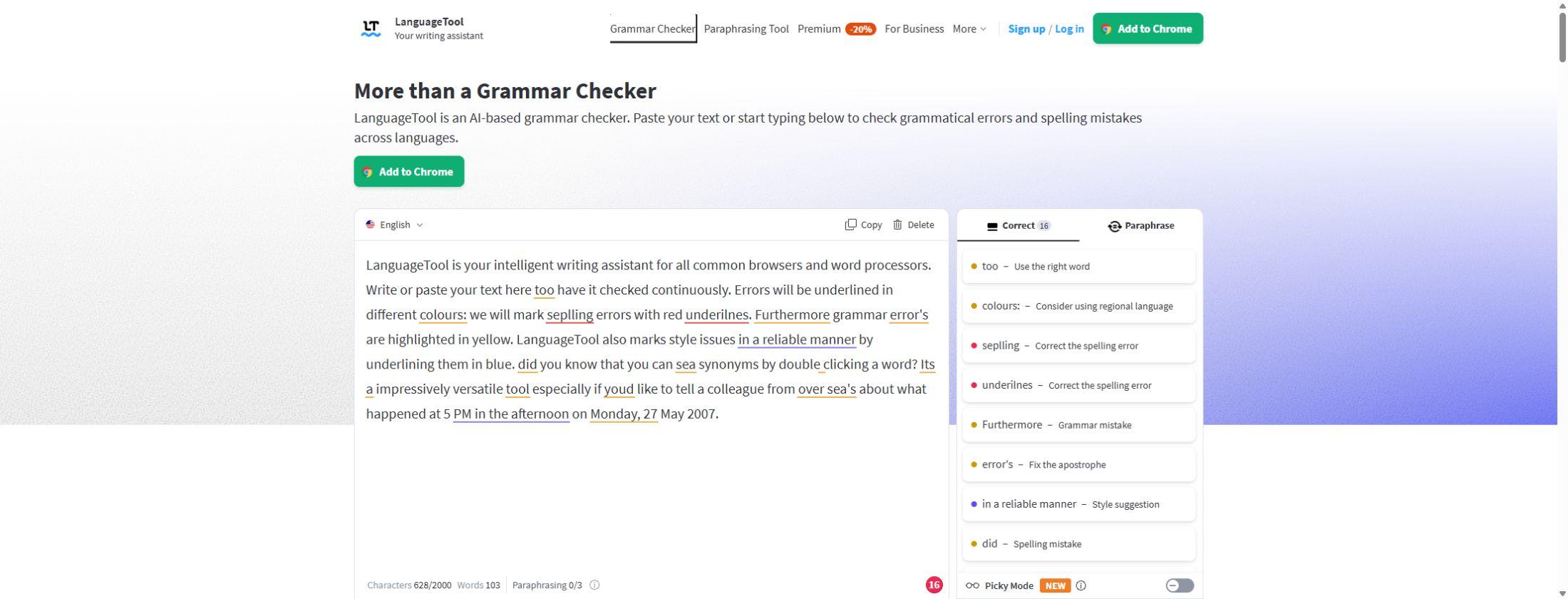
Explore LanguageTool’s grammar checker, multilingual corrections and sentence rewrites, with free website access and Premium browser tools, plans and limits.

Wordtune helps you rewrite English text, adjust tone and summarise PDFs, articles and videos. Explore its features, free limits, pricing and alternatives.

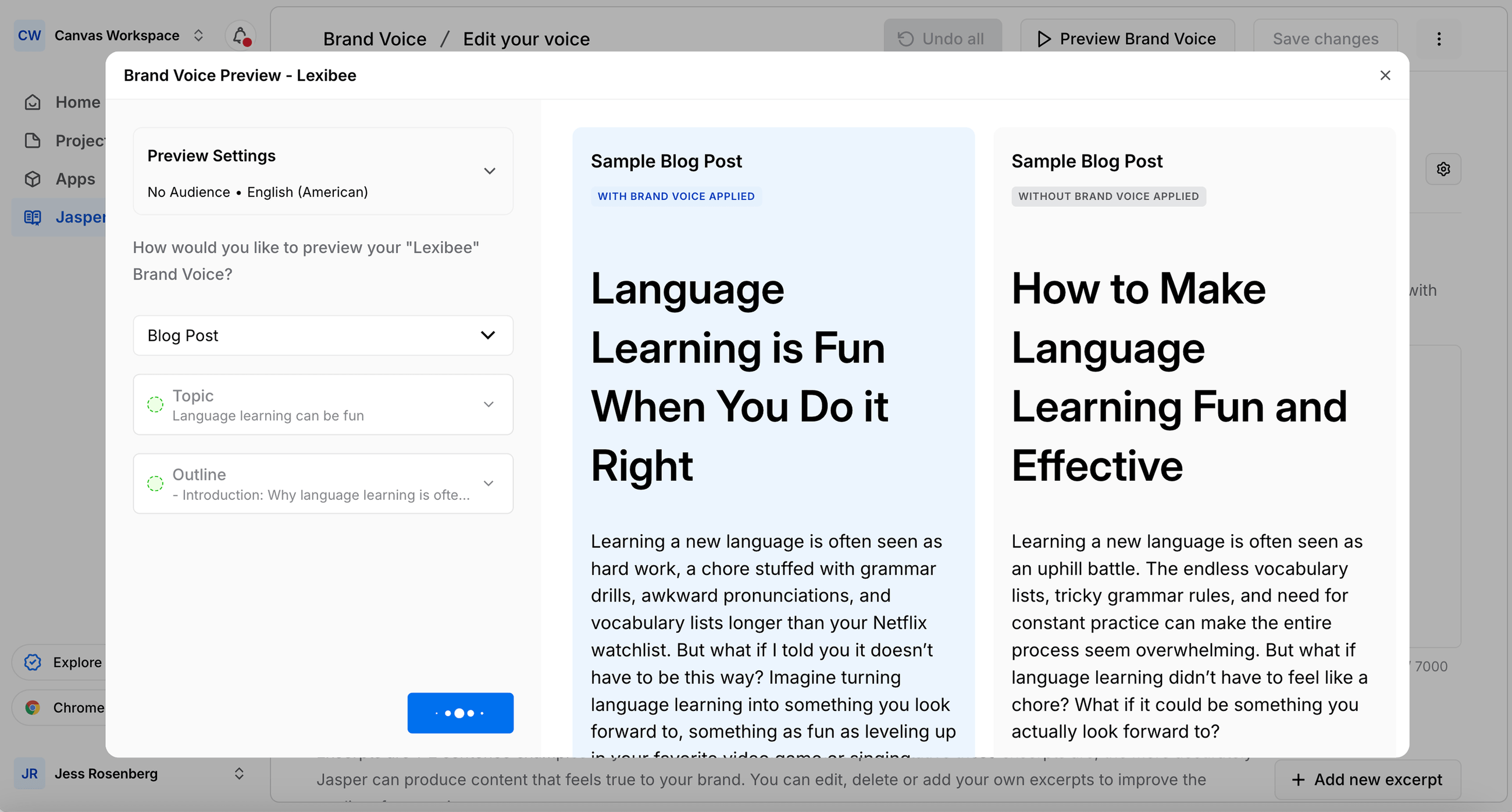
Jasper creates marketing copy with reusable brand voices, company knowledge and Canvas. Explore Pro and Business features, pricing, limits and alternatives.

Copy.ai combines business writing, reusable brand context and go-to-market automation. Explore Chat, Workflows, current pricing, features and alternatives.

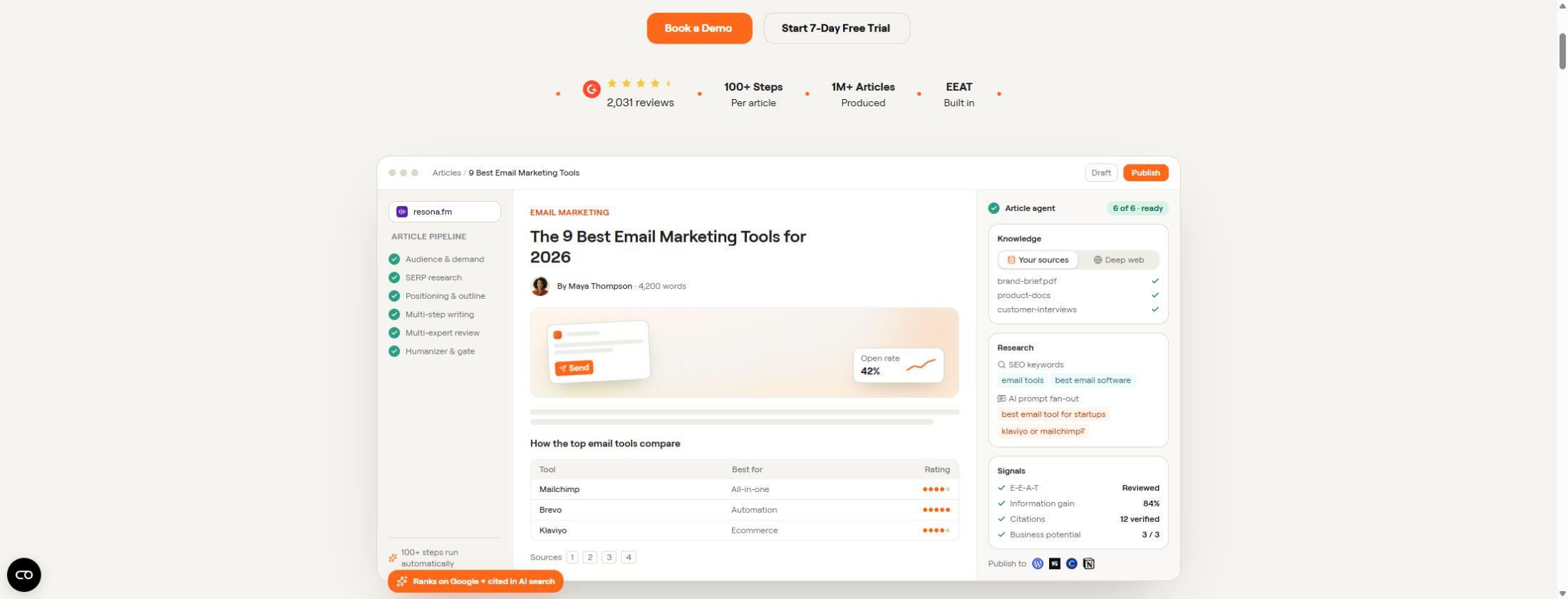
Writesonic combines AI article writing, SEO audits and brand visibility in AI answers. Explore current features, plan limits, pricing and alternatives.

Rytr drafts emails, captions and marketing copy with templates, tone controls and custom voices. Explore its free plan, pricing, features and alternatives.

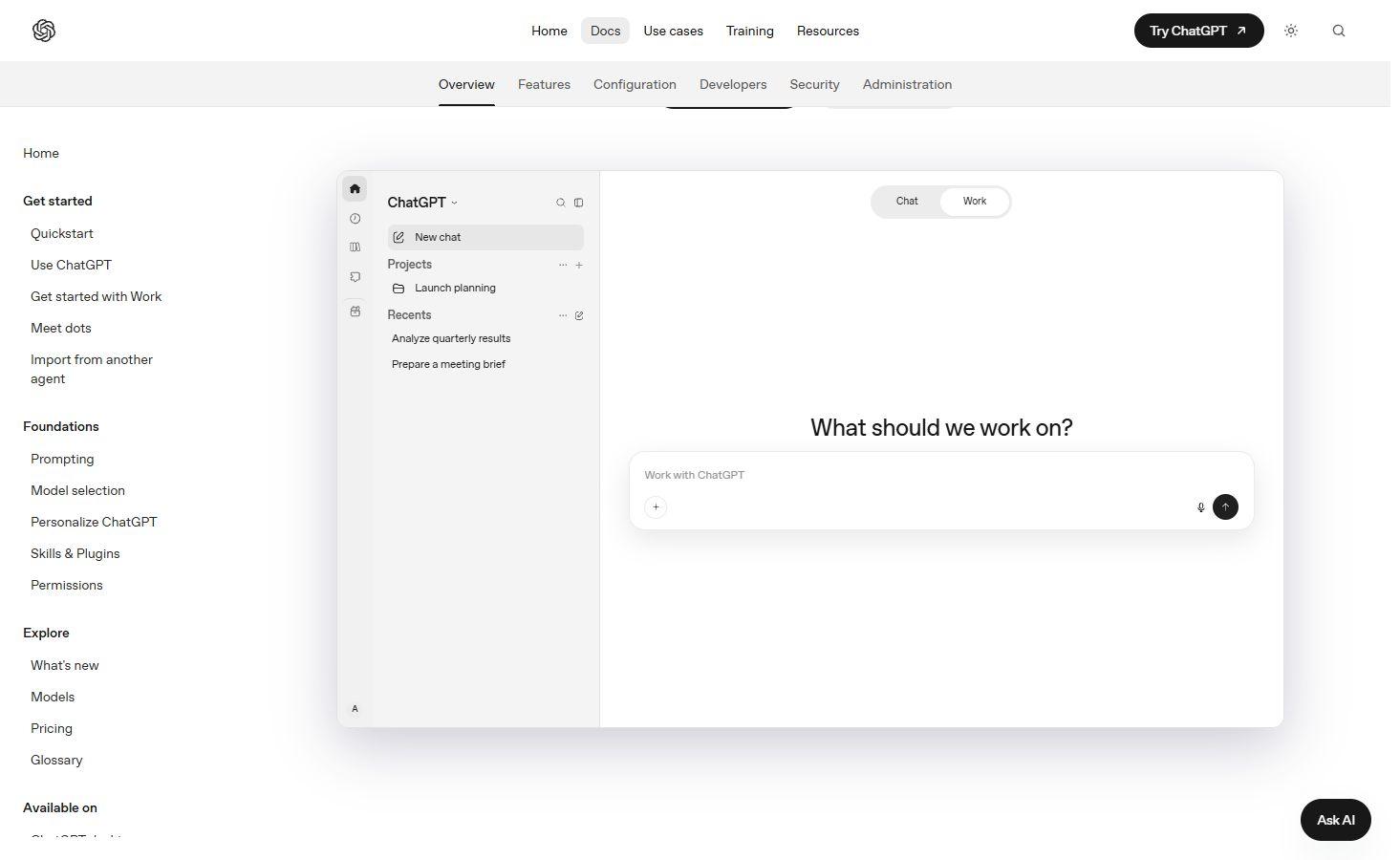
Draft and revise text in ChatGPT with file uploads and follow-up conversation, alongside broader assistant features.
Grammarly helps with drafting, rewriting and polishing text across supported browsers and desktop apps. It remains a writing product within the Superhuman suite, alongside Docs, Mail and Go; the included apps and advanced writing features depend on the subscription. LanguageTool checks spelling, grammar, punctuation and style in multiple languages. Its browser add-ons and office integrations bring suggestions into services such as Google Docs and Microsoft Word. These tools are particularly useful for improving text where you already write.
Quillbot combines a paraphraser with grammar checking, summaries, translation and citation tools. Its paraphrasing controls include suggested synonyms and writing modes, with Standard and Fluency available free and additional modes on Premium. The wider product also offers AI chat and a document workspace. It is a strong option for exploring alternative phrasing and working on an existing draft. Rewriting source material changes its wording; citations and attribution can still be needed.
Wordtune brings rewriting, summaries and Ask AI into a browser editor. Casual and formal tones, expansion and shortening provide several ways to revise a passage. Its summary library accepts PDFs and article links, with follow-up questions about the material. Saved Pages and Summaries keep writing and reading material in separate collections. The editor is available across plans, with usage limits on free access.
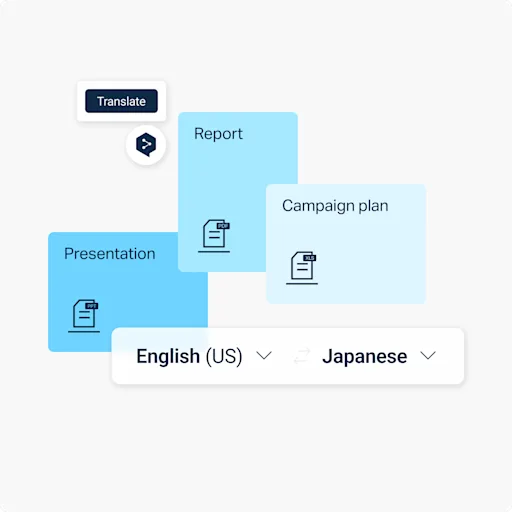
DeepL Translator translates text and supported documents, including PDF, Word and PowerPoint files. Glossaries help keep product names and specialist terminology consistent across supported language pairs. DeepL Write is a separate writing assistant for grammar, word choice and sentence alternatives, with style and tone controls. Translation, writing improvement and developer API access cover different services; document allowances, languages and advanced controls depend on the product and plan.
ChatGPT helps develop ideas, draft text and revise a passage through follow-up requests. You can supply reference material and instructions for the audience, tone or format. Projects keep related chats, files and instructions together for longer pieces of work. This conversational approach suits outlines, emails, reports and other writing that develops over several revisions. File tools and usage vary by account and workspace; a generated factual statement or citation can still need correction.
Jasper brings brand voice, style guides, audience context and company knowledge into its marketing agents and content tools. It supports articles, emails, ads and social posts, with shared brand controls for teams. Copy.ai combines AI Chat, brand-specific Content Agents and connected Workflows. Its Infobase supplies company material and editorial guidelines, while Teamspaces organize access and collaboration. Both go beyond a standalone text generator, with features for producing and managing content across a business.
Writesonic combines an AI Article Writer with a broader search-visibility platform. Article creation can use supplied brand briefs, product documents and web research, with brand and author voice profiles. Publishing integrations connect finished content to supported CMS platforms. Its wider platform monitors brand appearances in AI answers, so content generation is one part of the service. Article allowances and access to the wider platform depend on the subscription.
Rytr offers writing templates for emails, social captions, replies, calls to action and other short pieces of text. Editing tools can expand, shorten or reword a draft, while My Voice builds a tone from writing samples. Free access includes a character allowance; paid plans add larger generation allowances and personal voice features. Rytr is a useful starting point for frequent, shorter writing tasks.
Free options include LanguageTool’s grammar checker, Quillbot’s basic paraphrasing modes and limited access to Rytr, Wordtune and ChatGPT. DeepL also provides free text translation and writing improvement. Paid subscriptions can add advanced editing, larger document allowances, extra writing modes and team controls. A trial is different from an ongoing free plan. Product reviews explain each service’s pricing and restrictions, including separate API charges where relevant.

Claude turns conversations and source material into drafts, analyses, presentations and interactive creations, with web research and connected tools for deeper work.
Speak a rough idea, choose a writing style and keep a polished draft beside the original transcript. AudioPen focuses on personal voice notes and dictation.

Dictate messages and documents where you already type. Flow cleans up spoken wording and offers a separate desktop Notetaker for meeting notes.
Grammarly and LanguageTool cover grammar and style, Quillbot and Wordtune provide rewriting and summaries, and DeepL combines specialist translation with writing assistance. ChatGPT supports drafting in conversation. Jasper, Copy.ai and Writesonic offer content tools for businesses, while Rytr provides templates for shorter copy.
An AI writer generates new text from a prompt or source material. A grammar checker reviews existing text for spelling, punctuation, grammar and style. Products such as Grammarly now combine editing with generative features; a paraphraser focuses on alternative wording for a passage you supply.
LanguageTool offers a free grammar checker, Quillbot provides free Standard and Fluency paraphrasing, and Rytr, Wordtune and ChatGPT have limited free access. DeepL offers free text translation and writing improvement. Advanced features and higher usage can require a paid plan.
Yes. DeepL supports document translation, including PDFs, Word documents and PowerPoint presentations. File formats, size limits, document allowances and glossary support depend on the product and subscription. DeepL Write improves wording within a supported language; it is a different service from translating a document.
Several offer browser extensions, desktop apps or office integrations. LanguageTool supports Google Docs and Microsoft Word, and Grammarly has browser and desktop writing tools. The available features differ by application; access to a web editor does not automatically include every integration.
Jasper stores brand voice, style guides and company knowledge for its marketing tools. Copy.ai provides Brand Voice, Infobase and Content Agents for branded content. Rytr’s My Voice uses writing samples for a personal tone, while Writesonic’s article tools include brand and author voice profiles. Plan limits and team controls vary.
Superhuman is the wider company and product suite. Grammarly remains its writing assistant, alongside Superhuman Docs, Mail and Go. Standalone Grammarly subscriptions and suite subscriptions can include different services; existing subscriptions do not automatically combine.
AI assistants bring writing, research and creative tools into a conversation. Discover leading chatbots for answering questions, working with documents, generating images and getting more from the apps you already use.
Discover the best AI research tools for finding web sources, exploring scientific papers and understanding documents. Explore AI search engines, literature-review assistants and source-based notebooks, with detailed reviews of their features, pricing and limitations.
Discover AI learning tools for class notes, exam revision, language practice and classroom teaching. Explore study apps, guided tutors and teaching assistants, with detailed reviews of their features, free plans and school access.
Convert, edit and prepare files with our own browser utilities.