

Wispr Flow
Dictate into everyday apps
Dictate messages and documents where you already type. Flow cleans up spoken wording and offers a separate desktop Notetaker for meeting notes.
Free plan availableAccount required
- Access
- Free and paid plans
- Example plan
- USD 15 / user / monthPro — US monthly
- Available on
- Desktop, Mobile
What is Wispr Flow?
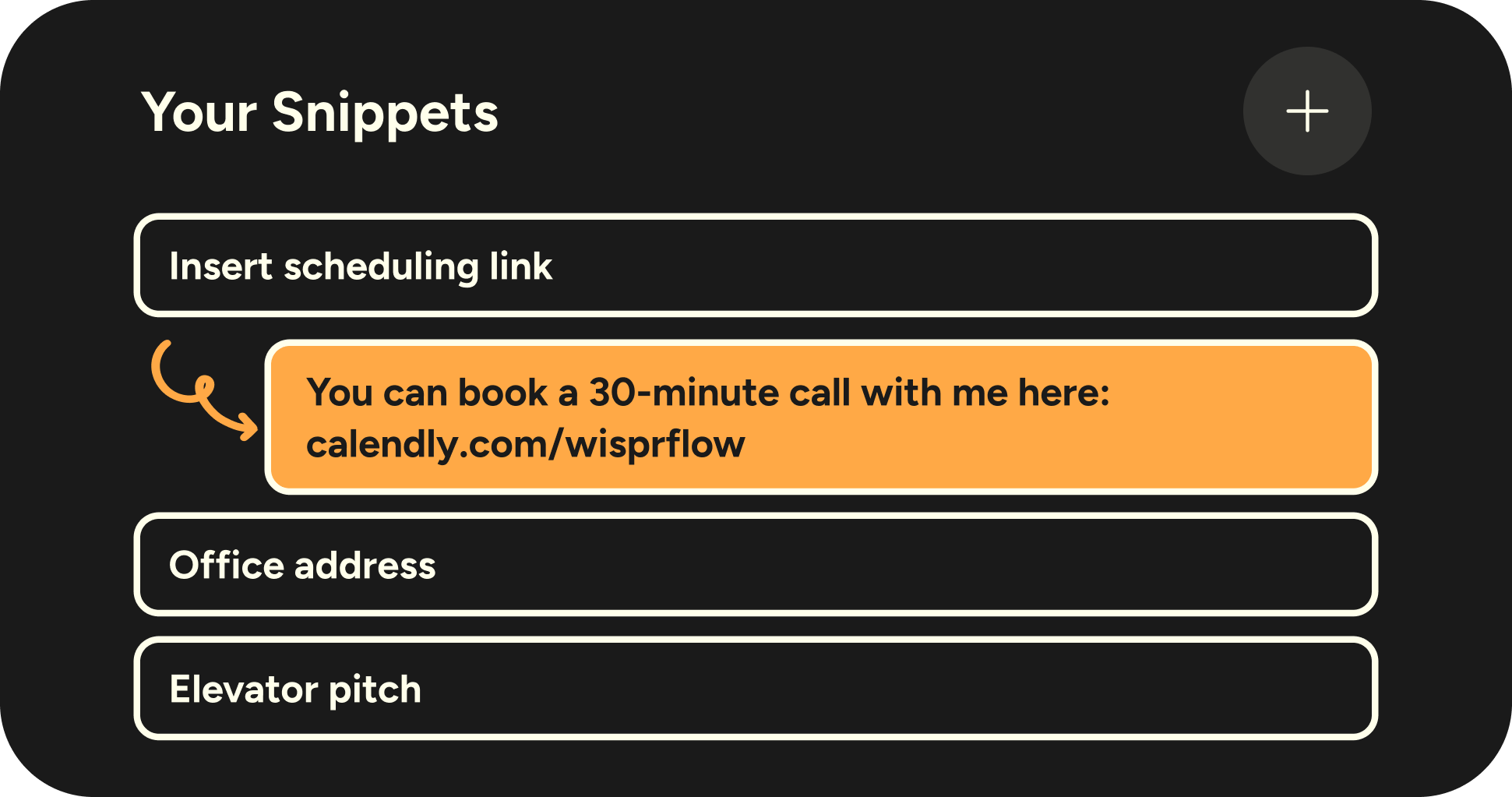
Wispr Flow inserts dictated text into the application you are using on Mac, Windows, iPhone or Android. Its dictionary and snippets support recurring names, specialist vocabulary and phrases; formatting and controls vary by platform.
Dictation uses cloud transcription and requires internet access. Cleanup can change punctuation and spoken wording, so review the inserted text before sending it. Notetaker adds a separate desktop workflow for meeting transcripts and summaries.
Build a useful personal dictionary
Add preferred spellings and corrections for recurring terms instead of repairing the same name in every draft. Entries sync online, but editing and sharing controls differ across desktop and mobile. The dictionary guide excludes free-form and custom prompt requests, so those rewrites may not follow ordinary dictation vocabulary rules.
Check capture before retrying
History can retry audio that was recorded but failed cloud processing; it cannot recover speech the microphone never captured. Desktop insertion uses the clipboard, which can affect applications with unusual paste behaviour.
Meeting notes are a separate workflow
On Mac and Windows, Notetaker captures microphone and system audio without adding a participant to the meeting. Transcription and summaries still use cloud processing, and bot-free capture does not automatically notify participants.
Check retention and sharing before relying on the record. Deleting a Notetaker meeting removes the whole record; deleting only a passage is not supported. Dictation and meeting notes also have different plan limits.
Best for
- Frequent voice input into messages and documents
- Recurring names and specialist vocabulary
- Desktop meeting capture with cloud processing
Limitations
Dictation requires internet access; local storage does not mean offline transcription. Notetaker is a separate Mac/Windows feature with different limits and data controls. Dictation features vary by platform.
Wispr Flow features
Dictation in everyday apps
Turn speech into text in supported applications across desktop and mobile.
Dictionary and snippets
Reuse names, specialist terms and recurring phrases instead of correcting them repeatedly.
Edited spoken text
Cleanup removes fillers and adjusts wording and structure; review the result before using it.
Desktop meeting notes
Notetaker captures computer audio on Mac and Windows and creates cloud-processed meeting notes.
Vocabulary and spelling corrections
Teach recurring words and correct persistent misspellings. Dictionary synchronization, shared entries and edit controls vary by platform and organization.
History and recovery
Retry saved audio where offered after a processing failure. Missing microphone audio cannot be recovered, and local history does not provide offline transcription.
Wispr Flow pricing
Free includes limited dictation and limited Notetaker access. US Pro costs USD 15 per user monthly or USD 144 per user annually, equivalent to USD 12 monthly. Growth dictation-only costs USD 23 monthly or USD 216 annually; Growth with Notetaker costs USD 33 monthly or USD 312 annually. Annual amounts are paid for a year. Free dictation limits vary by platform and account; check the allowance in the app. Regional fixed prices can differ.
Example plans.
Pro — US monthly
USD 15 / user / month
Wispr Flow Pro
Plan details
US card list price. Annual Pro is USD 144 per user; region-specific fixed prices can differ.
Technical specifications
Transcription and meetings
| Feature | Wispr Flow |
|---|---|
| File and meeting capture | Dictation into other apps; separate microphone/system-audio Notetaker on Mac and Windows.Dictation versus desktop Notetaker |
| Transcription languages | The vendor lists more than 100 dictation languages; accuracy and formatting differ by language.Dictation; not a Notetaker-language guarantee |
| Recording and usage limits | Free dictation allowances vary by platform and account. Pro includes unlimited dictation; Growth dictation-only excludes Notetaker.Current per-account limits and plan bundle |
Wispr Flow alternatives
Choose the workflow that matches the material you want to create or capture.
AudioPen
AudioPen turns saved personal thoughts into styled notes and offers native on-device transcription. Flow focuses on voice input in the active app.
Granola
Granola builds on your own meeting notes and selected context. Compare sharing, history and original-audio playback requirements.
Otter.ai
Otter.ai centres on a shared conversation record, with multiple capture routes and recording playback.
Wispr Flow FAQs
Does Wispr Flow work offline?
Dictation is transcribed in the cloud and needs an internet connection. Saved audio may offer recovery after reconnecting; that is separate from offline transcription.
Does Wispr Flow send a bot to meetings?
Its Mac and Windows Notetaker captures microphone and system audio without adding a meeting participant. Meeting transcripts and summaries still use cloud processing.
Which devices support Flow?
The vendor lists Mac, Windows, iPhone and Android for dictation. Available controls differ; Notetaker is a desktop feature.
Are dictation and meeting notes the same feature?
No. Dictation inserts edited speech into a text field. Notetaker captures a meeting for transcripts and summaries, with separate access and history limits.
Does every Growth plan include Notetaker?
No. The official plan guide distinguishes Growth dictation-only from Growth with Notetaker. Their monthly US prices are USD 23 and USD 33 per user respectively; annual billing has different totals.
Can I teach Flow a specialist term?
Add it to Dictionary, then dictate a phrase containing it and check the result. A correction can address a recurring wrong spelling. Ordinary dictation uses these entries; free-form and custom prompt requests do not use the dictionary.
Can Flow recover a failed dictation?
If audio was captured and saved, History may offer Retry after a network or processing failure. It cannot recover words that were never recorded. Recovery controls and session limits vary by device.
Can I delete one passage from a Notetaker meeting?
The current Notetaker guide supports deleting the whole meeting, not only one passage. Whole-meeting deletion removes access to its note, summary and transcript and ends shared access. Check the record before choosing that action.
Explore related AI tools
Is this your product? Claim this page to update your listing.