Notion: AI notes, knowledge search and workspace agents
Notion
Notion brings AI writing, meeting notes and agents to shared documents and databases. Explore its features, Business plan pricing and alternatives.
Bring your notes, projects and everyday work together with AI productivity tools. Discover smarter workspaces, personal note apps, calendar assistants and email clients, alongside enterprise search for finding answers across company knowledge.
Notion brings AI writing, meeting notes and agents to shared documents and databases. Explore its features, Business plan pricing and alternatives.

ClickUp brings tasks, documents and Brain AI into one team workspace. Explore project features, Super Agents, plan pricing, limits and alternatives.

Superhuman Docs, formerly Coda, brings AI, documents and connected tables together. Explore its features, free plan, Maker pricing and alternatives.
Motion combines AI task scheduling, projects and meeting notes. Explore calendar connections, scheduling controls, plan differences and alternatives.

Reclaim protects focus time in Google and Outlook calendars. Explore flexible routines, meeting controls, task recommendations, pricing and alternatives.
Superhuman Mail brings AI drafting, inbox organization and scheduling to Gmail and Outlook. Explore its features, subscription plans and alternatives.

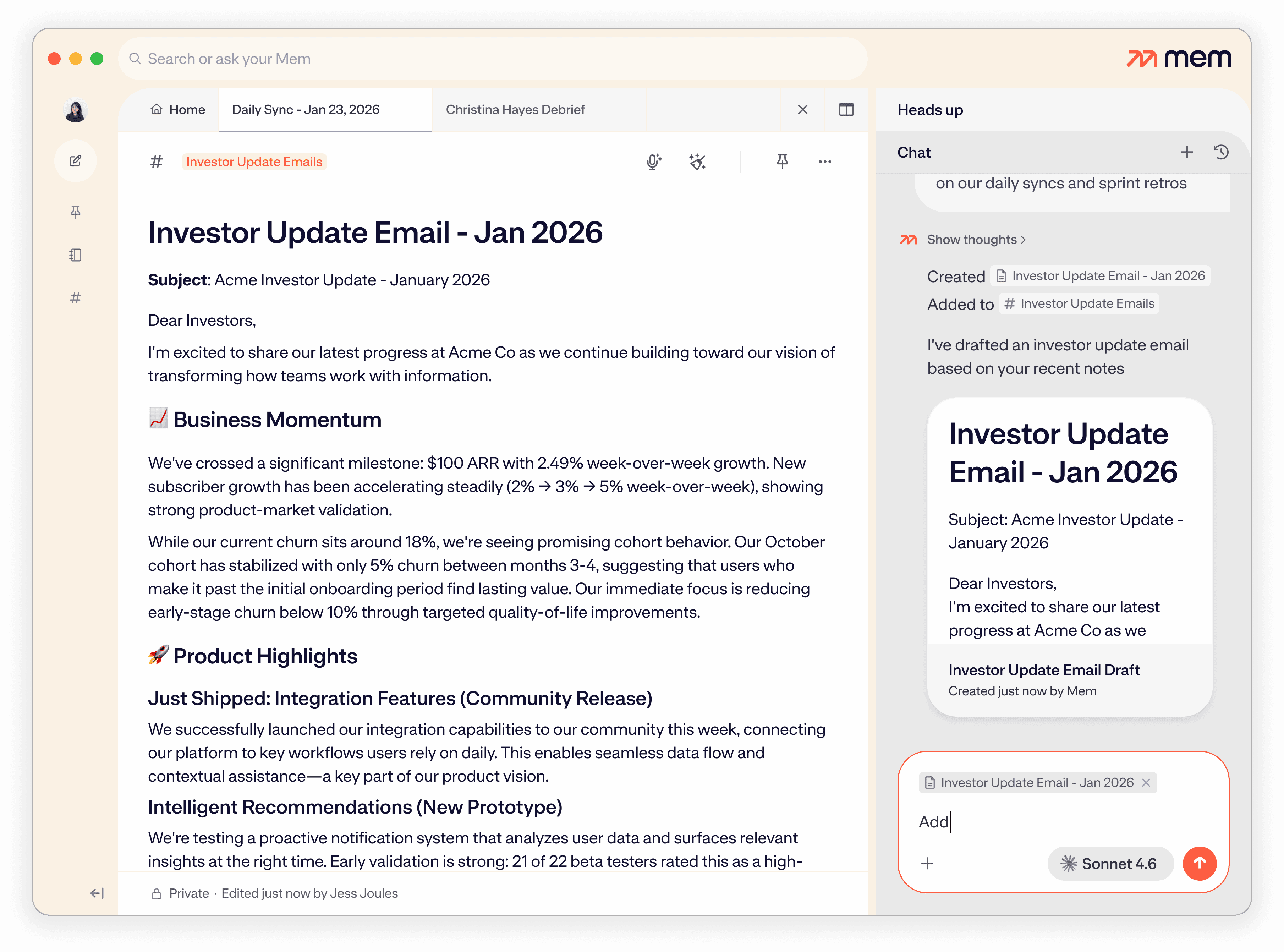
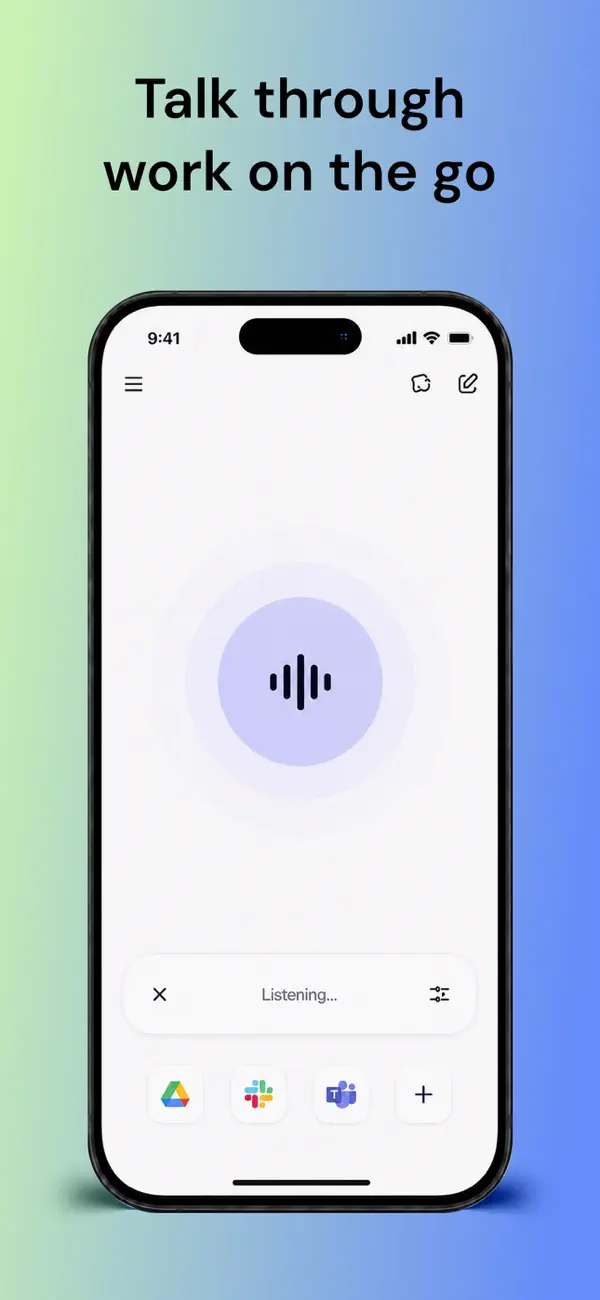
Mem combines AI notes, voice capture and a personal agent for follow-ups. Explore its search, sharing, pricing, platform limits and alternatives.

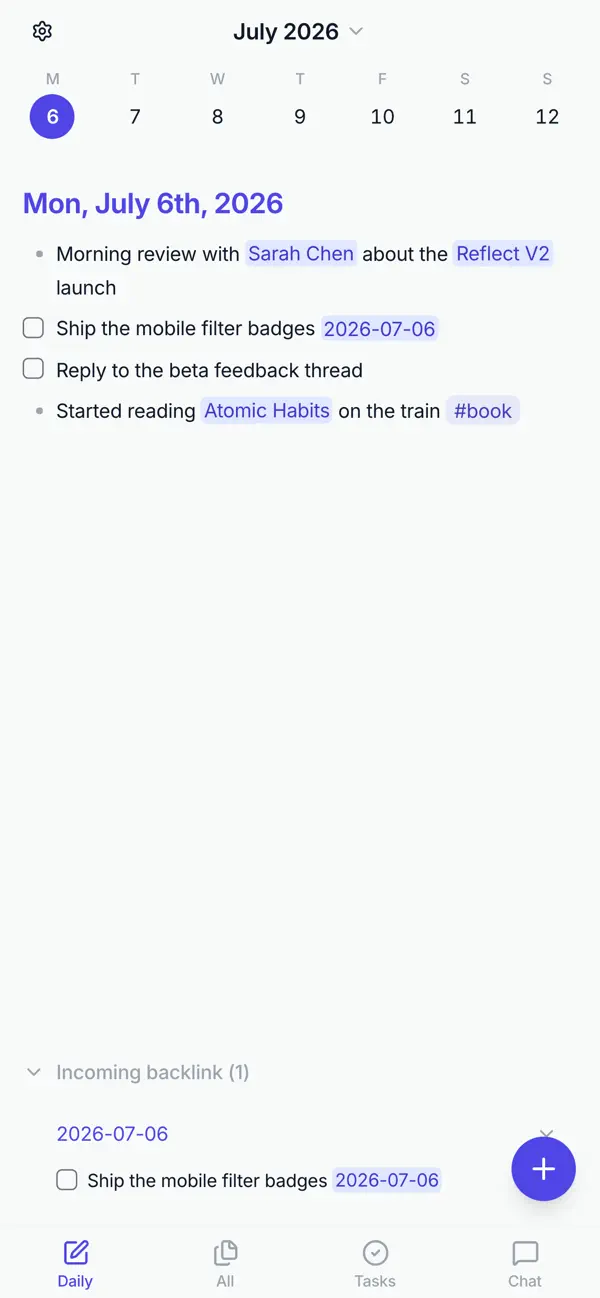
Reflect Open offers local Markdown notes, backlinks and optional AI on Mac and iOS. Explore its privacy controls, sync choices, pricing and alternatives.

Gemini adds AI to Google Workspace email, documents, spreadsheets and meetings. Explore plan differences, usage limits, business controls and alternatives.

Glean brings company knowledge into AI search, answers and agents. Discover its workplace features, pricing models, permissions and alternatives.
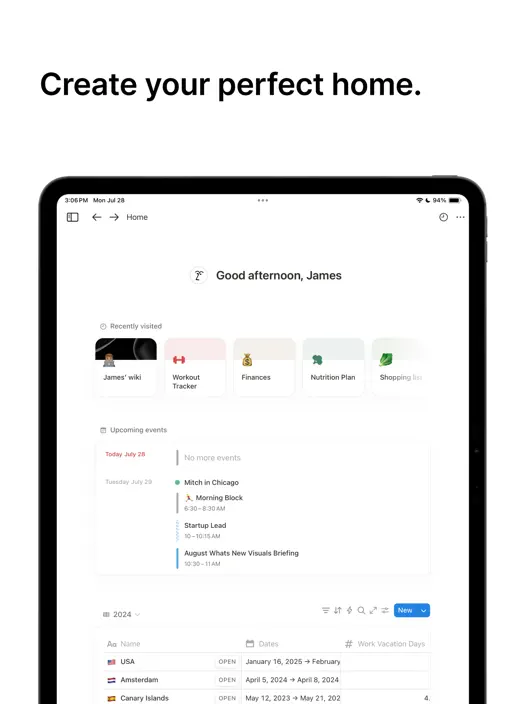
Notion combines documents, databases and project information in one workspace. Notion Agent can create and edit pages or databases, while Enterprise Search finds information in accessible workspace pages and connected apps. Research Mode develops longer answers from that context. AI Meeting Notes adds transcription and summaries to your notes. Core AI access comes with Business and Enterprise plans and has usage allowances; premium models and Custom Agents use a shared workspace credit balance.
ClickUp brings AI into a workspace built around tasks, documents and team conversations. Brain can answer questions, prepare content and support work through connected knowledge. Connected Search adds supported apps such as Google Drive, Slack and GitHub, with connection and role requirements. AI Notetaker captures meetings for the Meetings Hub; it is in early access and uses a separate allowance or add-on. A free ClickUp workspace does not include unrestricted access to every AI feature.
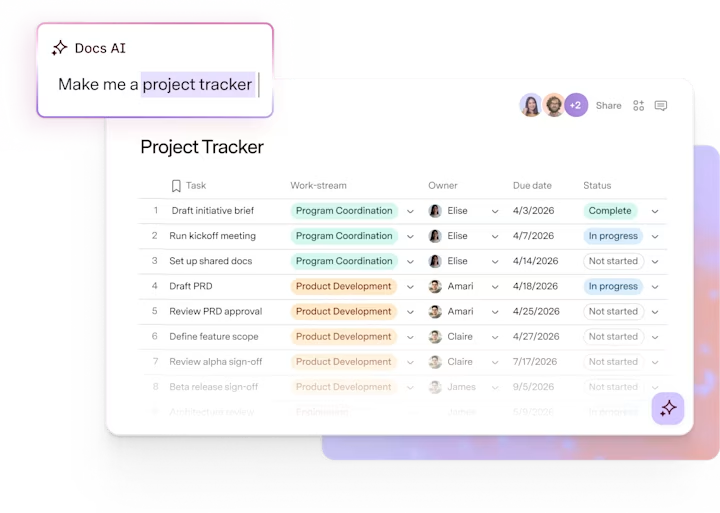
Superhuman Docs combines collaborative pages with tables, views and formulas. Its beta Docs AI assistant can draft and edit content, build tables, update rows and resolve comments inside a document. AI columns apply prompts to rows, while AI blocks create summaries and action items from supplied content. The assistant’s actions follow the member’s workspace role. Paid Doc Makers receive ongoing AI access with fair-use limits; editors and free workspaces have trial access.
Mem pairs an editable notes workspace with an agent that draws on notes, messages and a connected calendar. Voice capture and meeting summaries feed that workspace, while Collections and Heads Up connect related information. Its proactive agent can bring back unfinished commitments with the relevant note or a draft. Reflect Open takes a different approach: notes remain local Markdown files, connected by daily notes and backlinks. Optional AI chat and transcription use your own provider keys; enabling them can send relevant content to those services.
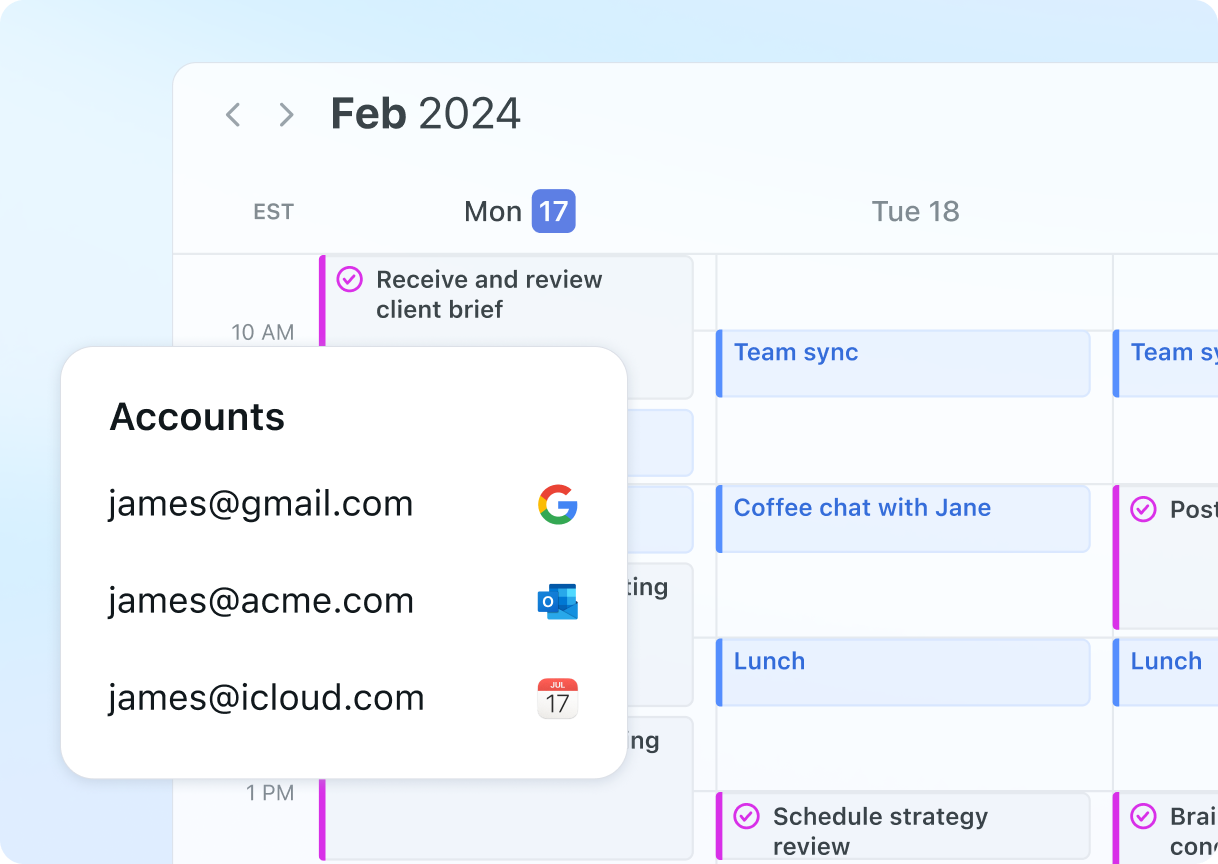
Motion places tasks on the calendar using priorities, deadlines and duration, then replans when availability changes. Its meeting notes can suggest follow-up tasks that become scheduled work after approval. Reclaim focuses on protecting focus time, recurring habits, tasks and meetings in connected Google or Outlook calendars. Calendar Sync can copy availability alone or include event details. Motion suits work that needs a project plan and calendar together; Reclaim is a strong option for improving the calendar your team already uses.
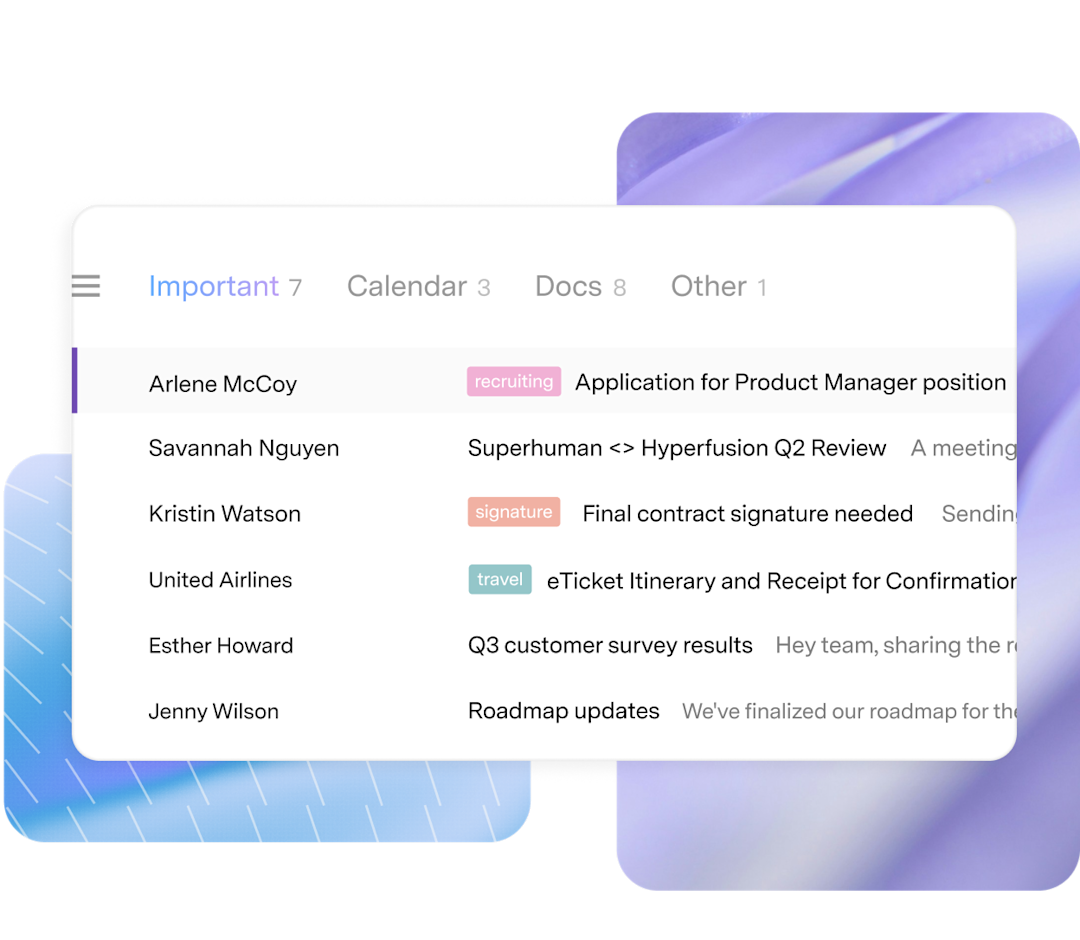
Superhuman Mail works with Gmail and Outlook. Split Inbox, automatic labels and optional archiving organise incoming messages, while AI writing and reply drafts use context from your email. Ask AI can find information across the inbox, calendar and web. Conversation summaries and follow-up reminders help keep exchanges moving, and shared email views let teammates comment on a conversation. It is an email client with collaboration features, separate from Superhuman Docs.
Gemini adds AI assistance to Google’s work applications: drafting and summarising in Gmail and Docs, working with spreadsheet information, finding material in Drive and taking meeting notes in Meet. These features use the Workspace experience rather than requiring a separate note library. Access differs by edition: Business Starter includes AI in Gmail, while Business Standard extends assistance across Docs, Meet and more. Workspace features and the standalone Gemini app have different entitlements.
Glean connects business applications with enterprise search, an AI assistant and agents. Indexed connectors bring together content and its access permissions; live tools can retrieve current data or perform actions without necessarily making that content searchable. The assistant can develop documents and other artifacts from company context. Some shared-chat and delegated-work features are in beta. Core Suite combines per-user licensing with separately metered Model Hub usage, rather than including every model request in the seat price.
Personal note apps help capture ideas, connect information and find answers in an existing library. Meeting assistants start with a conversation and produce a transcript, summary or action items. Notion, ClickUp, Motion and Mem bring meeting capture into a wider workspace; Reflect supports provider-based audio memos. Dedicated transcription and meeting tools offer another route when recordings and conversation summaries are the main priority.
A free workspace and free AI access are different offers. Reclaim has a free Lite plan, while Reflect Open can be used with local files and optional paid AI providers. Notion’s full AI experience requires an eligible paid plan; Superhuman Docs distinguishes paid Doc Makers from trial access for other roles. ClickUp meeting usage, Notion credits and Glean Model Hub usage have their own billing rules. Product reviews explain the relevant plans and limits without treating unlike allowances as equivalent.
Speak a rough idea, choose a writing style and keep a polished draft beside the original transcript. AudioPen focuses on personal voice notes and dictation.

Dictate messages and documents where you already type. Flow cleans up spoken wording and offers a separate desktop Notetaker for meeting notes.

Reduce distracting call audio and keep meeting notes in one product. Krisp’s desktop noise cancellation runs locally, while meeting features have separate cloud processing and storage.

Take brief notes during a conversation and let Granola expand them with meeting context. Search the resulting notes and use them for follow-up work.
Notion and ClickUp combine AI with notes, documents and projects. Superhuman Docs focuses on collaborative pages and tables; Mem and Reflect cover personal notes. Motion and Reclaim help with scheduling, Superhuman Mail works with email, Gemini brings AI into Google Workspace, and Glean connects enterprise knowledge.
Mem pairs personal notes with retrieval and proactive follow-up. Reflect Open keeps notes in local Markdown files with optional AI providers. Notion connects notes with databases and project information, while Superhuman Docs combines pages with tables. Meeting transcription is a separate need, covered by dedicated meeting tools and workspace notetakers.
Some products connect a meeting summary to follow-up work. Motion suggests action items that can be edited and approved before they become scheduled tasks. Notion and ClickUp keep meeting notes within their workspaces. A generated summary alone does not mean that every follow-up has been created or completed.
Reclaim offers a free Lite plan. Reflect Open supports local notes without a Reflect account, with separate costs for optional AI providers. Other products offer free workspaces, trials or limited AI responses. Free note storage or task management does not necessarily include ongoing AI search, transcription or agent usage.
Motion combines task and project planning with automatic calendar scheduling. Reclaim protects calendar time for focus, habits, tasks and meetings, with calendar-sync and availability features. Both adjust scheduled work, but their surrounding project and calendar tools differ.
Notion, ClickUp and Glean can use supported connected sources as well as their own workspace context. Setup, permissions and connection type affect coverage. Glean distinguishes indexed content from live tools; ClickUp Connected Search supports specified apps and excludes guests. Connecting an app does not make every file available to everyone.
Gemini features depend on the Workspace edition. Business Starter includes assistance in Gmail; Business Standard extends it to Docs, Meet and other applications. Access to the Gemini app, meeting features and AI within individual Workspace applications should be treated as separate entitlements.
Automate app tasks, build AI-powered workflows and give agents the tools to act. Explore the best AI automation platforms for connected business apps, company knowledge and recurring work, with detailed reviews of visual builders, AI teammates and enterprise services.
Discover the best AI marketing and SEO tools for creating brand content, finding search opportunities and building campaigns. Explore SEO platforms, content optimisation software and advertising tools, with detailed reviews of their features, pricing and limitations.
Discover the best AI sales tools for finding prospects, starting conversations and managing revenue. Explore contact databases, AI sales assistants, engagement platforms and sales CRMs, with detailed reviews of their features, pricing and limitations.
Answer customer questions around the clock, keep conversations connected and give your support team more time for complex requests. Discover the best AI customer support tools for live chat, email, ecommerce and enterprise service, with detailed reviews of helpdesk suites and dedicated AI agents.
Turn spreadsheets into insights, explore business data and build reports with the best AI data analysis tools. Discover conversational analysts, AI-powered notebooks, business intelligence platforms and tools for predictive modelling.
Convert, edit and prepare files with our own browser utilities.