
Zapier: AI automation, app integrations and connected workflows
Zapier
Zapier connects business apps with AI-powered workflows. Explore its automation features, task-based pricing, approval controls and alternatives.
Automate app tasks, build AI-powered workflows and give agents the tools to act. Explore the best AI automation platforms for connected business apps, company knowledge and recurring work, with detailed reviews of visual builders, AI teammates and enterprise services.
Zapier connects business apps with AI-powered workflows. Explore its automation features, task-based pricing, approval controls and alternatives.

Make combines visual app automation with AI agents. Explore its scenario builder, credit pricing, Maia assistant, approval options and alternatives.

n8n combines visual workflows, custom code and AI agents. Explore its features, Cloud and self-hosted plans, execution pricing and alternatives.
Microsoft Copilot Studio builds business agents with company knowledge and app tools. Explore its features, runtime options, credit pricing and alternatives.

Gemini Enterprise Agent Platform builds and runs AI agents on Google Cloud. Explore Agent Studio, ADK, deployment, resource pricing and alternatives.

Dify builds AI apps with visual workflows, knowledge bases and agents. Explore its features, workspace pricing, self-hosting and alternatives.

Gumloop builds AI agents with connected apps, reusable skills and company knowledge. Explore its features, approval controls, credit pricing and alternatives.

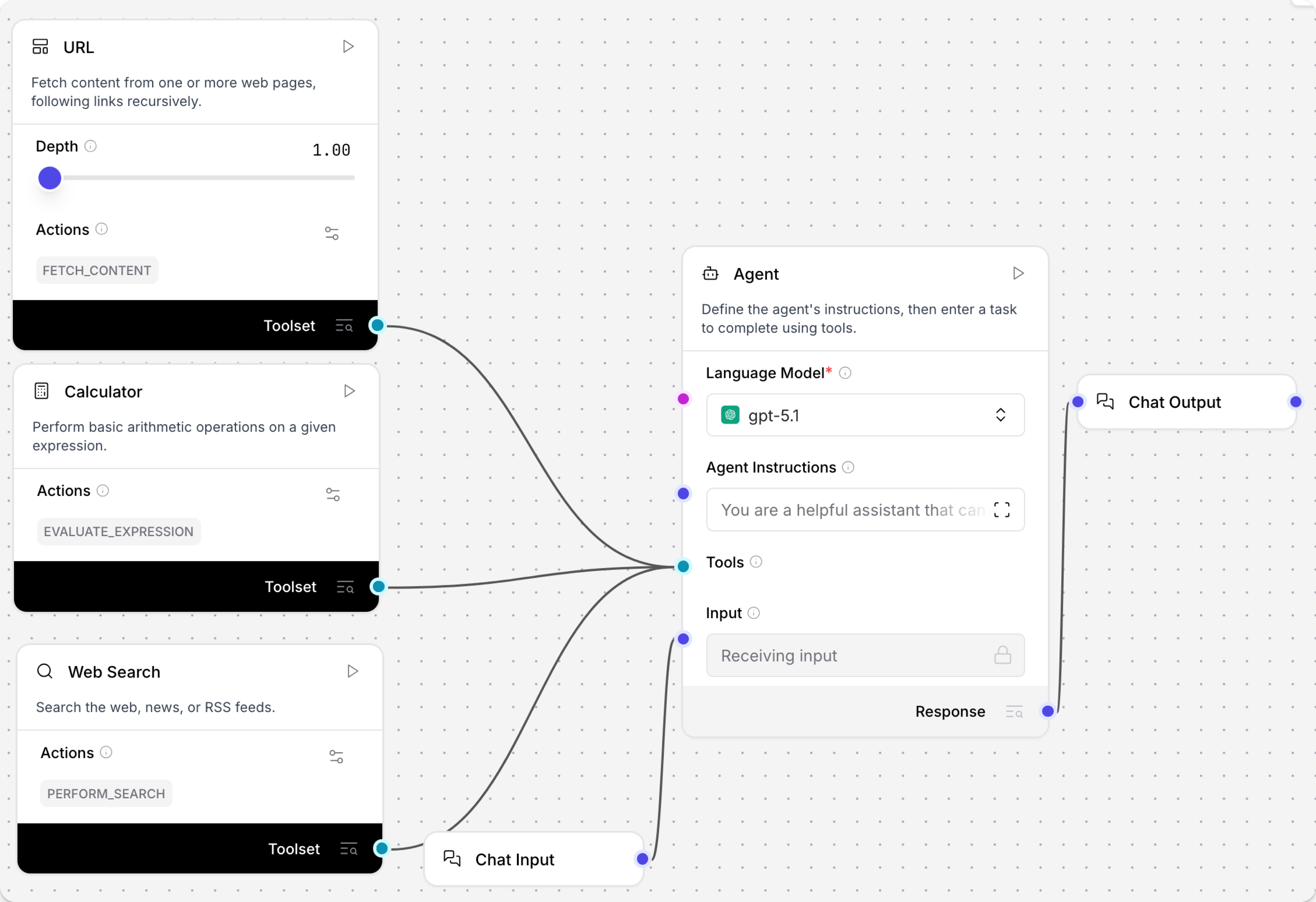
Langflow builds AI agents, retrieval apps and MCP tools on a visual canvas. Explore its Python components, deployment options, costs and alternatives.

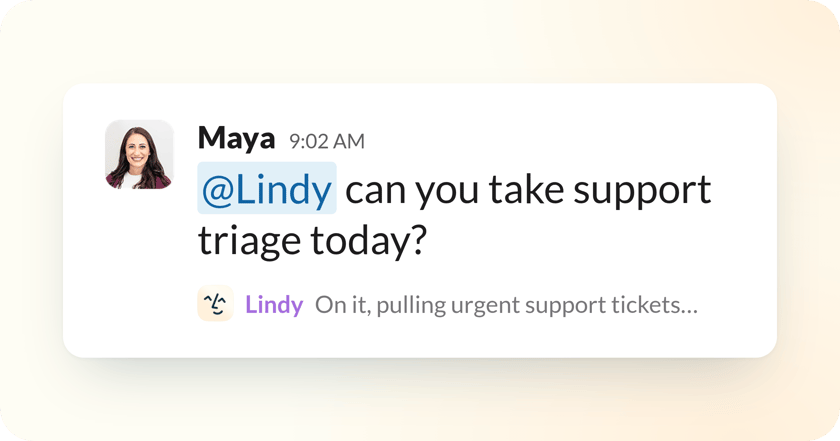
Lindy brings AI assistance to Slack, email and meetings. Explore its routines, shared knowledge, integrations, seat pricing and best alternatives.

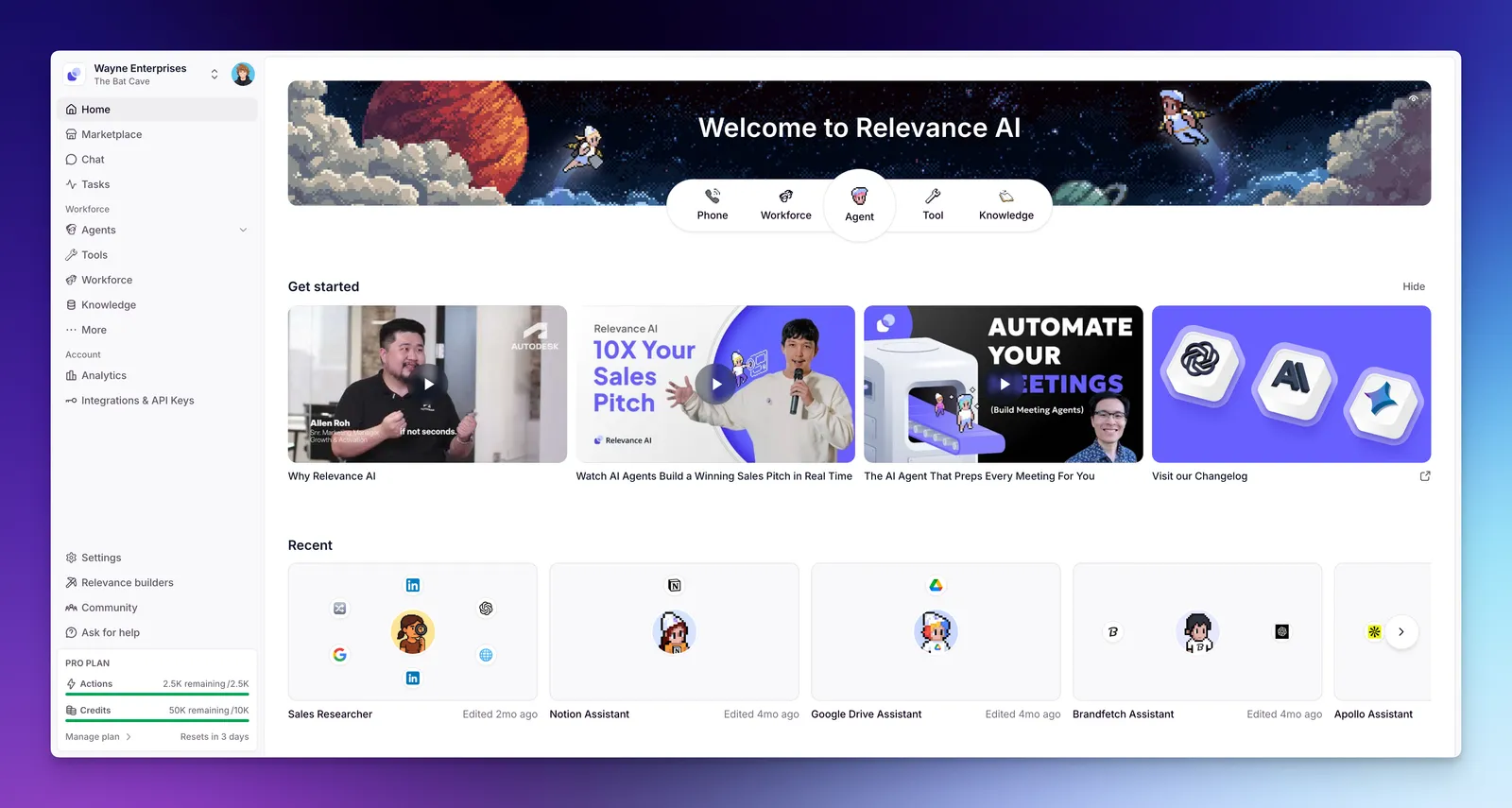
Relevance AI builds agents and multi-agent Workforces for business tasks. Explore its tools, knowledge, approvals, usage pricing and best alternatives.
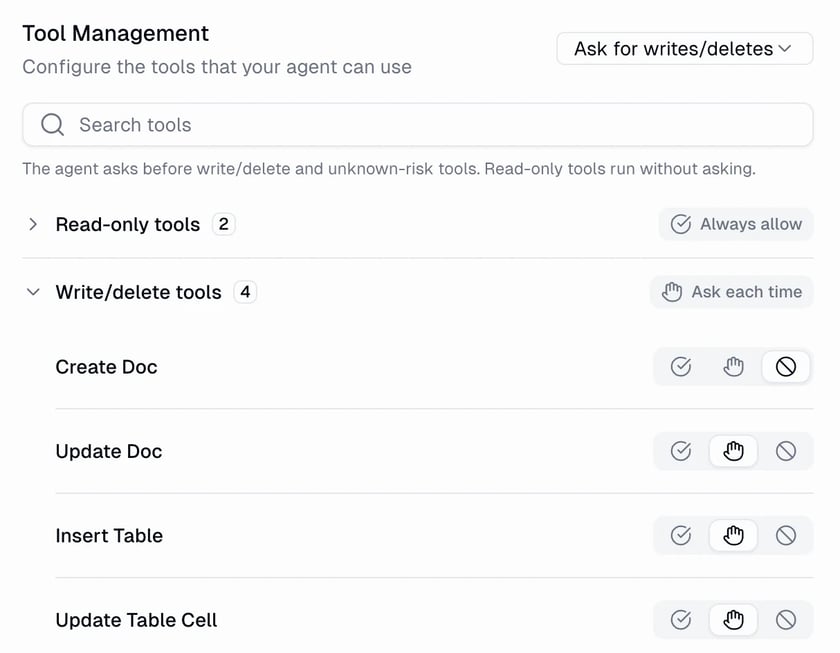
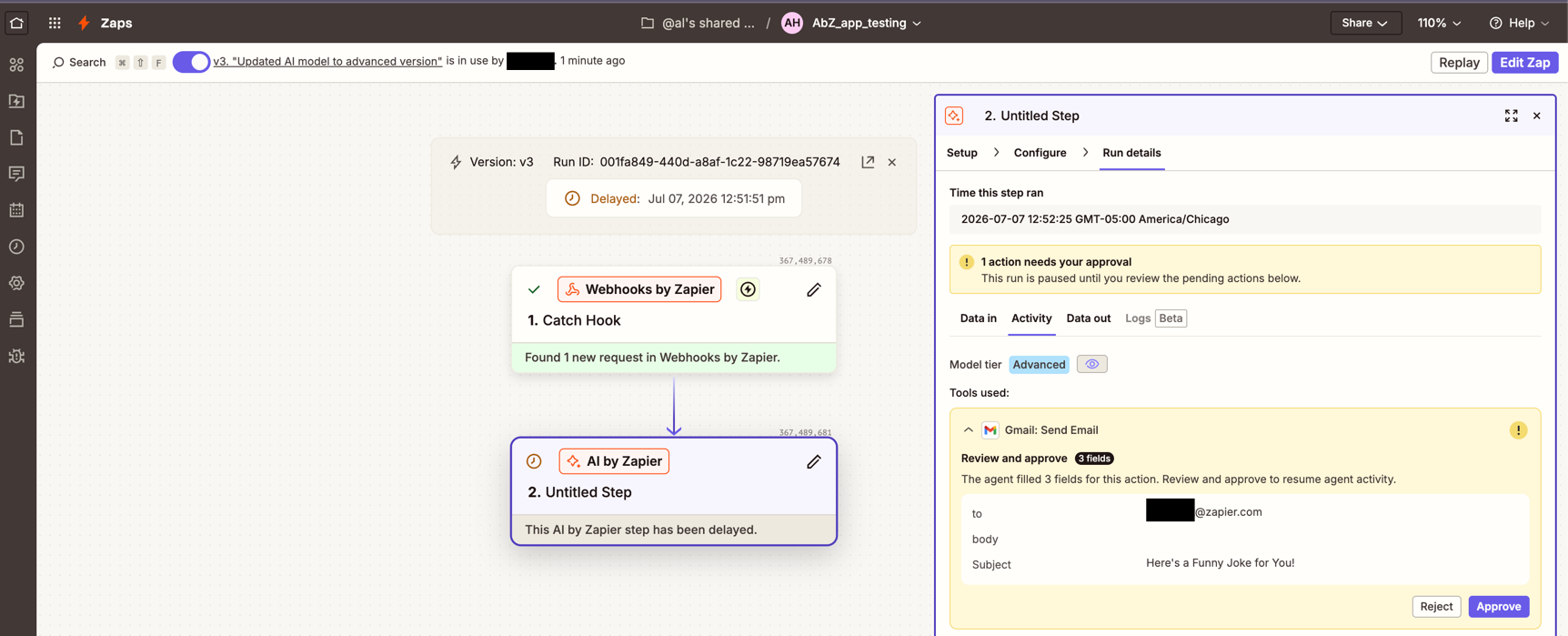
Zapier brings app events, connected actions and AI into Zaps. AI by Zapier can search knowledge and call tools from a single step, while the surrounding workflow handles the trigger and subsequent actions. Zapier is moving standalone Agents into this experience; a migrated agent’s reasoning and tools stay inside the AI step. Tool-capable model tiers require paid access. Selected tools can pause for approval, but that control is off until enabled. Usage draws from tasks, with costs affected by the model tier and tool calls.
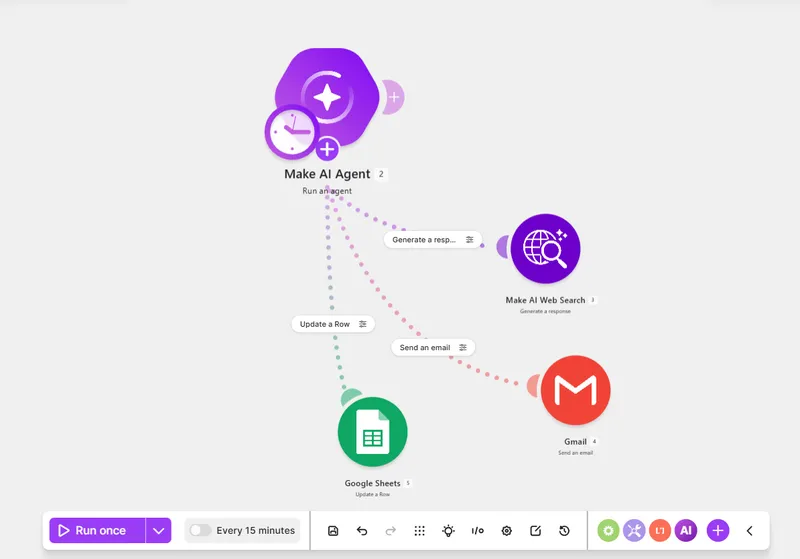
Make connects apps on a visual scenario canvas. Make AI Agent (New) adds an agent with knowledge files, connected modules, reusable scenarios and MCP tools. A conversation ID can keep interactions together; separate runs otherwise begin without the previous conversation. The agent app is in open beta, available with Make’s AI Provider on all plans, while custom provider connections require paid access. Credits cover operations and, for some AI connections, model usage. Connecting your own provider keeps its token bill separate from Make’s charges.
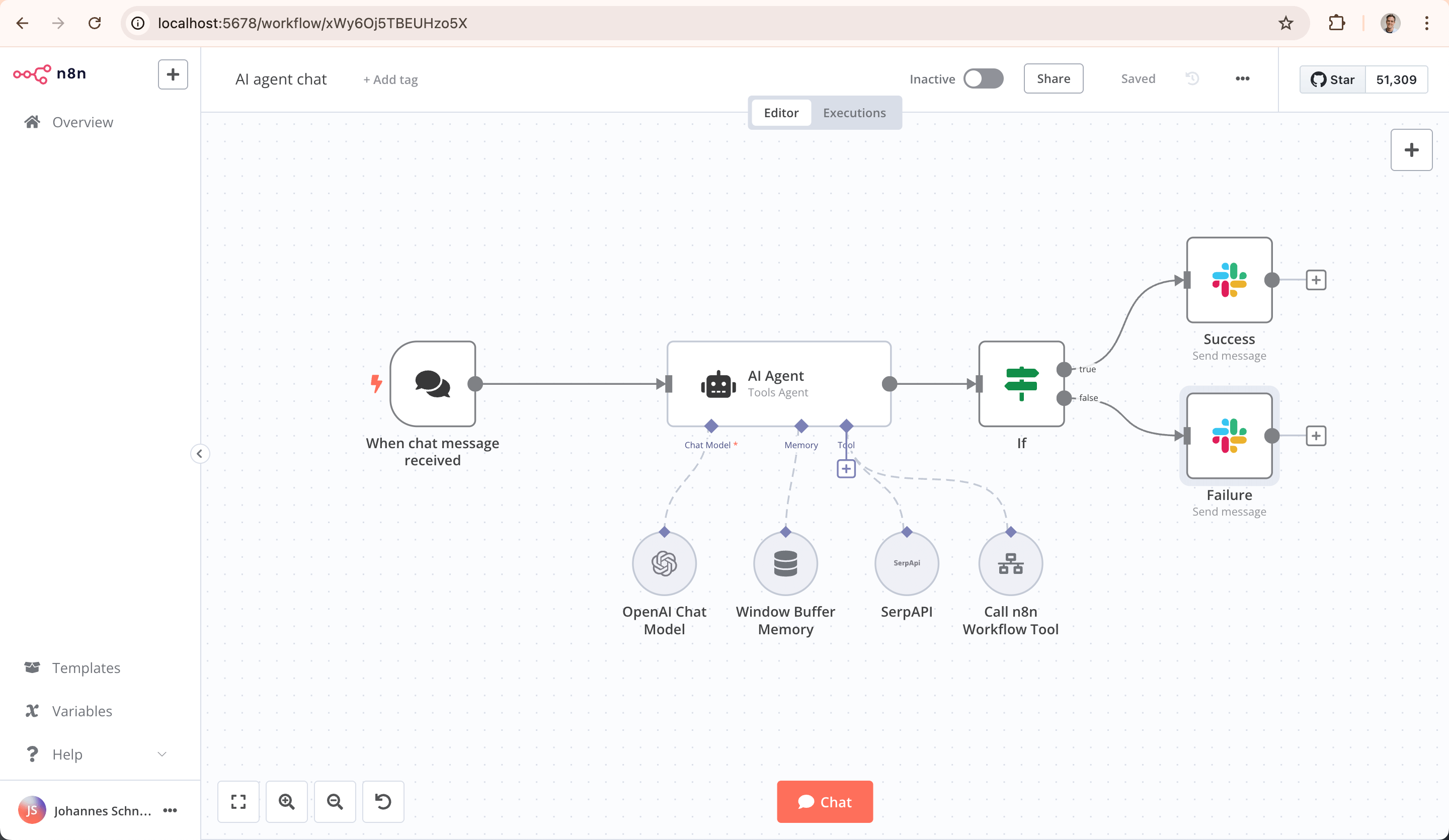
n8n combines app nodes, AI-agent tools and custom JavaScript or Python on a visual canvas. It is available as n8n Cloud or on your own infrastructure. Paid plans count workflow executions rather than charging for every node, with AI services and provider usage carrying their own terms. Human review can pause selected tool calls and send the proposed action to a reviewer. The self-hosted Community edition has a Sustainable Use licence with commercial-use restrictions; self-hosting also means operating the server, updates and connected services.
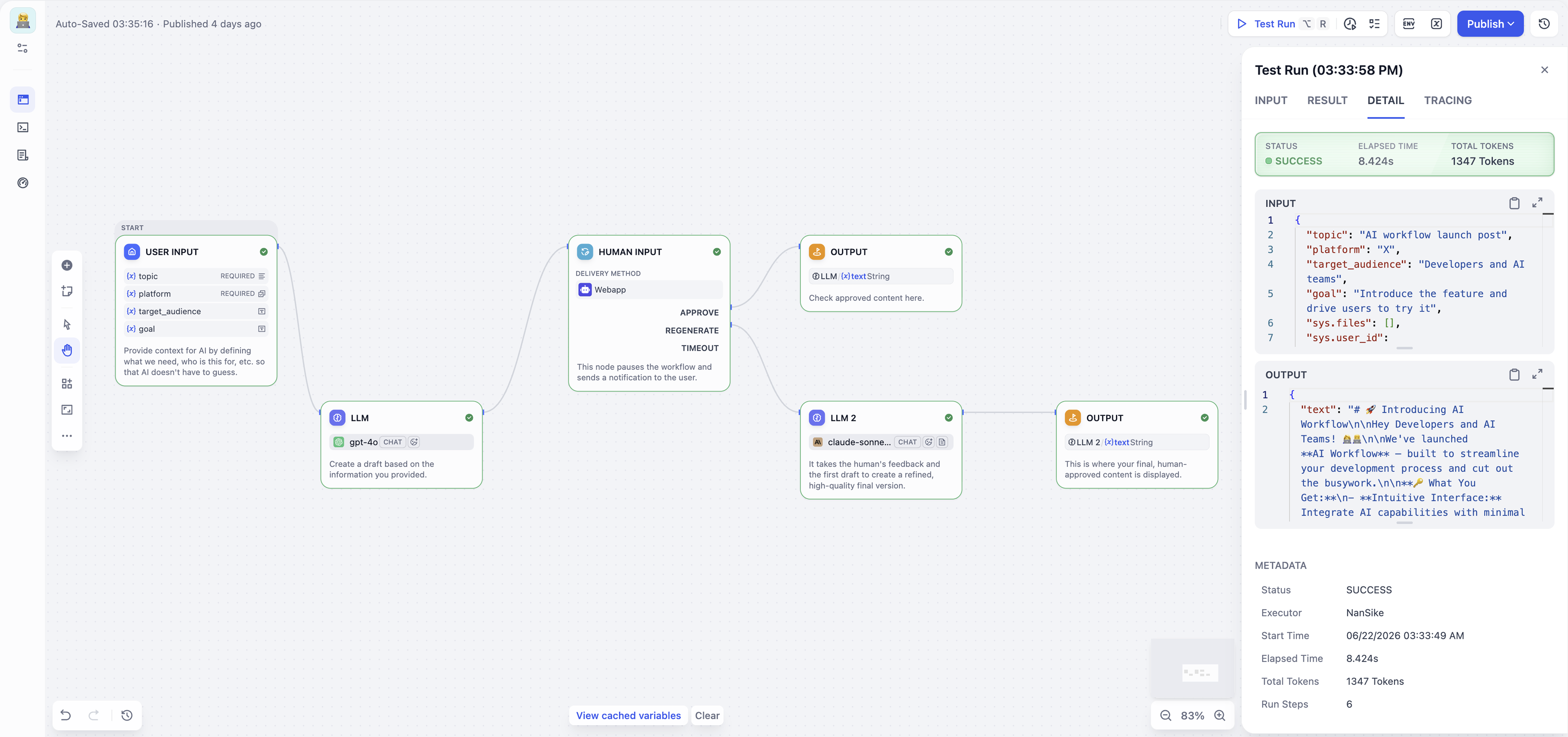
Dify’s Workflow Studio connects model calls, knowledge retrieval, tools, code, branching and human review. Workflows handle a process from input to result; Chatflows run in response to each message with conversational context. Langflow’s Agent component links a chosen model to tool components and instructions, with the Playground showing tool calls and results. Its selected-tool approval setting pauses an action for a human decision. These builders expose the application’s components more directly than an assistant that only accepts a finished request.
Lindy focuses on completing work through the communication tools a team already uses. It can prepare meetings, develop reports and dashboards, update a CRM and continue a task in a conversation. Skills capture repeatable work, routines run recurring tasks, and shared context brings together meetings, files and connected tools. Personal and team access are separate choices. Team billing combines active-user seats with a shared credit pool, rather than treating every request as one fixed-cost task.
Gumloop agents bring together connectors, reusable skills, company knowledge and triggers. Connector settings control which account an agent uses and which tools can run freely, ask for approval or remain disabled. Relevance AI combines individual agents with visual Workforces, where specialist agents coordinate through connected tools and knowledge. Its accounting separates Actions from Vendor Credits, while Gumloop divides usage into model reasoning, tool calls, compute and orchestration. These are different charging systems, even when both platforms describe a completed piece of work.
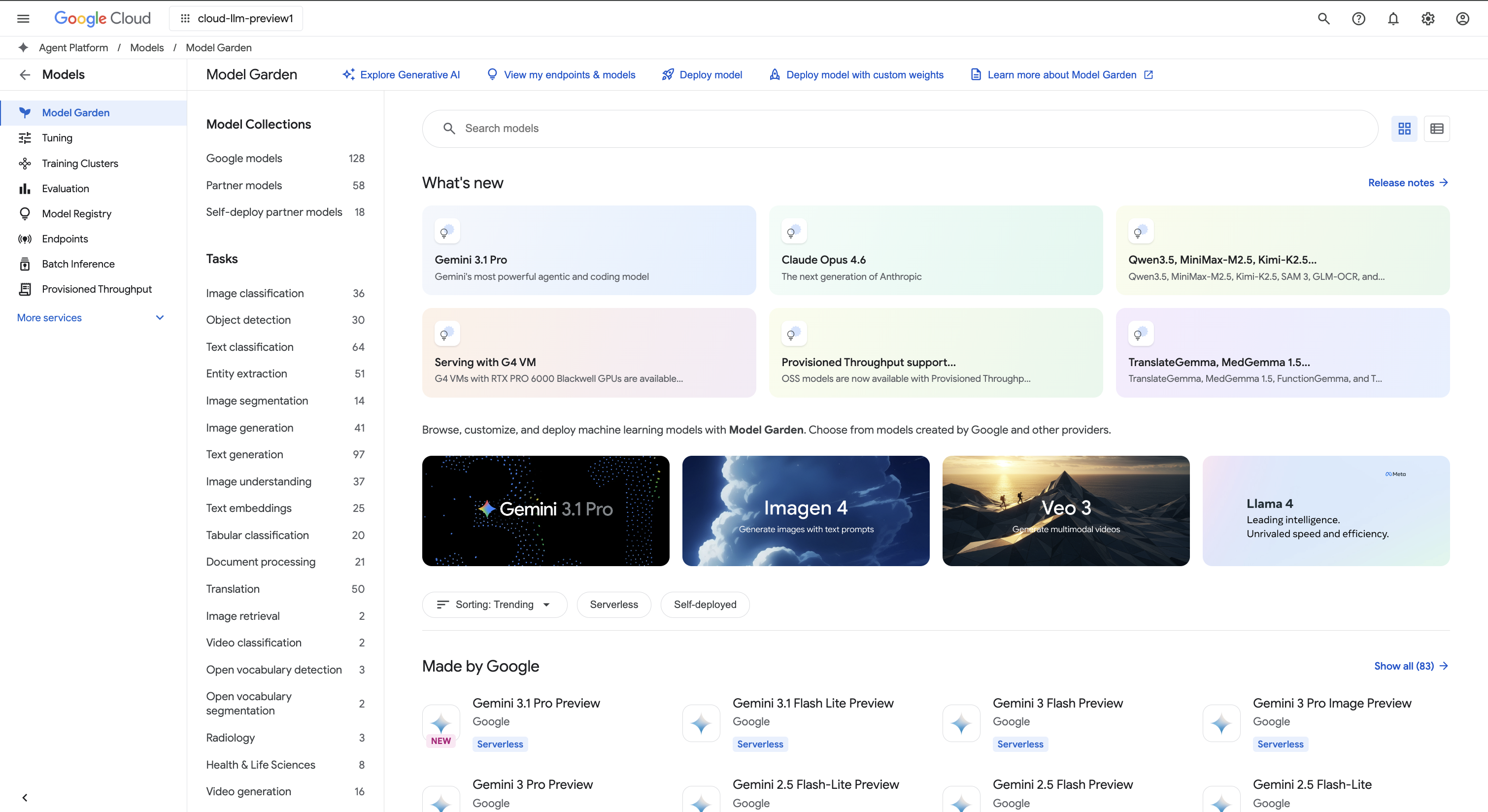
Microsoft Copilot Studio builds agents for business knowledge and actions through connectors, REST APIs and MCP servers. Its runtime options cover reasoning-heavy work, more predictable conversations and knowledge within Copilot Chat; the selected runtime affects features and billing. Gemini Enterprise Agent Platform combines Google Cloud services with Agent Studio and the code-first Agent Development Kit. ADK supports agent orchestration and deployment locally or through managed cloud services. Both platforms extend beyond a simple app connector into developing and operating an agent application.
A workflow run, an app action and an AI-model call are different units. Zapier tasks can include model-tier and tool-call usage; n8n subscriptions count executions; Make credits can combine operations and AI consumption. Dify Cloud offers model credits or your own provider account. Lindy adds seats and pooled credits, while Relevance AI separates Actions and Vendor Credits. Copilot Studio consumes capacity according to the features used. Google Cloud meters agent compute, memory, storage and additional services. Explore the individual reviews for plan allowances and additional charges.
Zapier and Make connect business apps through hosted workflows. n8n adds custom code and self-hosting. Dify and Langflow support custom AI applications, Lindy works as an AI teammate, and Gumloop and Relevance AI build connected agents. Copilot Studio and Gemini Enterprise Agent Platform provide enterprise development and runtime options.
A workflow follows configured steps, conditions and connections. An AI agent uses a model and available tools to decide how to continue a task. A platform can combine them: an event starts a workflow, an agent handles part of it, and later steps use the result.
Visual builders such as Make, Dify and Langflow let you connect components rather than write every step from scratch. Zapier adds tools within AI steps, while Lindy and Gumloop accept natural-language requests. Connections, permissions and deployment still need configuration; a visual interface does not make every integration automatic.
n8n provides a self-hosted Community edition alongside commercial options. Google’s ADK can run locally or deploy to cloud services. Hosting and software licensing are separate from the model and app services an agent calls, so a locally hosted workflow may still send data to a connected provider.
Platforms use different units: tasks, executions, credits, seats or cloud resources. A single run can also use several model calls and app actions. Some include model usage in platform credits; others bill the connected AI provider separately. Product reviews explain the relevant plans and allowances.
Yes. Zapier and n8n can pause selected tool calls, Dify provides human-review steps, Langflow supports gated agent tools, and Gumloop has connector and tool approval settings. These controls must be configured for the relevant actions; they do not mean every tool pauses by default.
Bring your notes, projects and everyday work together with AI productivity tools. Discover smarter workspaces, personal note apps, calendar assistants and email clients, alongside enterprise search for finding answers across company knowledge.
Discover the best AI marketing and SEO tools for creating brand content, finding search opportunities and building campaigns. Explore SEO platforms, content optimisation software and advertising tools, with detailed reviews of their features, pricing and limitations.
Discover the best AI sales tools for finding prospects, starting conversations and managing revenue. Explore contact databases, AI sales assistants, engagement platforms and sales CRMs, with detailed reviews of their features, pricing and limitations.
Answer customer questions around the clock, keep conversations connected and give your support team more time for complex requests. Discover the best AI customer support tools for live chat, email, ecommerce and enterprise service, with detailed reviews of helpdesk suites and dedicated AI agents.
Turn spreadsheets into insights, explore business data and build reports with the best AI data analysis tools. Discover conversational analysts, AI-powered notebooks, business intelligence platforms and tools for predictive modelling.
Convert, edit and prepare files with our own browser utilities.