
Analysis through conversation
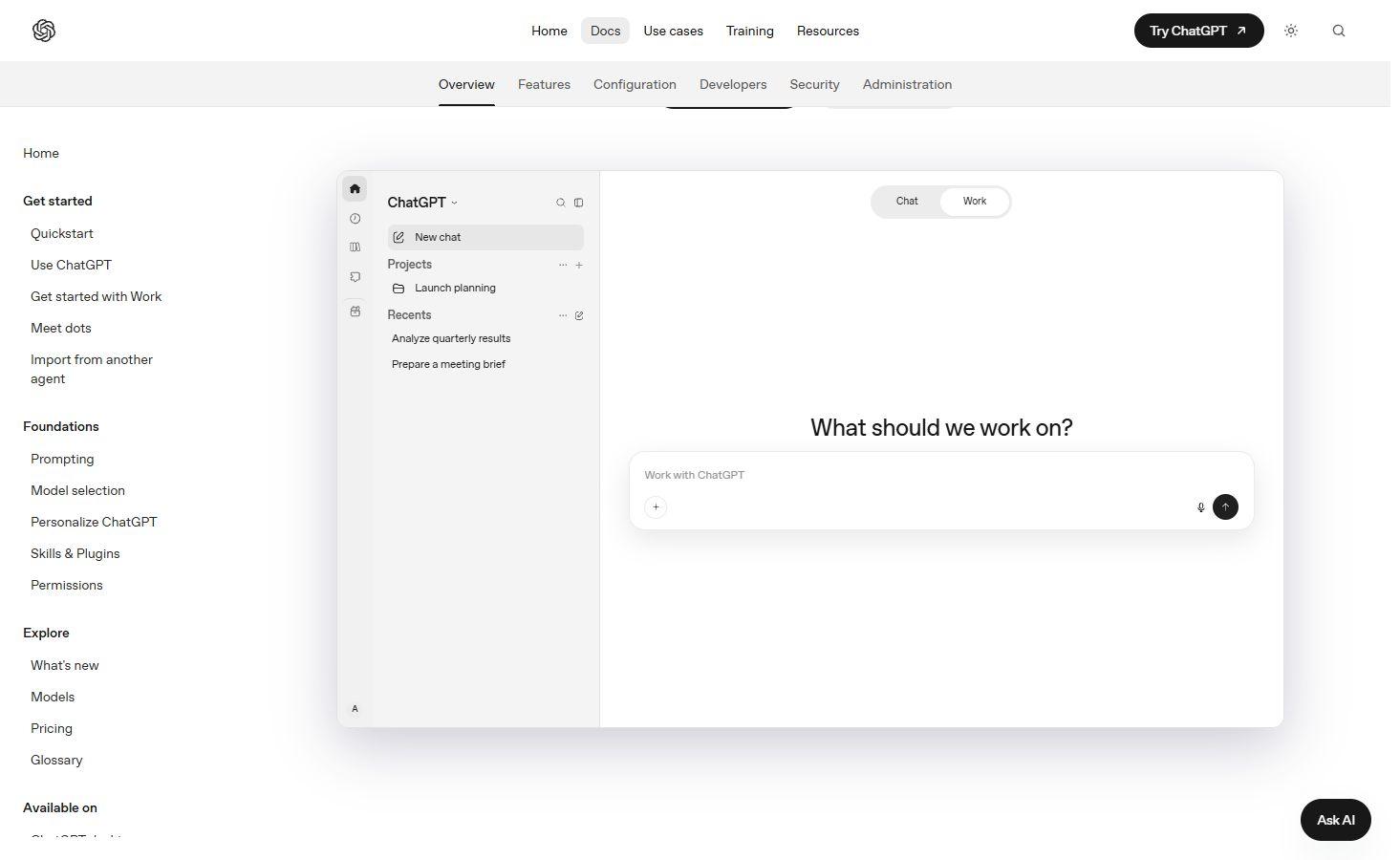
ChatGPT
Explore supplied files in ChatGPT and develop an analysis through conversation, with plan-dependent tool and file limits.
Turn spreadsheets into insights, explore business data and build reports with the best AI data analysis tools. Discover conversational analysts, AI-powered notebooks, business intelligence platforms and tools for predictive modelling.
Explore supplied files in ChatGPT and develop an analysis through conversation, with plan-dependent tool and file limits.

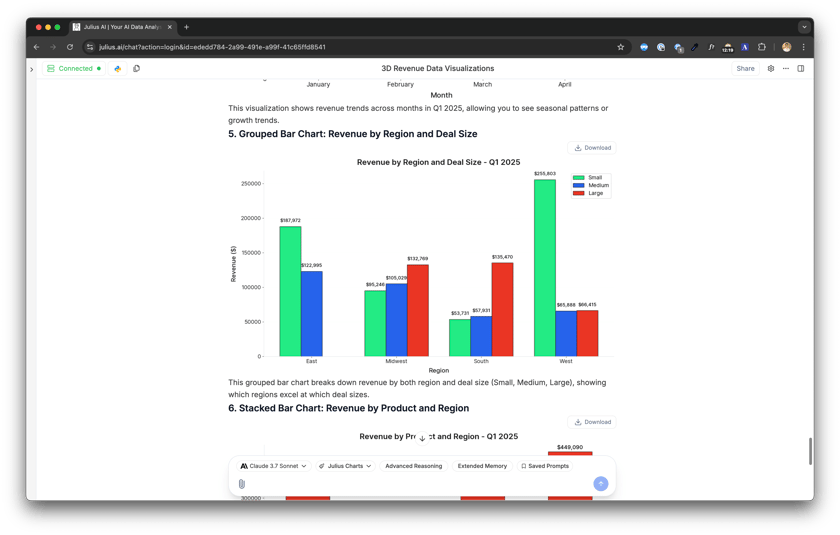
Julius review covering AI spreadsheet analysis, database connections, charts, team sharing, credit-based pricing and alternatives for business reporting.

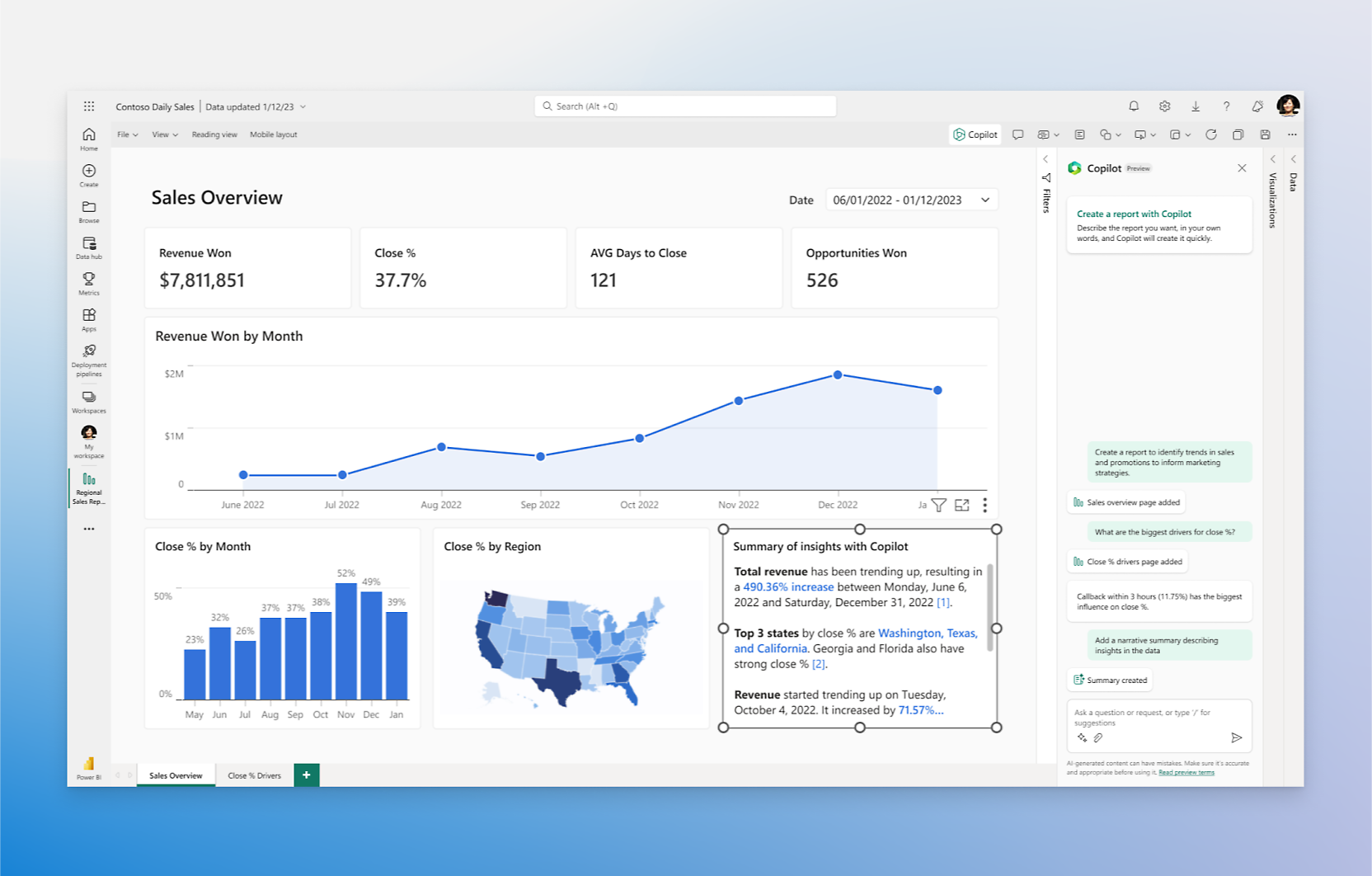
Power BI with Copilot review covering AI report creation, DAX assistance, semantic models, Fabric capacity requirements, pricing and business BI alternatives.

Tableau Agent review: AI charts, calculations, data preparation and dashboard Q&A, with Cloud and Server requirements, pricing, trial limits and alternatives.

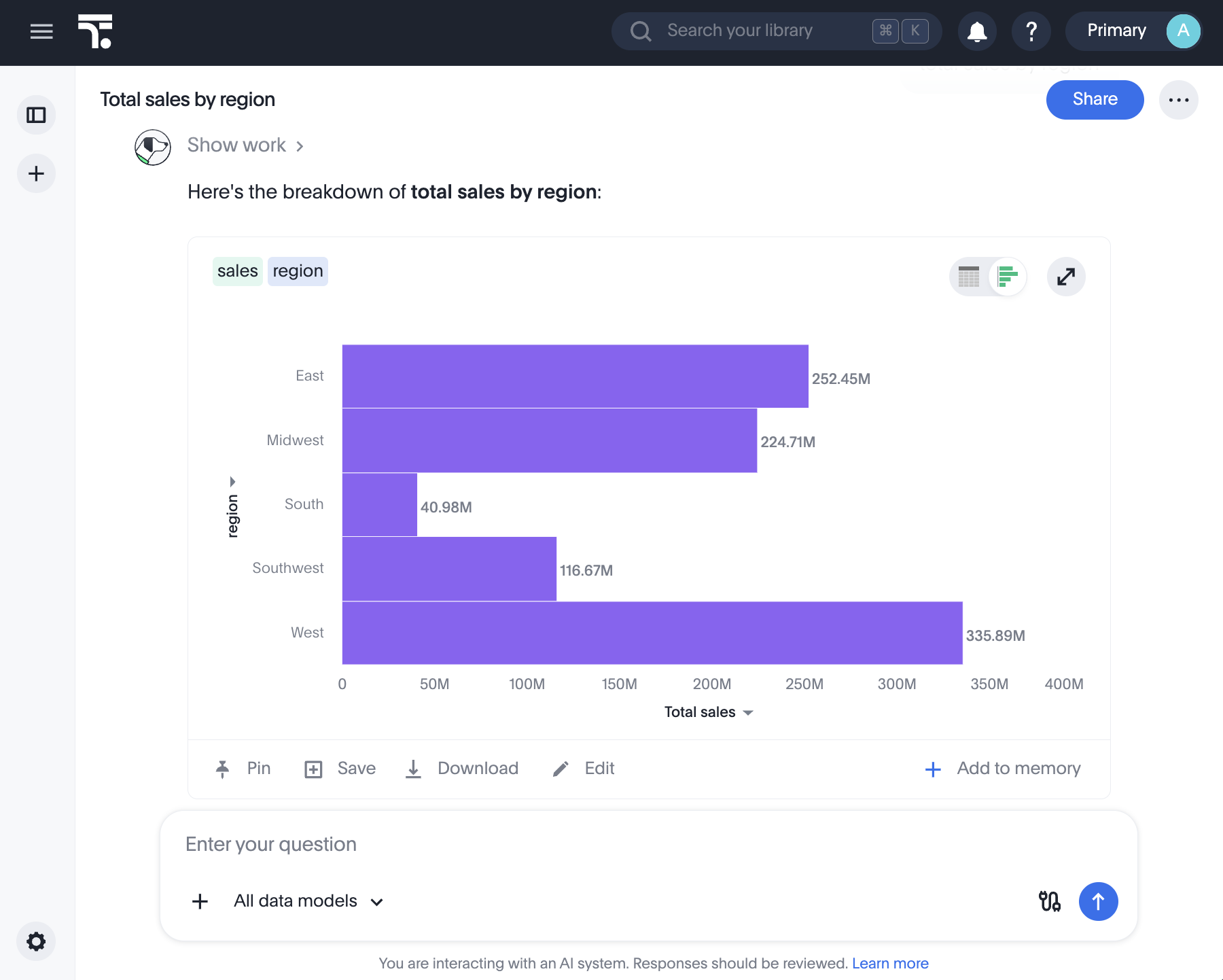
ThoughtSpot review: explore Spotter analytics, live dashboards, warehouse connections, pricing and alternatives for business reporting and embedded analytics.

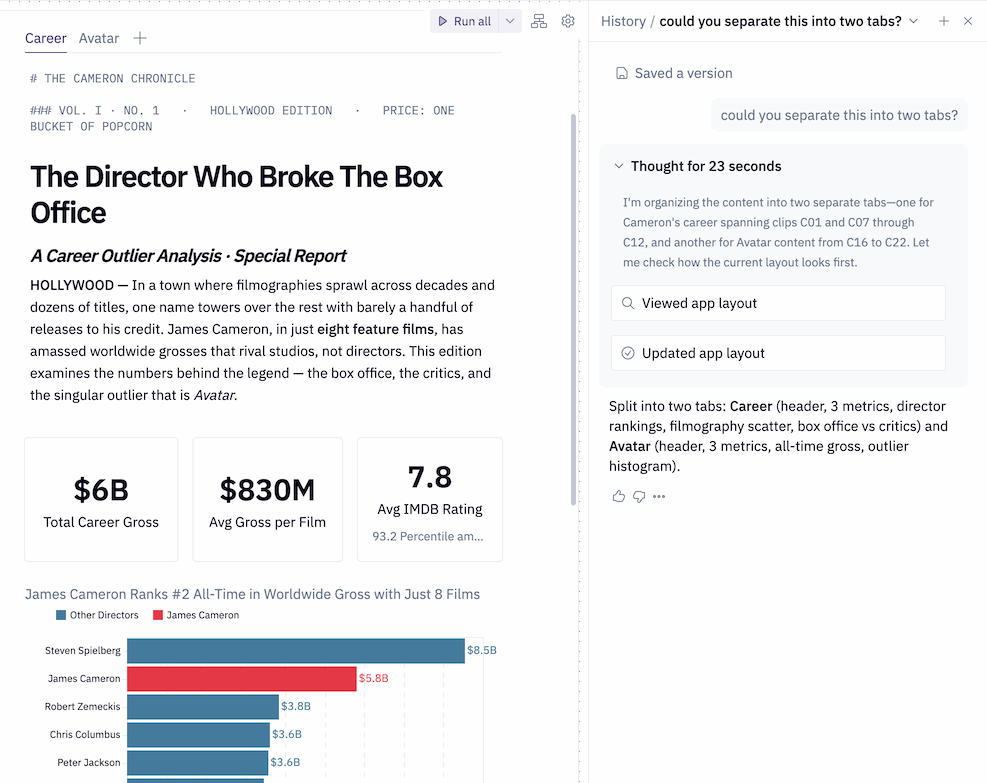
Hex review: AI-assisted SQL and Python notebooks, conversational data analysis and shared apps, with pricing, credit costs, permissions and alternatives.

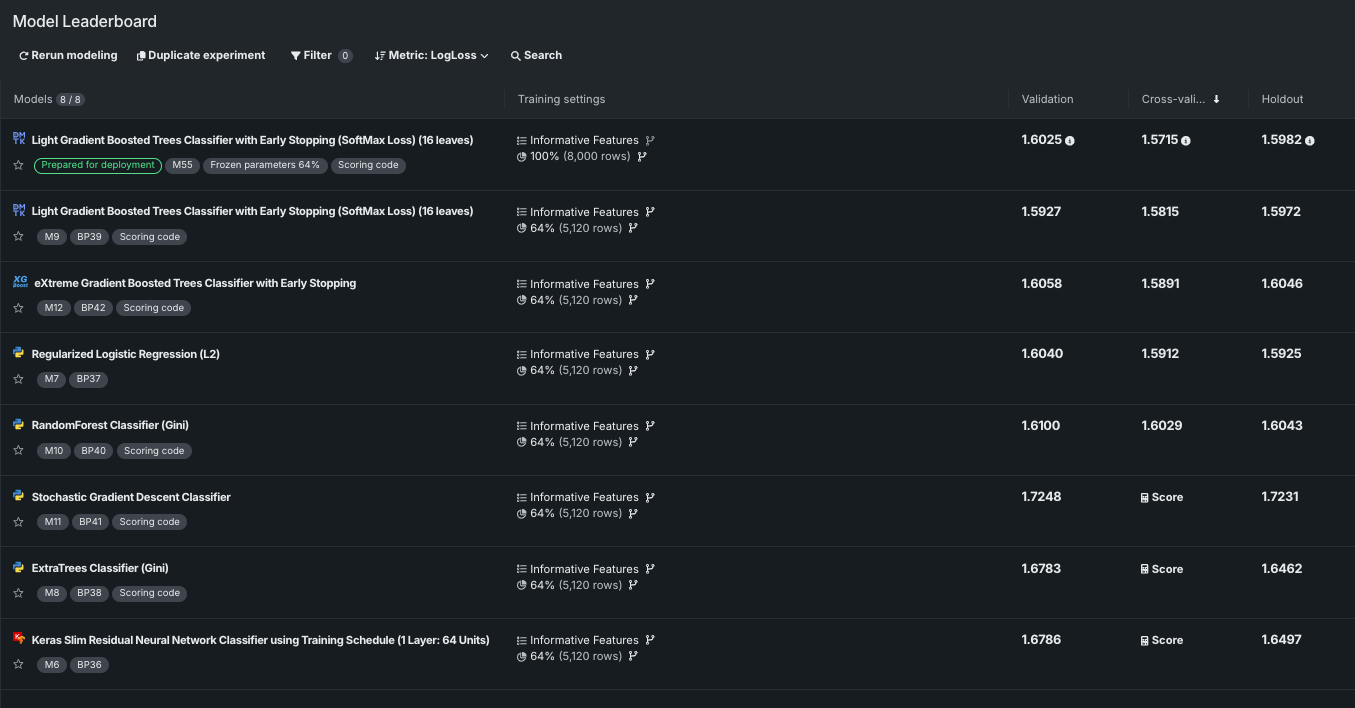
DataRobot review: explore AutoML, AI agents, predictive analytics, model monitoring, enterprise pricing and alternatives for production AI applications.

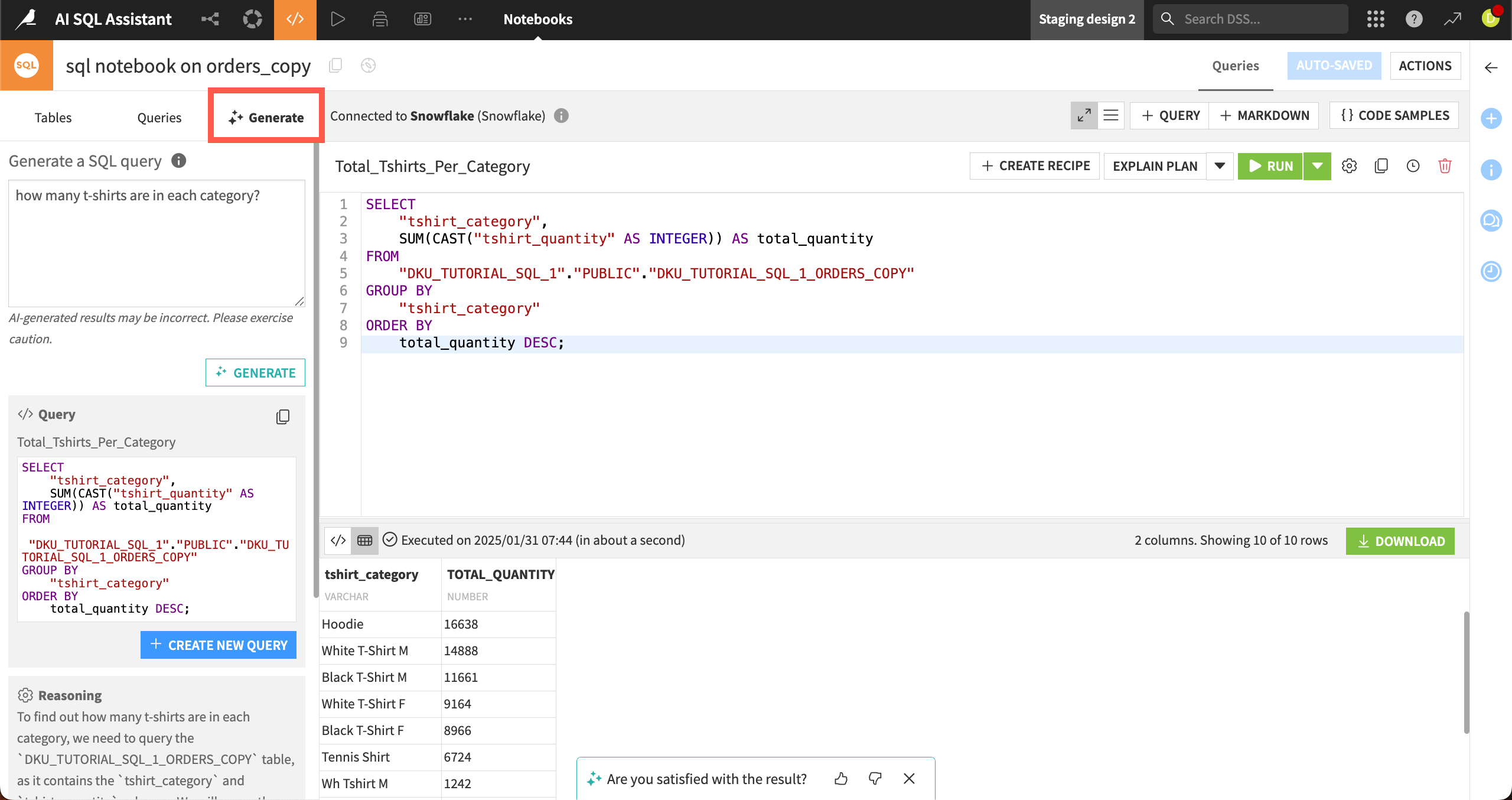
Dataiku review: explore visual data pipelines, AutoML, Cobuild, SQL assistance, free and enterprise editions, cloud trial limits and alternatives.

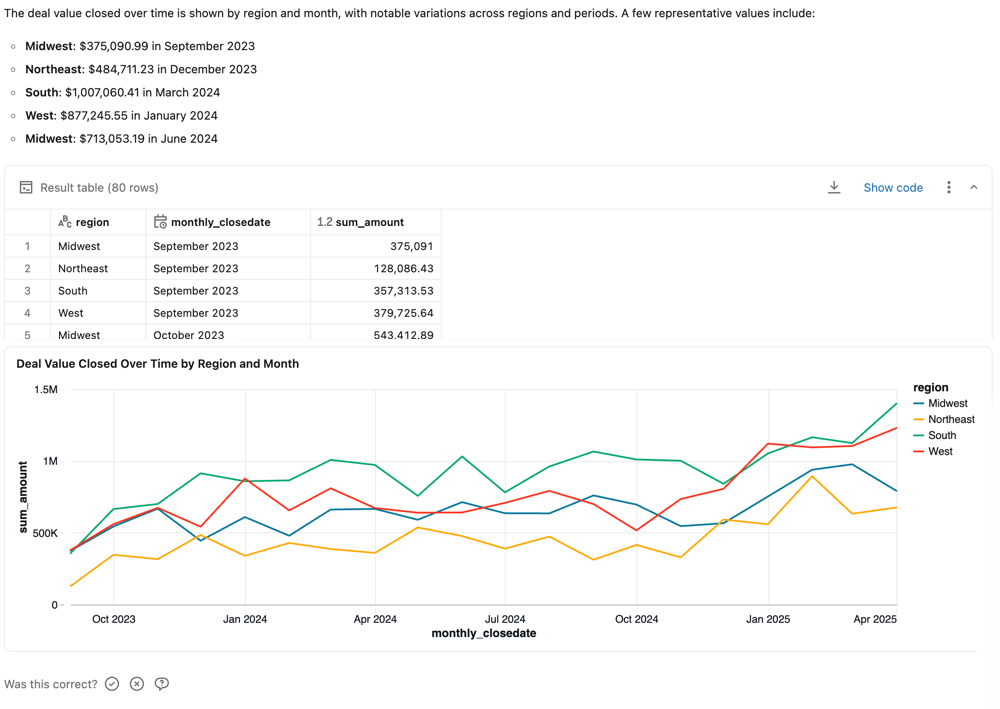
Databricks AI/BI review: explore Genie analytics, AI dashboards, usage-based pricing, sharing permissions, export options and leading alternatives.

Qlik Cloud Analytics review: explore associative dashboards, Qlik Answers, predictive analytics, plan pricing, data capacity and leading BI alternatives.
ChatGPT and Julius turn questions about uploaded data into calculations, tables and charts. ChatGPT can run Python for analysis, with available formats and uploads depending on the account and plan. Julius accepts CSV, Excel and other files, exposes the code behind its answers and exports results as CSV or Excel. It also connects to supported databases and warehouses. Both are useful starting points for an individual dataset, while shared business reporting needs additional data management.
Hex brings SQL, Python and visual analysis into a shared notebook, with AI assistance for writing and editing code. Threads lets people ask questions conversationally; the analysis becomes a project that analysts can inspect and develop further. Finished work can become an interactive data app. Viewing a shared Thread requires access to the data connections used, including connections behind projects supplied as context.
Copilot helps Power BI users explore reports, create report pages, summarise findings and draft DAX. Its answers use semantic models and their business context. Copilot requires eligible paid Fabric or Premium capacity, supported regional availability and administrator settings; a Pro or Premium Per User seat alone is insufficient. The report pane, standalone experience and app-scoped Copilot have different scopes, with the latter two still in preview.
Tableau Agent helps create visualisations, filters and calculated fields through conversation. In authoring, it works with the workbook’s connected sources and respects configured row and column security. It does not search every data source in the organisation. Cloud authoring requires Tableau+ and enabled AI settings; supported Server deployments also have setup requirements. Tableau’s dashboard, Pulse, preparation and authoring experiences offer different forms of assistance.
ThoughtSpot’s Spotter brings natural-language questions to business data and visual answers. Business definitions and data models provide the context behind analysis. Capabilities vary across Spotter versions: newer agents and Spotter Classic do not support identical questions, and natural-language chart formatting remains limited. ThoughtSpot is most relevant to teams making governed data accessible to business users, rather than treating every spreadsheet as an isolated chat upload.
Databricks combines AI/BI dashboards with the Genie family on a Unity Catalog-governed data foundation. Genie One is the business-user entry point; Genie Agents supply domain-specific data, metrics and rules; Genie Code assists technical work in the workspace. These are distinct experiences with different billing rules. Databricks is a natural option for teams already keeping analytical data and applications on its platform.
Qlik Cloud Analytics combines dashboards with Qlik Answers. Its agentic experience can explore structured application data, use indexed documents and generate charts or sheets. The legacy experience focuses on questions over unstructured knowledge. Agentic Answers requires opting into cross-region inference, and access depends on user roles and space permissions. Those requirements matter for organisations adding AI to an existing Qlik environment.
Dataiku combines visual preparation and code with analytics, dashboards and machine learning. Cobuild can generate an editable project flow; SQL Assistant supports query development. AI services can use Dataiku-operated processing or configured LLM connections, with internet access and metered usage requirements. DataRobot focuses on predictive modelling, experiments, deployment and monitoring, with chart and data exports. These platforms serve broader analytical projects than a conversation over a single file.
File assistants offer an accessible starting point: Julius has free access with daily credits, while ChatGPT’s analysis and upload allowances depend on its plan and account. Team platforms add shared data, publishing and administration, with separate charges for seats, capacity, compute or AI usage. Free Power BI Desktop does not provide Copilot by itself, and a temporary Genie promotion does not make every Databricks service free. Detailed reviews cover each product’s access and pricing.
ChatGPT and Julius suit conversational analysis of uploaded files. Hex combines code-based analysis with shared notebooks and apps. Power BI, Tableau, ThoughtSpot, Databricks and Qlik provide AI around business data and reporting. Dataiku and DataRobot extend into predictive models and larger analytical projects.
Yes. ChatGPT and Julius support common spreadsheet formats and can calculate summaries or create charts from the supplied data. Formats, file allowances and complete-file analysis depend on the product and account; structured tables are more reliable inputs than images of numbers.
Several do. Julius supports database and warehouse connections, Hex combines connected data with SQL and Python, and BI platforms work with configured business sources. Available connectors, data preparation and permissions differ between products.
A Pro or Premium Per User licence alone is not sufficient. Copilot requires eligible paid Fabric or Premium capacity, supported regional availability and enabled administrator settings. Additional permissions apply to report creation and model editing.
In the authoring experience, Tableau Agent works with the sources connected to the current workbook and follows configured data permissions. It does not discover every other Tableau source. Its authoring, dashboard, Pulse and preparation features have different scopes and access requirements.
Julius exposes analysis code, ChatGPT can show its Python calculations, and Hex develops analysis in a notebook. These make calculations easier to inspect and repeat. Reproducing an answer also depends on the same data, definitions, filters and execution environment; an AI-generated explanation alone is not proof of correctness.
These are third-party services with their own processing, account and data policies. They do not inherit the local-processing promises of BestOnline.Tools browser utilities. Enterprise platforms offer their own permissions and deployment options; an AI feature may also use a connected model provider.
Automate app tasks, build AI-powered workflows and give agents the tools to act. Explore the best AI automation platforms for connected business apps, company knowledge and recurring work, with detailed reviews of visual builders, AI teammates and enterprise services.
Bring your notes, projects and everyday work together with AI productivity tools. Discover smarter workspaces, personal note apps, calendar assistants and email clients, alongside enterprise search for finding answers across company knowledge.
Discover the best AI marketing and SEO tools for creating brand content, finding search opportunities and building campaigns. Explore SEO platforms, content optimisation software and advertising tools, with detailed reviews of their features, pricing and limitations.
Discover the best AI sales tools for finding prospects, starting conversations and managing revenue. Explore contact databases, AI sales assistants, engagement platforms and sales CRMs, with detailed reviews of their features, pricing and limitations.
Answer customer questions around the clock, keep conversations connected and give your support team more time for complex requests. Discover the best AI customer support tools for live chat, email, ecommerce and enterprise service, with detailed reviews of helpdesk suites and dedicated AI agents.
Convert, edit and prepare files with our own browser utilities.