BestOnline.ToolsBestOnline.Tools
BEST AI TOOLS

Best AI transcription tools and meeting assistants

Turn interviews, recordings and meetings into searchable text. Explore AI transcription services, meeting-note assistants and transcript-based editors for capturing conversations, sharing summaries and producing captions.

The best AI transcription tools and meeting assistants

Browse all transcription and meetings tools →
Otter.ai: live meeting transcripts, summaries and shared notes

Otter.ai

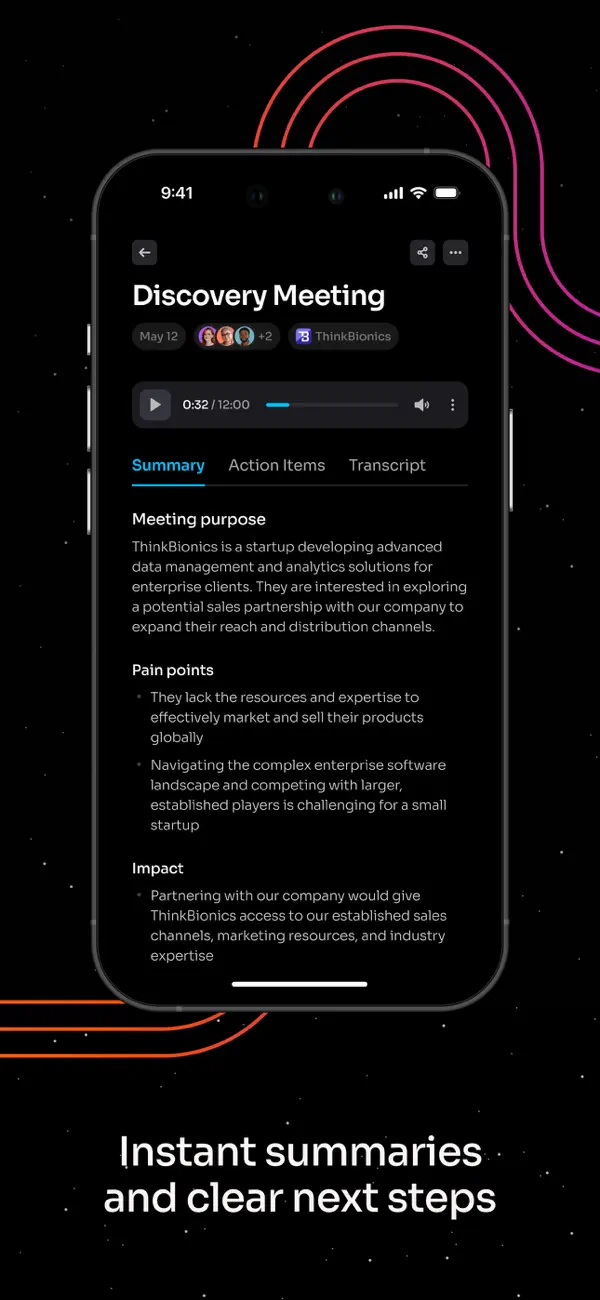
Otter.ai records meetings, creates live transcripts and turns conversations into summaries and action items. Its web and mobile apps support recordings and uploads; the Mac and Windows apps also capture meeting audio without a bot joining. Shared transcripts, comments and AI Chat help teams revisit decisions.
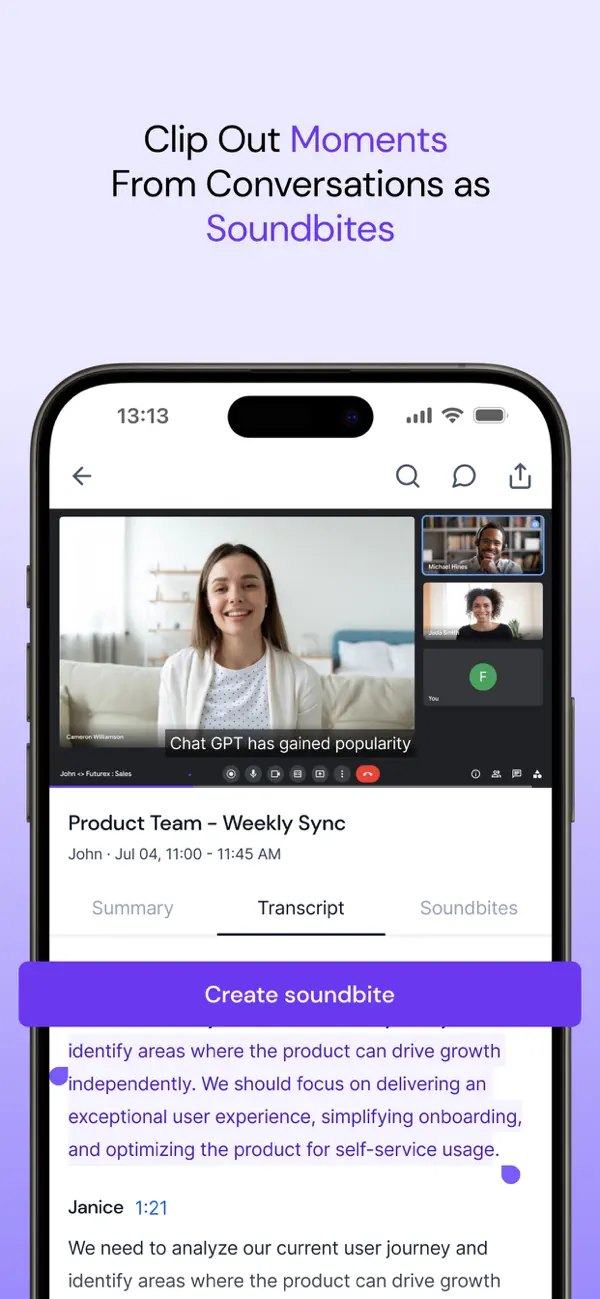
Free plan availableWeb · Desktop · Mobile
Fireflies.ai: AI meeting notes, searchable transcripts and team insights

Fireflies.ai

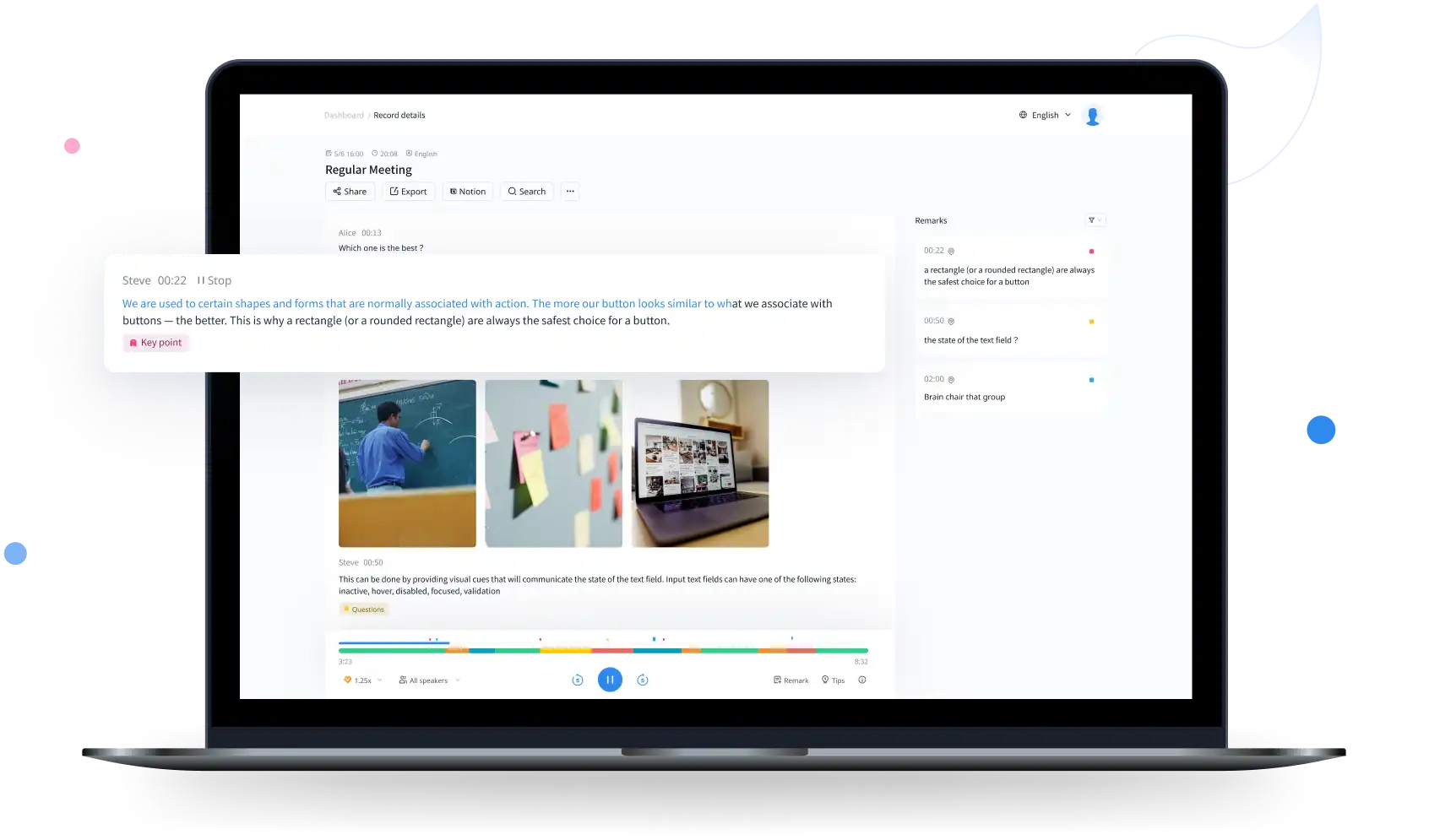
Fireflies.ai records meetings, creates searchable transcripts and produces summaries and action items. Teams can revisit conversations, share clips and send notes to connected apps. It supports uploaded recordings, desktop and mobile capture, and a Chrome extension alongside its meeting bot.

Free plan availableWeb · Desktop · Mobile · API
Fathom: AI meeting recordings, summaries and searchable notes

Fathom

Fathom records meetings, turns conversations into transcripts and creates summaries and action items. Its desktop and web experience supports meeting playback, clips and questions across conversation history. The iPhone app adds in-person capture and mobile review, with a more limited feature set at launch.

Free plan availableWeb · Desktop · Mobile · API
Notta: multilingual transcription, meeting notes and local recording

Notta

Notta transcribes recorded files and meetings, identifies speakers and provides translated transcripts and AI notes. Its web, mobile and desktop apps cover different recording needs. Desktop Privacy Mode offers a separate local transcription option with narrower language support than the cloud service.

Free plan availableWeb · Desktop · Mobile
Descript: AI video editing, transcription and podcast production

Descript

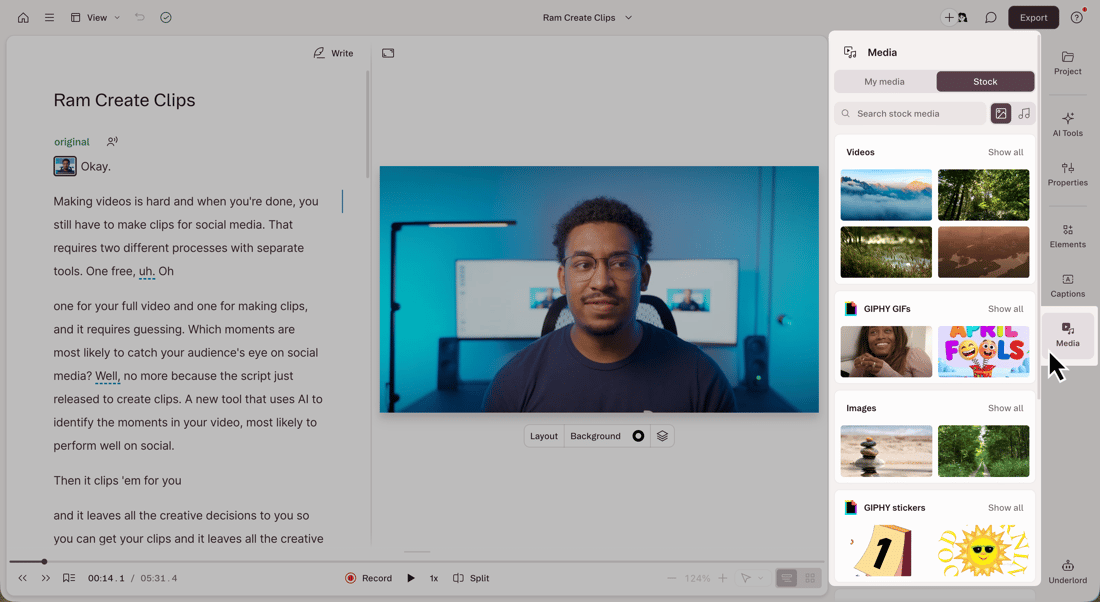
Descript edits recorded video and audio through a linked transcript. Its editor brings together captions, voice cleanup, screen recording and AI-assisted production, with an API for automated projects.

Free plan availableWeb · Desktop · API
TurboScribe: long-file transcription and multilingual subtitles

TurboScribe

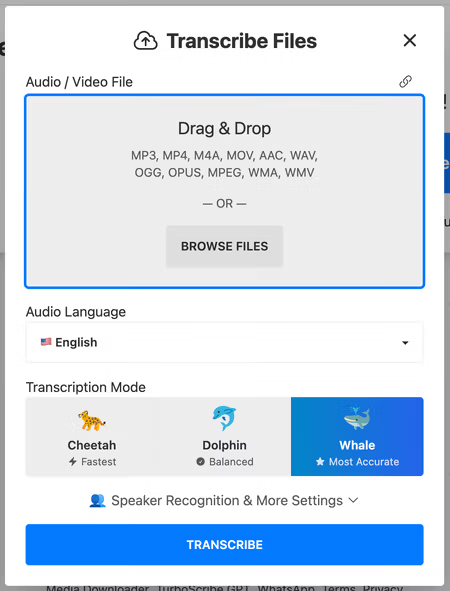
TurboScribe turns recorded audio and video into editable transcripts and subtitles. It supports 98+ transcription languages, speaker labels, audio-linked text and translated exports. Unlimited accepts files up to ten hours / 5 GB, with batches of up to 50 files.

Free plan availableWeb
Rev: AI transcription, transcript editing and human transcription services

Rev

Rev combines AI transcription, a transcript editor and paid human transcription services. Turn recordings into searchable text, review passages alongside playback and use AI to analyze multiple files. Its current platform emphasizes interviews, investigations and detailed document review, with language support and analysis features varying by plan.

Free plan availableWeb · Mobile · API
Sonix: AI transcription, translated subtitles and a browser editor

Sonix

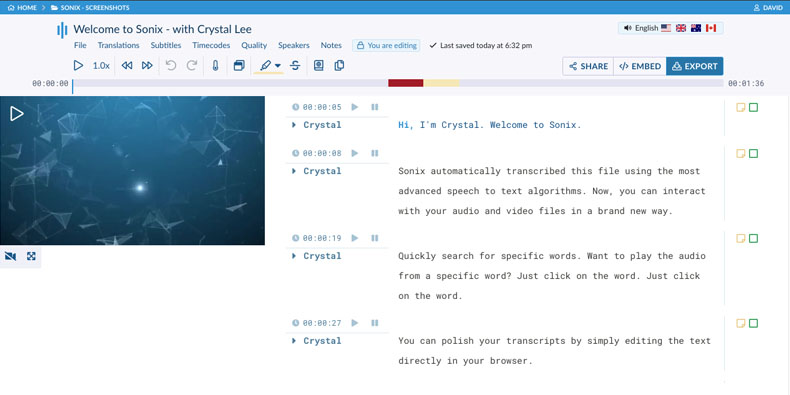
Sonix turns audio and video into editable transcripts in 54+ languages. Its browser editor links each word to the recording, with speaker labels, comments and document or subtitle exports. Paid workspaces add AI analysis and team features, while pay-as-you-go transcription suits occasional recordings.

Free trialWeb · API
Trint: AI transcription, collaborative editing and newsroom tools

Trint

Trint turns interviews, recorded footage and live speech into editable transcripts. Its playback-linked editor, shared drives, captions and Story Builder make it particularly relevant to journalists and production teams. Recorded transcription supports 50+ languages; translation supports 70+, with live capture and collaboration limits depending on the plan.

Free trialWeb · Desktop · Mobile · API
AssemblyAI: speech-to-text APIs for recorded and live audio

AssemblyAI

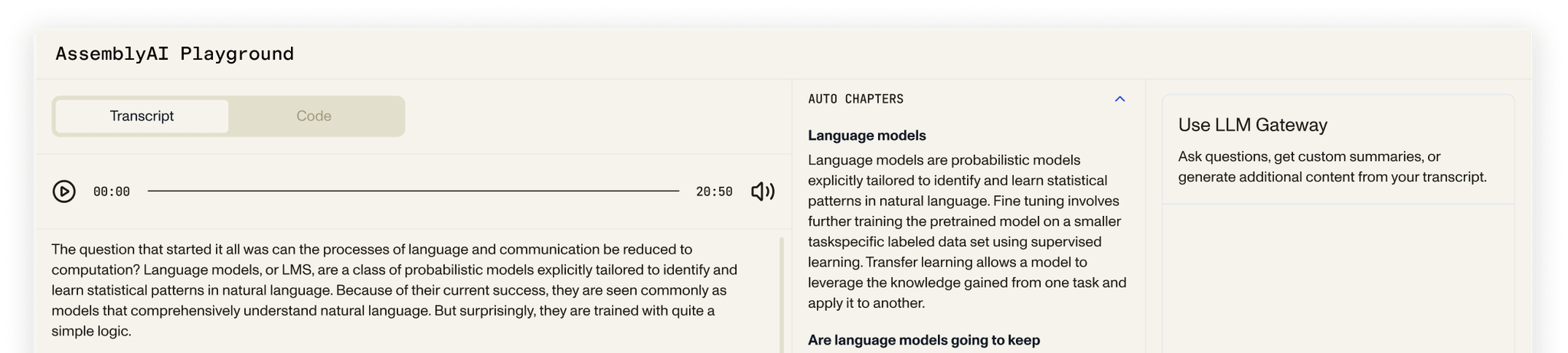
AssemblyAI provides speech-to-text APIs for recorded files, live audio and short synchronous clips. Developers can add speaker labels, word timestamps, subtitle exports and speech analysis to their own products. A browser playground helps explore the models; production use centers on API integration, with language coverage and pricing varying by model.

Free trialWeb · API

AI meeting assistants for notes and follow-ups

Otter, Fireflies and Fathom capture supported meetings and keep transcripts beside summaries and follow-up notes. Otter connects conversations to shared notes and meeting questions. Fireflies adds searchable recordings and connections to CRM and team apps. Fathom combines meeting playback, highlights and summaries, with more extensive conversation analysis on paid plans. These services are useful when the recording is part of a recurring team conversation rather than a standalone file.

Otter.ai review →

Fireflies.ai review →

Fathom review →

Bot-free recording and local transcription

A meeting assistant can capture audio without appearing as a bot in the call. Otter’s desktop app offers this for supported meetings, while transcription still uses the online service. Notta Desktop has a separate Privacy Mode that records and transcribes on your computer after local setup. Its supported languages depend on the chosen local model, and standard Notta cloud features have different capabilities. Bot-free capture and local processing describe two separate features.

Notta review →

Transcription for interviews and recorded files

TurboScribe turns uploaded audio and video into text, with speaker labels and document or subtitle exports. Its paid plan accepts longer recordings and larger batches than the free tier. Sonix adds a browser editor where selecting a word plays the corresponding audio, alongside speaker names, timestamps and export formats. File transcription suits interviews, lectures and existing recording archives; it does not require a meeting bot to attend the original conversation.

TurboScribe review →

Sonix review →

Transcript editing, subtitles and content production

Descript links a transcript to its audio or video: removing a passage from the script cuts that part of the composition, while transcript corrections can fix the text separately. Trint combines playback-linked transcripts with collaboration and Story Builder, which brings source-linked quotes into article drafts or production rough cuts. Timed captions are another output. A readable document, an SRT subtitle file and an editable media project serve different purposes.

Descript review →

Trint review →

AI transcription and human transcription services

Rev offers AI transcription alongside separately ordered human transcription and caption services. Its platform also supports transcript editing and analysis across uploaded files. Human services have their own prices, language coverage and turnaround times; they are not automatically included with an AI transcription allowance. The distinction matters when the final deliverable needs additional human review.

Rev review →

Speech-to-text APIs for developers

AssemblyAI provides recorded-file and streaming transcription APIs for adding speech recognition to an application. Results can include timestamps and speaker-labelled text, with additional speech analysis available. This is an integration service rather than a ready-made meeting-notes workspace. Model choice, streaming usage and optional analysis or speaker features affect billing, so a base transcription rate does not cover every operation.

AssemblyAI review →

Free transcription tools and paid plans

Otter, Fireflies, Fathom, Notta and TurboScribe offer free entry points with product-specific allowances or feature restrictions. Paid plans can add longer recordings, exports, shared workspaces or more extensive AI analysis. Subscriptions may charge per user or include a recording allowance; APIs charge for consumption, and human transcription is priced separately. Maximum file length, stored recordings and summary credits can remain limited even when a plan describes transcription as unlimited.

More transcription and meetings tools

Audio and voice

ElevenLabs

Create AI voiceovers, clone your voice and transcribe recordings with ElevenLabs. Free credits are available; commercial voiceovers require a paid plan.

Free plan availableWeb · API
Audio and voice

Adobe Podcast

Adobe Podcast combines speech cleanup with browser recording, transcription and text-based audio and video editing. Enhance Speech removes noise and echo; Studio supports remote interviews and separate participant tracks. Premium adds source separation, video enhancement and larger export allowances.

Free plan availableWeb
Transcription and meetings

AudioPen

Speak a rough idea, choose a writing style and keep a polished draft beside the original transcript. AudioPen focuses on personal voice notes and dictation.

Free plan availableWeb · Desktop · Mobile
Transcription and meetings

Wispr Flow

Dictate messages and documents where you already type. Flow cleans up spoken wording and offers a separate desktop Notetaker for meeting notes.

Free plan availableDesktop · Mobile
Transcription and meetings

Krisp

Reduce distracting call audio and keep meeting notes in one product. Krisp’s desktop noise cancellation runs locally, while meeting features have separate cloud processing and storage.

Free trialDesktop · Mobile · Web
Transcription and meetings

Granola

Take brief notes during a conversation and let Granola expand them with meeting context. Search the resulting notes and use them for follow-up work.

Free plan availableDesktop · Mobile

Transcription and meetings FAQs

Can AI transcribe an existing audio file?

Yes. TurboScribe, Sonix, Trint, Notta and Rev accept recorded audio or video. Descript also transcribes imported media for editing. Accepted formats, file size and duration differ between products; file transcription does not require recording through a meeting assistant.

Do meeting assistants record every meeting automatically?

Automatic capture depends on calendar connections, supported meeting platforms and the assistant’s settings. Otter and Fireflies can join selected calendar meetings, while other recording modes require starting capture yourself. Meeting participants’ permissions and the organisation’s recording rules still apply.

Which transcription tools can create subtitles?

TurboScribe, Sonix, Trint and Descript support timed subtitle exports such as SRT; some also provide VTT or captions within a media editor. A TXT or Word transcript contains readable text, while a subtitle file includes timing for video playback.

Can AI transcripts identify different speakers?

Several tools provide speaker labels, including TurboScribe, Sonix and AssemblyAI. Labels separate turns in a conversation; they do not always establish the speaker’s real name. Editors can let you correct names, and API speaker features may carry a separate charge.

Is human transcription included with AI transcription?

Usually these are separate services. Rev offers both, with human transcription ordered and priced separately. Language coverage and turnaround times differ, so an AI subscription allowance should not be treated as prepaid human work.

Does recording without a meeting bot keep the transcript offline?

It depends on the recording mode. Otter’s desktop bot-free capture still uses its online transcription service. Notta Desktop Privacy Mode processes recordings locally after setup; its other cloud modes are separate. A desktop app or an absent meeting bot alone does not establish local processing.

How are AI transcription tools priced?

Common models include subscriptions per user, included recording minutes or hours, and pay-as-you-go API use. File-length caps, storage, summaries, translation and speaker features can have separate allowances or charges. Product pages explain their pricing structure and link to the provider’s current plans.

More AI tool categories

All categories →

Best AI voice generators and text-to-speech tools

Create natural-sounding voiceovers for videos, audiobooks and training. Explore the best AI voice generators, from browser studios with editable narration to voice-cloning tools and text-to-speech APIs for live applications.

Best AI music generators and song makers

Turn lyrics into a song, compose an instrumental or create a soundtrack with AI music tools. Explore Suno and Udio for vocal tracks, AIVA for editable compositions, and dedicated beat and background-music generators for videos, podcasts and games.

FREE BROWSER TOOLS

Useful tools from BestOnline.Tools

Convert, edit and prepare files with our own browser utilities.

All browser tools →

Audio tools →

About our reviews