AI assistants for everyday questions and writing
A general AI assistant brings several tasks into one conversation: drafting an email, explaining a topic, summarising a document or searching for recent information. ChatGPT, Claude and Gemini cover these everyday uses alongside more specialised tools. Their differences become clearer when the answer needs to become a file, use material from another app or continue as a longer project.
ChatGPT and Claude for documents and finished work
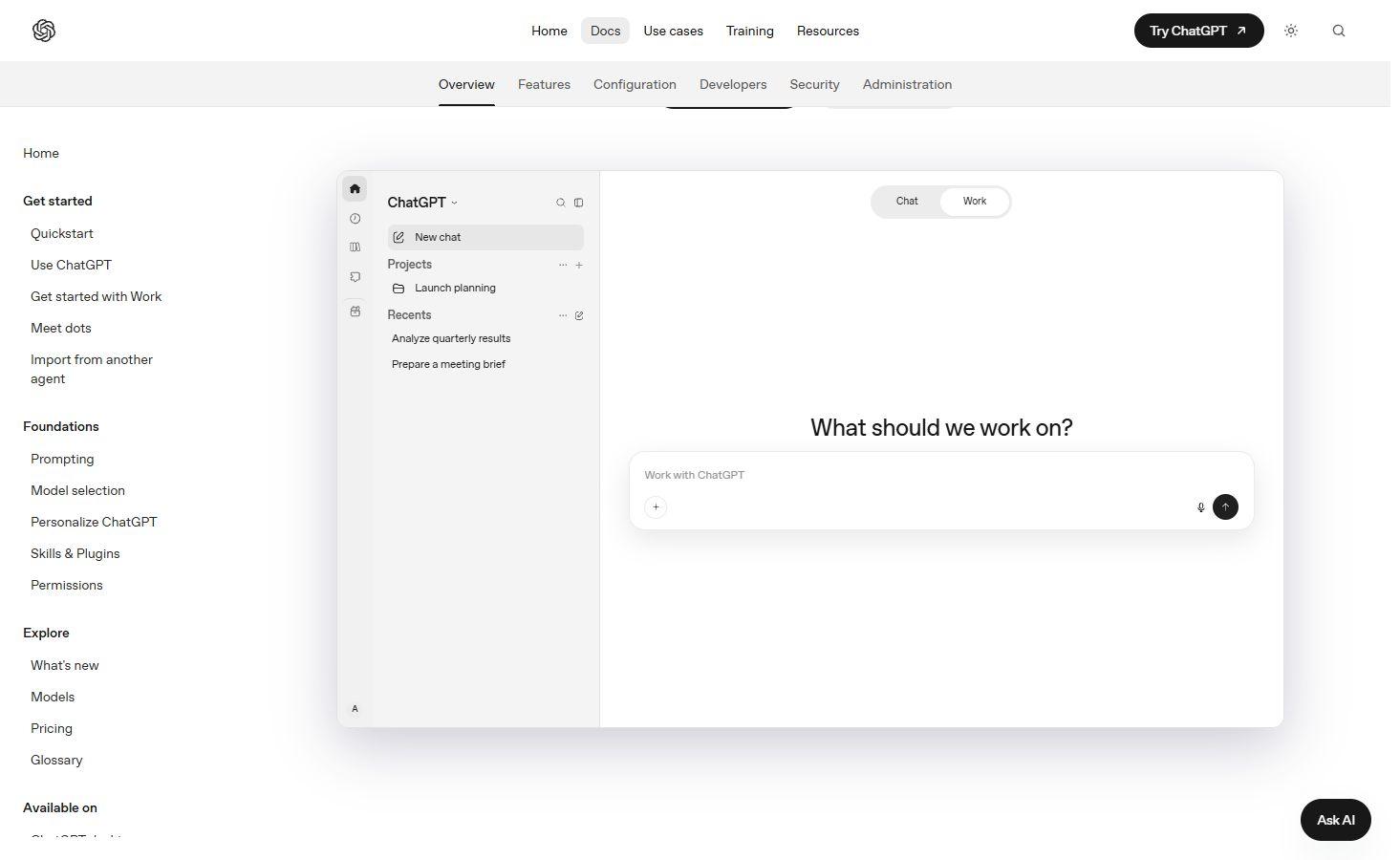
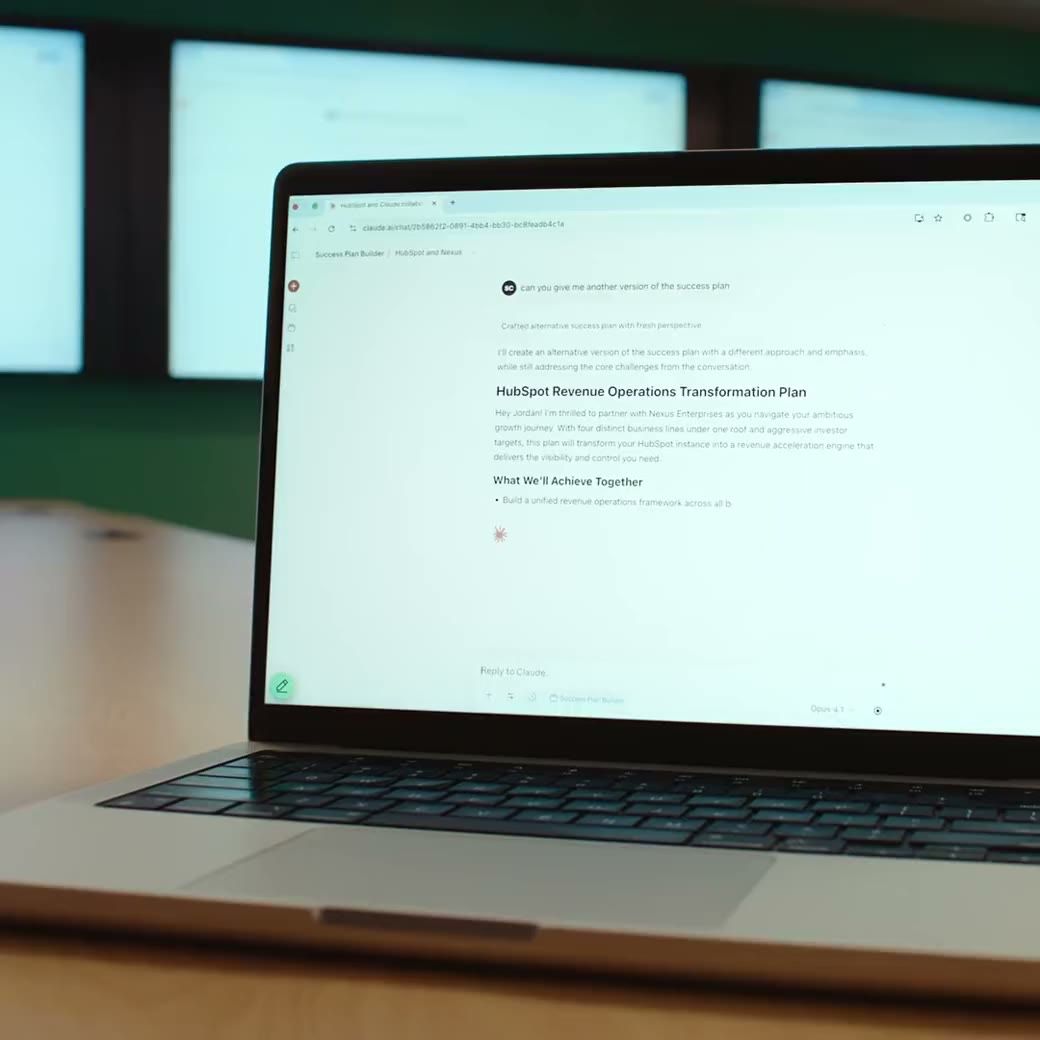
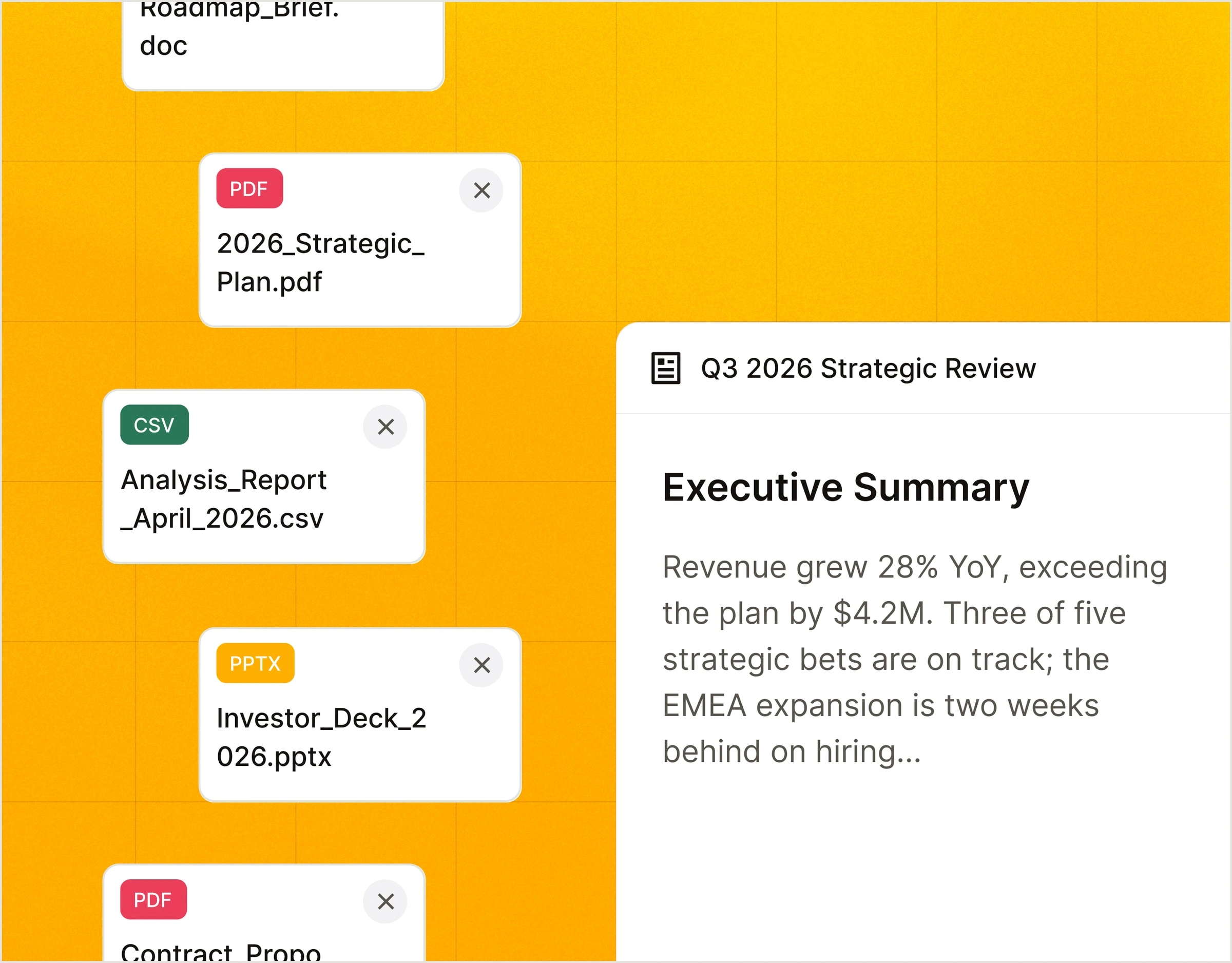
ChatGPT combines conversation with files, web search and projects; Work carries a larger task through to a result such as a report, presentation or analysis. Claude can create downloadable Word documents, Excel spreadsheets, PowerPoint presentations and PDFs, as well as interactive Artifacts. File creation is available on Claude’s free plan, subject to usage limits and organisation settings; its Research mode requires paid access. An editable file is a different deliverable from text pasted into a chat.
ChatGPT review →
Claude review →
Gemini and Copilot in Google and Microsoft apps
Gemini can draw on chosen Gmail, Drive and Chat content in Deep Research, alongside the web and uploaded files. Connected apps depend on your account, device, country and permissions. Microsoft Copilot offers standalone chat and a separate experience within Microsoft 365 apps, including Word, Excel, PowerPoint and Outlook. Access in those apps depends on an eligible subscription; a free Copilot conversation does not unlock every Microsoft 365 feature. Family-plan AI benefits can be limited to the subscription owner.
Google Gemini review →
Microsoft Copilot review →
Grok and DeepSeek for conversation and current information
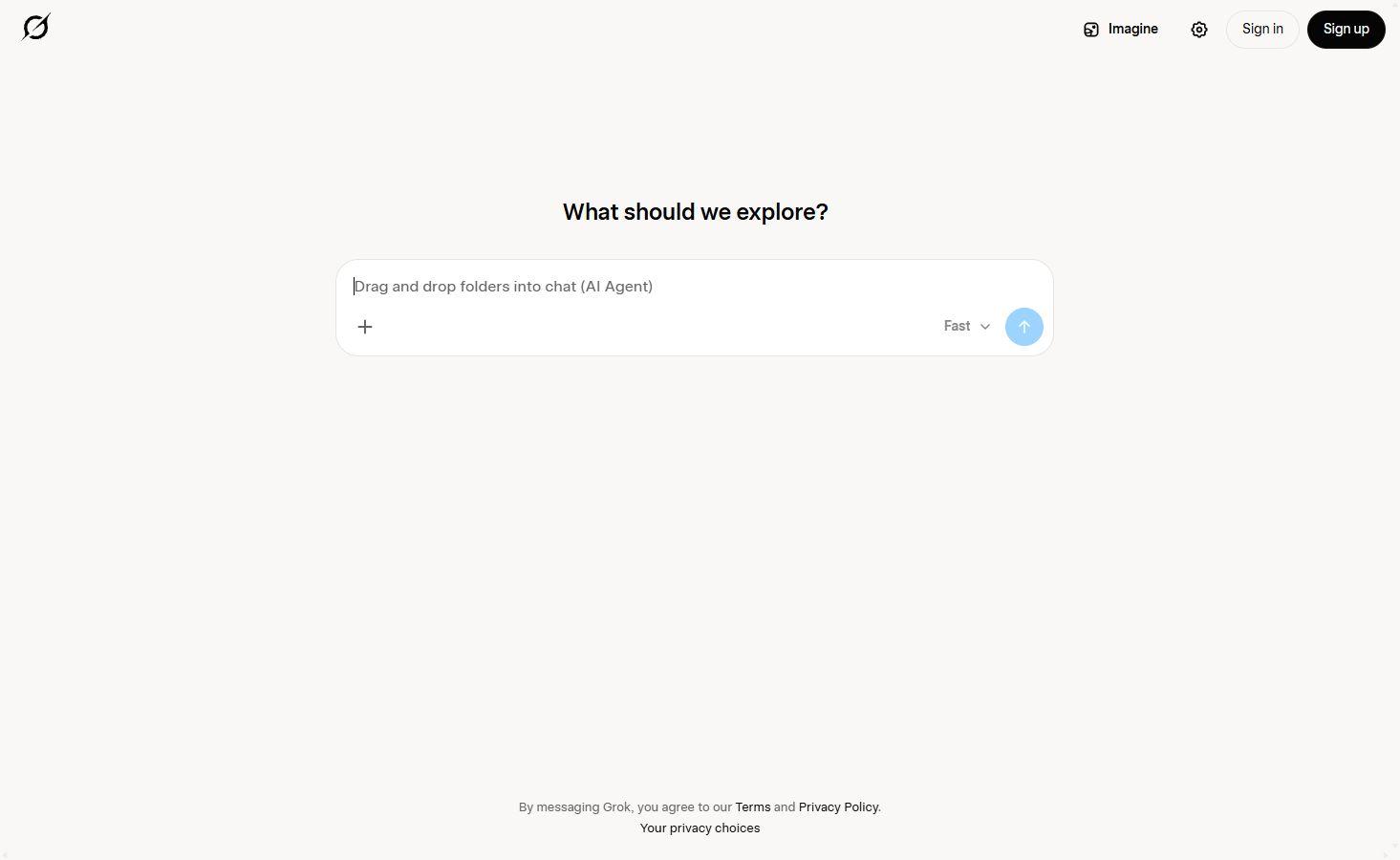
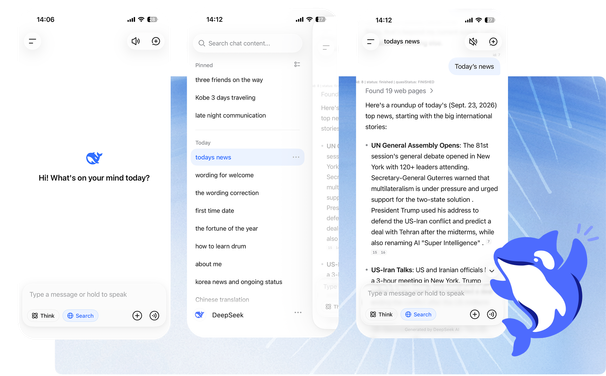
Grok combines conversation with live web and X search, making it useful for exploring news, public posts and changing topics. It also offers voice and image tools. DeepSeek provides a web chatbot and downloadable apps, with a separate API platform and Harness desktop product. A developer model’s capabilities and prices do not necessarily describe what is available in the consumer chatbot. These are distinct ways to access a provider’s AI.
Grok review →
DeepSeek review →
Poe for several AI models in one place
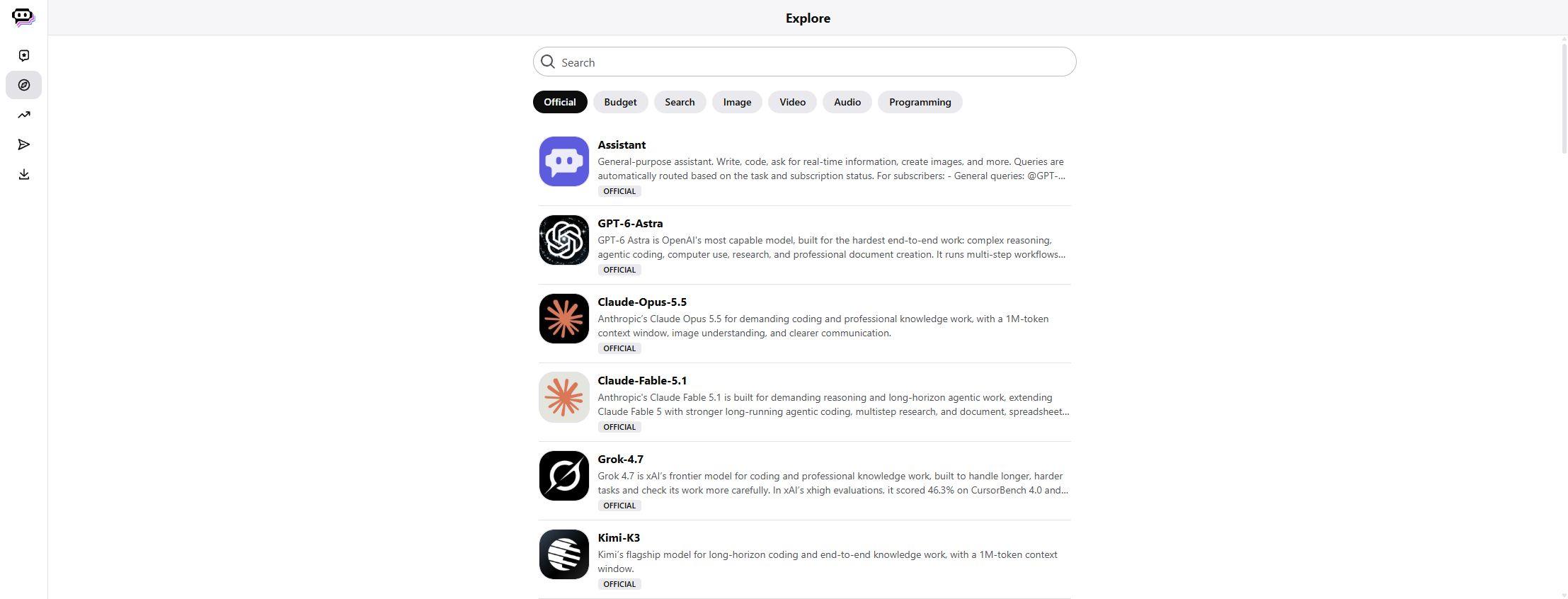
Poe brings bots from providers such as OpenAI, Anthropic and Google into a single service, alongside image, video and audio models. Usage draws from a pool of points. The cost of a reply depends on the bot and can vary with the amount of text it reads and writes; an image can have a fixed point cost instead. A Poe subscription provides access through Poe, with its own tools and limits, rather than the complete native app subscription from each model provider.
Poe review →
Kimi for research, documents and spreadsheets
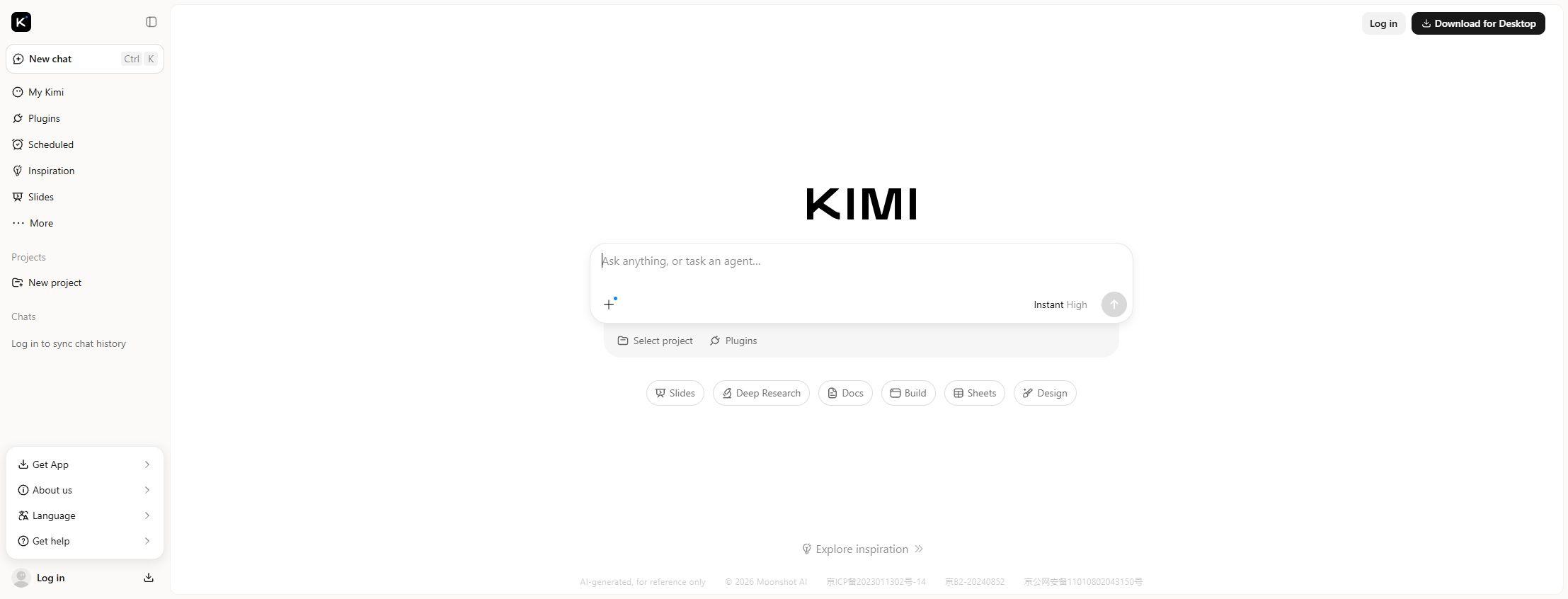
Kimi combines chat with Deep Research and office creation tools. Research produces a report with source links; Docs and Sheets can generate downloadable Word, PDF and Excel files, while presentation tools create slides. Kimi Work extends research and office tasks into a desktop agent. This range makes Kimi relevant to reports and document-heavy work, with access and task allowances varying across its membership plans.
Kimi review →
Mistral Vibe and Meta Muse for connected tasks
Mistral Vibe, formerly Le Chat, combines a chat assistant with an agent for work and code. It supports web search and connections to services such as email, calendars, Slack and GitHub; Pro adds agents and longer tasks. Meta Muse is a personal agent rolling out in the US on the web, iOS and Android. It works through a dedicated cloud computer and connected services, with permissions controlled by the user and approval requested before sensitive actions. Reading information from an app and taking action in it require different access.
Mistral Vibe review →
Meta Muse review →
Free AI assistants and paid subscriptions
Several assistants offer free access for chat and selected tools. Paid plans can add models, research, agents or larger allowances, while uploads, image generation and longer tasks may still have separate limits. Poe uses points; other products combine subscriptions with feature-specific allowances or usage credits. Developer API billing has its own rates and terms, even where an eligible chat plan includes some API credits. The product reviews cover current plans and their main restrictions without treating paid access as unlimited.
AI assistants FAQs
What can an AI assistant do?
An AI assistant can answer questions, draft and revise text, summarise files, search for information and help create documents. Some add image generation, voice or connected apps. Agents can take on longer tasks and actions within the permissions you grant; those features are not available in every chatbot or plan.
Is an AI chatbot the same as a research tool?
Some chatbots include web search or a dedicated Research mode. Specialist academic tools focus on paper discovery, citation context and evidence extraction, while source-based notebooks work with material you provide. Our search and research category covers those more focused products.
Which AI assistants can create Word, Excel or presentation files?
Claude can create downloadable Word, Excel, PowerPoint and PDF files. Kimi offers document, spreadsheet and presentation tools, and ChatGPT Work can produce reports, decks and analyses. Copilot also helps create and edit content within eligible Microsoft 365 apps. A chat answer and an editable document are different outputs.
Can an AI assistant access my email and documents?
Gemini supports selected Google app connections, and Copilot works within eligible Microsoft 365 experiences. Other assistants offer connectors to additional services. Access depends on the account, supported app, subscription and permissions; connecting an app does not automatically grant every possible action.
Can I use several AI models with one subscription?
Poe offers bots from multiple AI providers through its own service. Replies and media use points, with costs varying by bot and task. Access through Poe does not include every feature of each provider’s native app or give you a separate native subscription.
Are paid AI chatbots unlimited?
Paid access usually increases usage rather than removing every limit. Chat, research, file uploads, images and agent tasks can have different allowances or reset periods. Credit-based services may also charge more for longer inputs or more expensive models.
Does an AI assistant subscription include developer API access?
Chat subscriptions and developer APIs have different billing terms. Some eligible plans include limited API credits, but that does not make API calls unlimited or include every model. API rates, credit expiry and account eligibility depend on the provider.