

Grok
Grok for web search, file analysis and AI media
Explore current information with cited web and X search, bring your own files into the conversation, and create images or video with Grok Imagine.
Free plan availableAccount optional
- Access
- Free and paid plans
- Example plan
- USD 10 / monthLite monthly — USD
- Available on
- Web, Mobile, API
Search, conversation and creative tools in one assistant
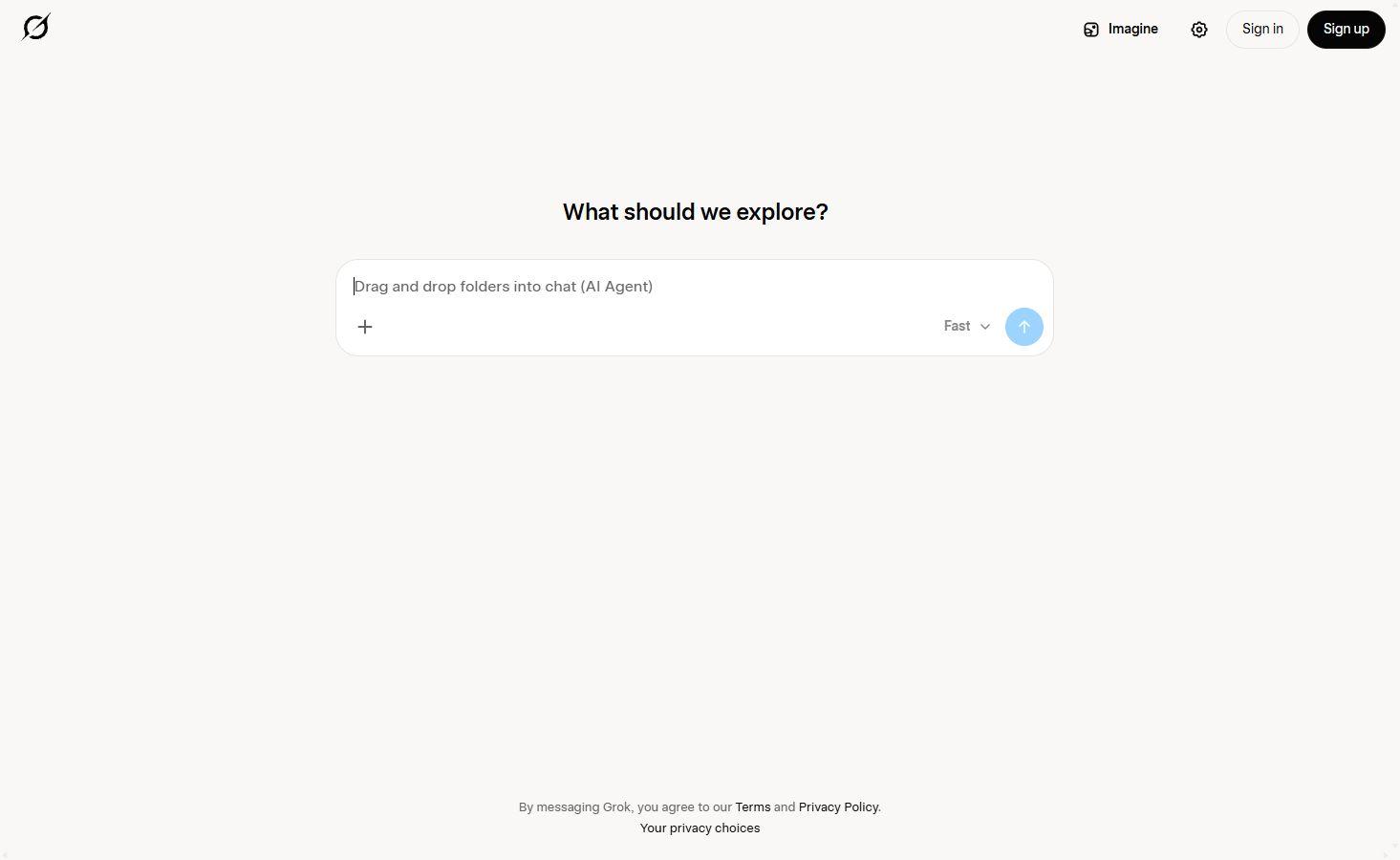
Grok is an AI assistant for current-topic research, writing, file analysis and creative work. Its web and X search bring recent coverage and public discussion into the conversation, with links to the sources behind an answer. You can use Grok on the web, iOS and Android, with limited free access before choosing a paid plan.
The combination of public search and connected apps makes Grok useful when a question spans news, your inbox and your own documents. Google Drive, Gmail, calendars, Outlook and OneDrive are among the built-in connections. Each account needs to be connected, and business administrators control which organisational connections their team can use.
For longer writing, Canvas provides a document workspace with inline edits. Cross-chat memory can carry context between conversations, and voice offers a way to talk through ideas. Imagine adds image and video generation, with availability, output options and usage limits depending on the plan and entry point.
The main subscription trade-off is the shared weekly allowance. Paid Chat, Imagine, Voice and Build draw from the same pool, so a busy video session can reduce the capacity left for other tasks. When the pool runs out, paid features pause; limited free Chat and Voice remain available. Your account shows remaining usage and the reset date.
Business and Enterprise add team workspaces and administration. Their work-data protections apply inside the team workspace, and shared conversations are restricted to licensed members. A personal chat account has a different scope. For a team considering Grok, workspace access and data controls matter alongside the subscription price.
Best for
- Researching current events and public discussion with web and X sources
- Working across connected email, calendars and documents
- Combining AI writing, voice conversations and media creation
Limitations
Paid features share a weekly allowance. Heavy video generation or long tasks can reduce the usage available for chat, voice and coding until the next reset.
Grok features
Cited web and X search
Search recent web coverage and X posts from the conversation. Source links let you open the original material, which is useful for news, public reactions and other fast-changing topics.
Document and image analysis
Attach PDFs, documents, spreadsheets, code and images for questions or summaries. Most supported files allow up to 150 MB each. Images embedded in non-PDF documents are not always analysed visually, and very long files may be processed in parts.
Connected email, calendars and storage
Built-in connections include Google Drive, Gmail, Google Calendar, OneDrive, Outlook, Teams, SharePoint and Salesforce. Connectors are available to all Grok users; Business and Enterprise administrators provision organisational connections.
Canvas for longer writing
Canvas opens longer writing in a document workspace where you can make inline edits. It gives drafts, reports and other extended text a place to develop beyond the chat conversation.
Voice and cross-chat memory
Talk with Grok through voice and carry context between conversations with memory. Paid access and free allowances differ, and paid voice draws from the shared weekly pool.
Imagine image and video creation
Create images and video with Imagine. Generation limits and output options vary by plan. Video is more demanding on the shared allowance, and higher-resolution access can fall back to a lower resolution after its cap is reached.
Business team workspaces
Business adds seats, administration and team conversation sharing. Only actively licensed team members can open shared conversations. Business data protections apply to the team workspace, with custom retention options on Enterprise.
Grok pricing
Grok has limited free access and paid individual subscriptions, with monthly or annual billing. Business is priced per licensed user; Enterprise requires a quote. Paid features share a weekly allowance, and additional usage can be purchased on the web. The prices below are USD examples; local currency, taxes and purchase-channel terms can differ.
Example plans.
Lite monthly — USD
USD 10 / month
Grok
Plan details
Entry paid tier with Expert access and introductory Imagine access. Paid products share a weekly allowance; extra usage costs more.
SuperGrok monthly — USD
USD 30 / month
Grok
Plan details
Higher usage, extended voice and coding access. Paid products share a weekly allowance; extra usage costs more.
SuperGrok Plus monthly — USD
USD 100 / month
Grok
Plan details
Higher usage and priority access. Paid products share a weekly allowance; extra usage costs more.
Technical specifications
AI assistants
| Feature | Grok |
|---|---|
| File inputs | Documents, data, code, images, audio and video; format handling differs by platform.Web, iOS and Android uploads |
| Web search and citations | Live web and X search with citations.Chat search |
| Memory controls | Cross-chat memory and personalised context.Signed-in chat |
| Connected apps | Google Drive, Gmail, calendars, Outlook, OneDrive and other services; team admins provision organisational connections.Authenticated connectors; organisational controls apply |
| Usage limits | Paid products share a weekly compute pool. Paid features pause when it is spent; limited free Chat and Voice remain available. Extra usage can be purchased on the web.Paid app plans |
| Maximum file size (MB) | 150Most file types; MB per file; platform and subscription variations apply |
| API access | SupportedSeparate developer API |
Grok alternatives
Perplexity centres its experience on cited research, ChatGPT offers a broad workspace for files and creative work, and Gemini connects with supported Google apps. Their reviews below cover the features and subscription limits in more detail.
Gemini
Google’s assistant with research, multimodal inputs and supported Google app connections.
Grok FAQs
Is Grok free?
Yes. Grok offers limited free access on the web and mobile. Paid subscriptions add features and higher allowances. Lite starts at USD 10 per month, and SuperGrok costs USD 30 per month. Annual subscriptions are also available; local prices and purchase-channel terms can differ.
Does Grok search X and the web?
Yes. Grok can search both the web and X and include source citations in its answers. You can follow those links to read the original coverage or posts.
Does a Grok subscription include unlimited usage?
No. Paid Chat, Imagine, Voice and Build share a weekly compute allowance. When it is spent, paid features pause until the reset, while limited free Chat and Voice remain available. Your account shows remaining usage and the reset date. Extra usage can currently be purchased on the web.
Is Grok Bot the same as the chat app?
No. Grok Bot is a separate product with persistent agent workspaces. Grok Studio has been retired; Grok Build is the current app-building product.
What files can I upload to Grok?
Supported uploads include PDFs, Word documents, spreadsheets, presentations, text, code, images and some audio and video formats. Most document, image, code and audio files support up to 150 MB each, with platform and subscription differences. Audio or video transcription and embedded-image analysis vary by format. Very long documents may be summarised or processed in parts.
Can Grok connect to Gmail, Google Drive and Microsoft apps?
Yes. Built-in connections include Gmail, Google Drive, Google Calendar, Outlook, OneDrive, Teams and SharePoint. You connect your own account and grant access to the relevant service. In Business or Enterprise, an administrator must first make organisational connections available.
What does Grok Business include?
Grok Business is listed at USD 30 per month per licensed user. It adds team workspaces, seat administration and controlled conversation sharing. Business data protections apply inside the team workspace; sharing is restricted to actively licensed members. Enterprise offers a custom quote and further organisational controls, including retention options.
Is this your product? Claim this page to update your listing.