
Graphic design
Looka
Explore Looka’s AI logo maker, Brand Kit templates, download formats and editing limits, with one-time logo packages and annual subscriptions explained.
Explore AI tools for writing, research, coding, images, video and business. Browse free and paid products, with detailed reviews, features, pricing and alternatives.
Saved in this browser.
11 tools
Explore Looka’s AI logo maker, Brand Kit templates, download formats and editing limits, with one-time logo packages and annual subscriptions explained.

Adobe Express combines AI design, social graphics and presentations with Adobe assets. Explore its Assistant, brand tools, pricing, exports and alternatives.
Canva combines AI design with editable graphics, presentations and brand assets. Explore its features, free and paid plans, export limits and alternatives.

Figma brings AI into interface design, shared components and interactive prototypes. Explore its Design agent, Make, seat pricing, exports and alternatives.

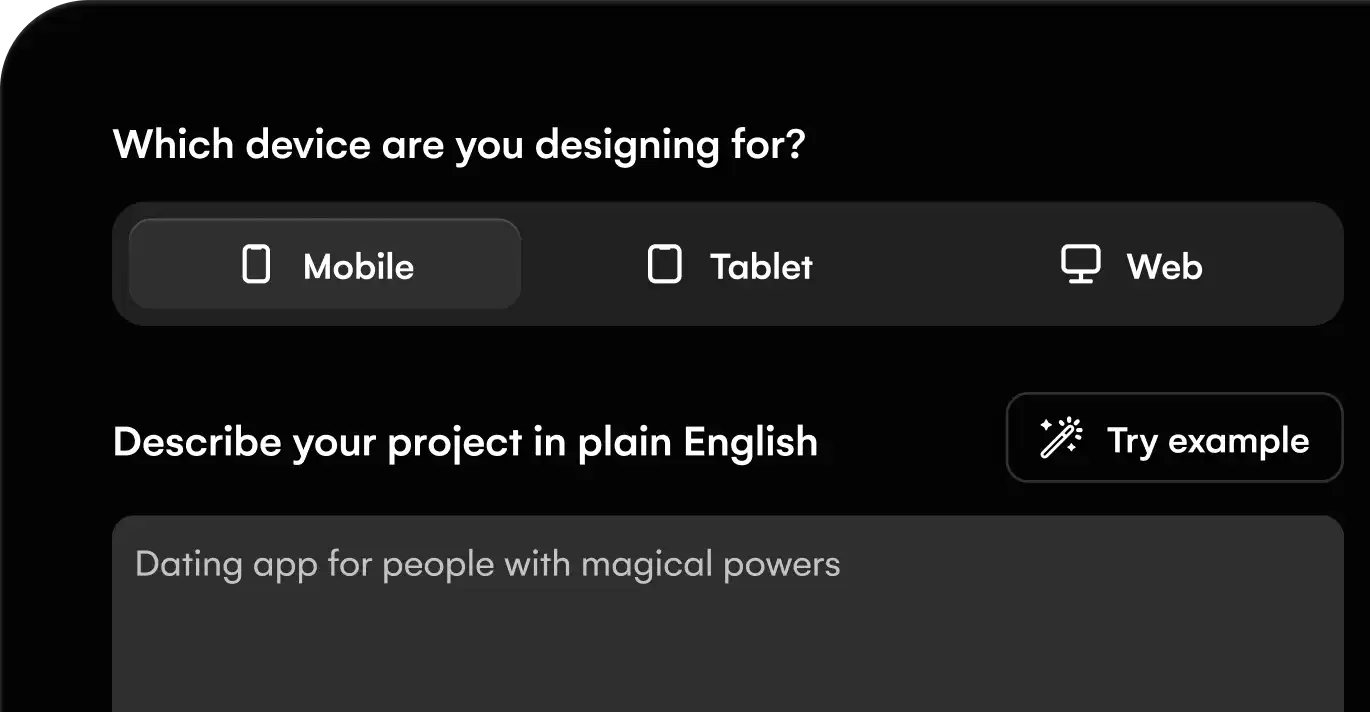
Explore Google Stitch’s free AI UI design, voice editing, interactive prototypes, Figma and code handoff, design systems, usage limits and alternatives.

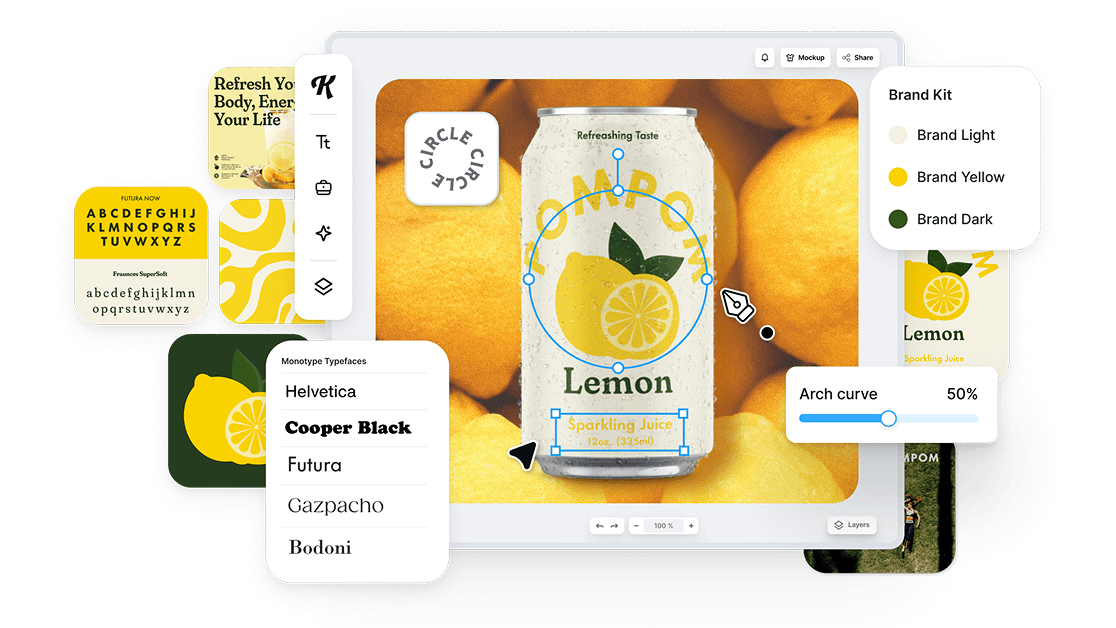
Explore Kittl for AI images, typography, logos and merchandise design. See its vector and print exports, free plan, paid tiers and alternatives.

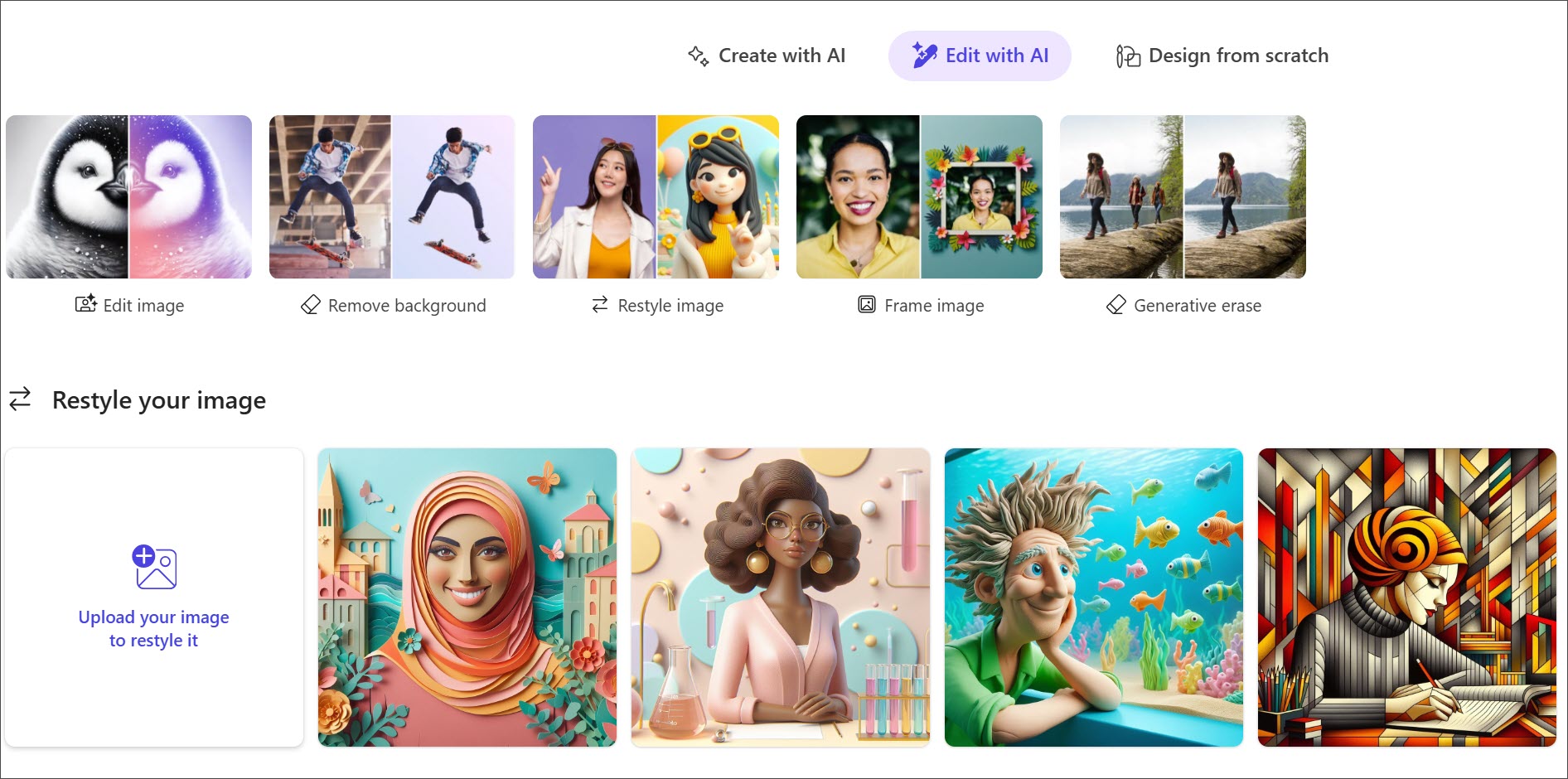
Microsoft Designer creates AI images, invitations and personal graphics. Explore its photo tools, free access, Microsoft 365 limits and alternatives.

Review Piktochart’s AI infographics, document uploads, chart tools and export limits. Explore free access, paid plans, branding and alternatives.

Explore Uizard’s AI UI design, screenshot and wireframe scanners, interactive prototypes, export limits, team pricing and alternatives to Figma.

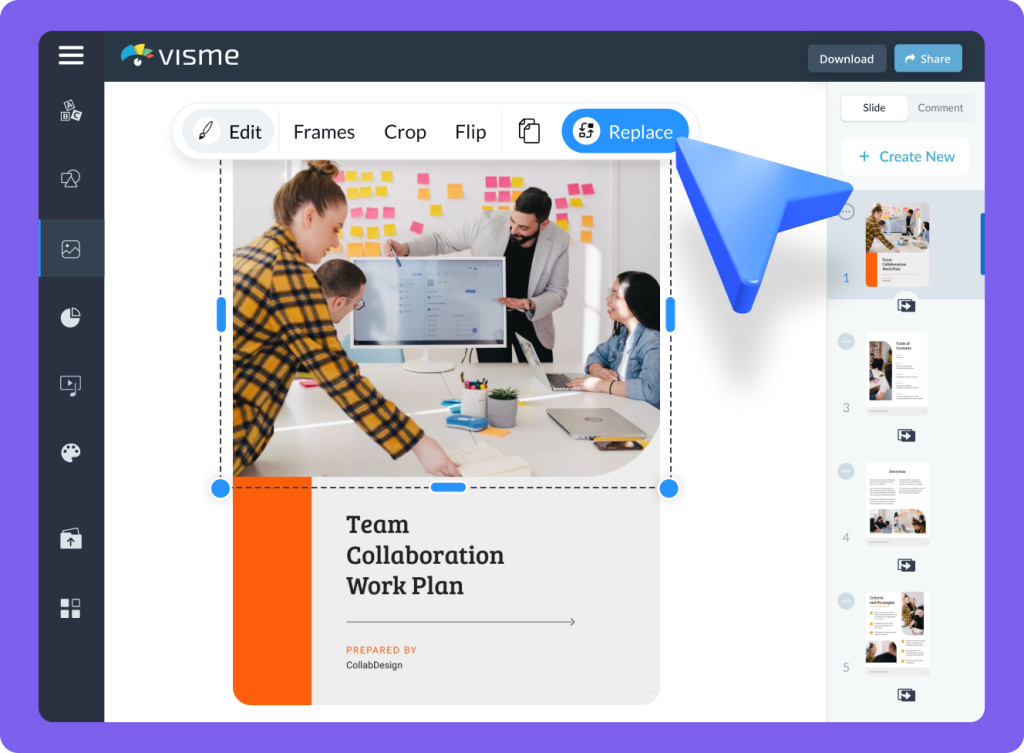
Visme creates AI presentations, reports and visual content. Explore its brand tools, interactive charts, PowerPoint exports, pricing and alternatives.

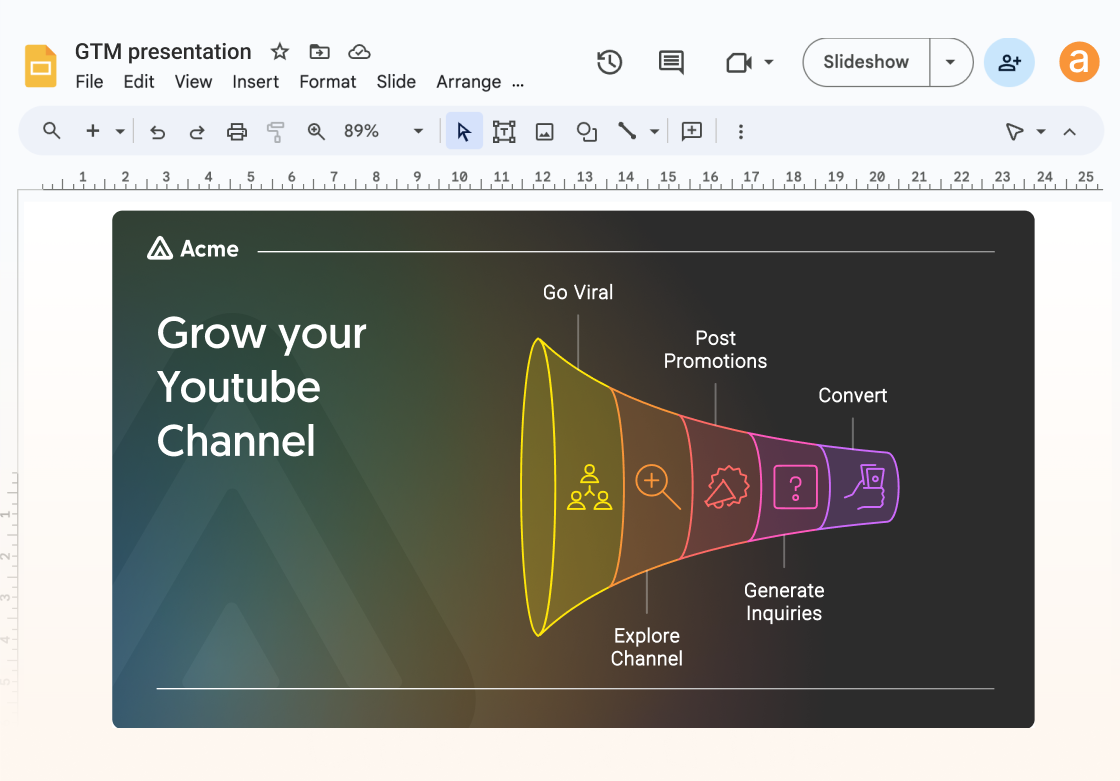
Turn a written explanation into a diagram you can refine and reuse in a document or presentation. Napkin focuses on communicating an idea visually.
Explore conversational assistants for questions, documents, research and everyday work, including ChatGPT, Claude and Gemini.
Explore AI assistants →Find web answers, search academic papers and explore evidence with AI search engines and research assistants.
Explore search and research →Generate, explain and refactor code with editor assistants, repository agents and coding tools for the terminal.
Explore coding assistants →Create images from prompts and references, edit existing pictures and explore tools for illustration, photography and visual concepts.
Explore image generation →Explore AI video generators, avatar presenters and editing tools for clips, tutorials, campaigns and longer productions.
Explore video creation →Generate narration and synthetic speech, create custom voices and explore dubbing tools for audio and video.
Explore voice generation →Explore free products and free plans for writing, research, creative projects and more. Free plans often include a usage allowance or a smaller set of features; paid plans can offer higher limits and additional tools.
Yes. The directory includes free products and products with a free plan. A free plan may limit usage, features or exports. Free trials are listed separately because their access ends after the trial period.
Our product pages cover key features, supported platforms, pricing, limitations and alternatives. Category guides bring related products together, from image generators and coding assistants to research and audio tools.
The AI directory covers third-party products, with links to their own websites. Our browser tools are BestOnline.Tools utilities for editing images, organising PDFs, converting audio and working with text. You can use those tools directly on this site.
Edit images, organise PDFs, convert audio and work with text in your browser.