

Uizard
Uizard: AI UI mockups and interactive prototypes
Uizard helps product teams turn ideas, screenshots and hand-drawn wireframes into editable mockups. Autodesigner generates screen concepts, while shared editing and interactive prototypes make early product ideas easier to discuss.
Free plan availableAccount required
- Access
- Free and paid plans
- Available on
- Web
An editable prototype before implementation
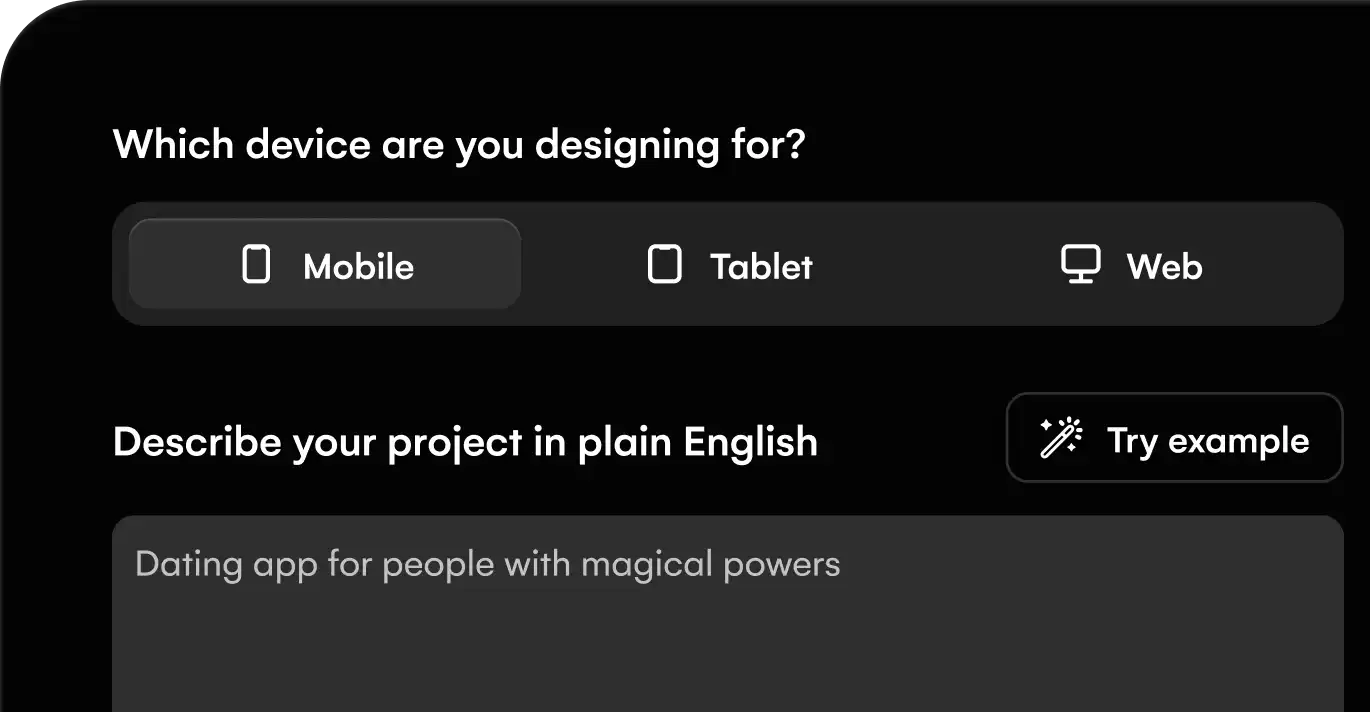
Uizard combines a visual design canvas with AI tools for the early stages of a digital product. Autodesigner can generate projects, screens and themes from a description. Screenshot Scanner converts a reference image into a mockup, while Wireframe Scanner digitizes a hand-drawn sketch. The result remains editable instead of being a flat image.
Screens can be connected into an interactive prototype and shared for feedback. Creators can edit projects; free Viewers can review and comment. This suits product discussions and design iterations before implementation. Uizard officially recommends a laptop or desktop browser; designing a mobile-app interface does not mean the editor fully supports mobile devices or iPads.
Export screens and selected components as images or PDFs. Paid Handoff Mode provides CSS or React for one component at a time. It does not export a complete project as application code, retain the whole layer structure for another design tool, or supply a working backend and database. SVG can carry supported artwork into compatible tools, with format-specific limitations.
Uizard’s terms distinguish design ownership from exclusive rights: users retain their artifacts when they have rights to the inputs, but generated results may not be unique. Free and Pro design artifacts may be used to improve AI models; Business and Enterprise artifacts are excluded from that training provision.
Best for
- Product managers developing screen concepts
- Teams discussing a clickable prototype
- Founders turning a sketch into an editable mockup
Limitations
Uizard produces mockups and prototypes rather than a complete working application. Code handoff is limited to individual components. Mobile/iPad editing is not officially supported, and Free/Pro artifacts may be used for AI training under the terms.
Uizard features
Autodesigner screen generation
Create editable project, screen and theme concepts from a brief.
Screenshot scanning
Turn reference screens into editable mockups.
Hand-drawn wireframe scanning
Bring paper sketches into the design canvas.
Interactive prototypes
Connect screens and share a simulated product journey.
Shared editing and feedback
Work with Creator seats and free Viewers/commenters.
Component handoff
Inspect and copy individual CSS or React components on eligible paid plans.
Uizard pricing
Free plan available. Custom pricing. Visit Uizard for full plan details and current offers.
Technical specifications
Graphic design
| Feature | Uizard |
|---|---|
| Design output types | Editable mobile/web mockups and clickable prototypes; no working backend or database. |
| Editable layers and layout | Autodesigner projects/screens/themes, Screenshot Scanner and Wireframe Scanner with manual component editing. |
| Export formats | JPG/PNG/PDF and supported SVG exports; paid CSS/React handoff is one component at a time, not whole-project code. |
| Brand controls | Business includes a custom brand kit; Enterprise adds design-system setup. |
| Collaboration workflow | Shared editing by Creators; free Viewers can view/comment. Private projects require paid access. |
| Commercial-use rights | Users retain design artifacts subject to input rights. Outputs may be nonunique; Free/Pro artifacts may train AI models, Business/Enterprise excluded. |
Uizard alternatives
Google Stitch emphasizes UI generation and front-end export; Figma expands the component and design-system workspace.
Uizard FAQs
Can Uizard turn a screenshot into an editable design?
Yes. Screenshot Scanner converts an uploaded reference screen into a mockup that you can refine in the editor.
Can I export a full Uizard app as code?
No. Paid Handoff Mode exposes CSS and React for individual components. Uizard does not export an entire project as a working app or connect it to a backend database.
Do Uizard Viewers need paid seats?
Viewers and commenters are free. Paid plans charge for Creator seats, which provide editing capabilities.
Can I edit Uizard projects on my phone?
Uizard does not officially support mobile or iPad editing. Its documentation recommends using a laptop or PC.
Is this your product? Claim this page to update your listing.