
Canva
Canva: AI design, presentations and brand content
Canva brings AI design tools into an editable workspace for social graphics, presentations, documents and video. Canva AI 2.0 can develop a design through conversation, while Brand Kits and reusable templates keep everyday content consistent.
Free plan availableAccount required
- Access
- Free and paid plans
- Example plan
- EUR 12 / monthPro — EUR monthly
- Available on
- Web, Mobile
AI ideas with an editable design canvas
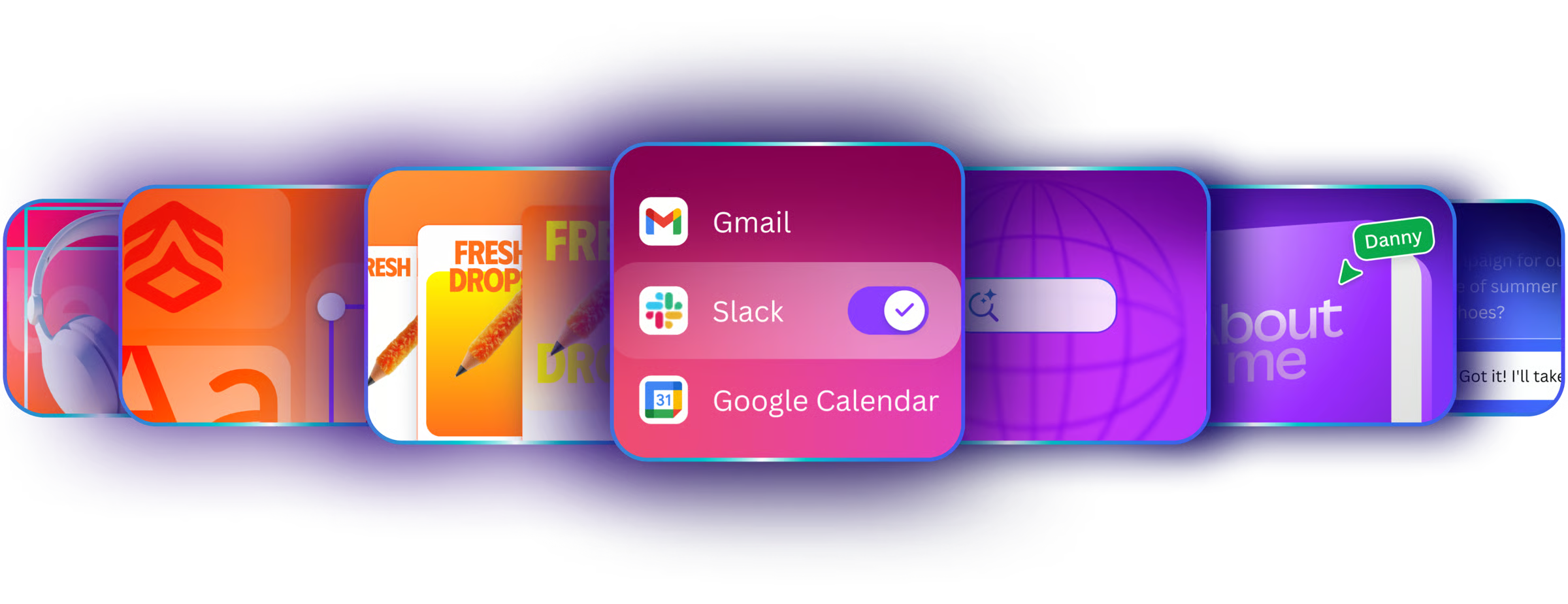
Canva combines a template library with an editor for graphics, slides, documents and video. Canva AI 2.0 adds conversational design: describe an idea, refine the result and continue editing the elements on the canvas. Connected apps can supply context, while Canva Code supports interactive content on eligible plans.
Magic Layers addresses a different problem: turning a flat JPEG or PNG into an editable design. The beta separates text and objects so you can change parts of an image without recreating the entire layout. It draws from the shared Premium AI allowance; it does not make every imported image or PowerPoint slide editable automatically.
Brand Kits collect logos, colours and fonts. Pro supports five kits, while Business adds more kits and approval tools for teams. The Free plan includes a limited kit with three colours. Canva’s plan matrix marks some Enterprise AI 2.0 and connector capabilities as coming soon, so the latest individual AI features are not automatically available on every organization plan.
Exports depend on the document type. Graphics can be downloaded as PNG, JPG or PDF; paid eligibility unlocks options such as SVG and transparent PNG. Presentations support PPTX, but animations and embedded video do not carry over fully, and fonts or layouts may change. PowerPoint imports also have limits: charts, SmartArt, WordArt and 3D objects are not supported.
Best for
- Creators producing social and marketing graphics
- Teams reusing branded templates
- People building presentations and visual documents
Limitations
AI access is shared across tools, and complex tasks consume more of the allowance. Magic Layers is a beta. Some Enterprise features are still coming soon, and PowerPoint exports may change the design or omit interactive media.
Canva features
Conversational design
Create and revise designs with Canva AI 2.0, then edit the canvas.
Magic Layers
Separate text and objects from a flat JPEG or PNG on eligible accounts.
Brand Kits
Reuse logos, colours and fonts, with plan-specific kit limits.
Slides, documents and video
Create several content formats in the same design workspace.
Connected design context
Bring supported connected-app information into Canva AI on eligible plans.
Format-specific downloads
Export graphics and presentations, with paid options and format limitations.
Canva pricing
Free plan available. Plans priced per user. Visit Canva for full plan details and current offers.
Example plans.
Pro — EUR monthly
EUR 12 / month
Current documented product
Plan details
One person; observed EUR website offer, monthly billing. Regional offers differ.
Business — EUR monthly
EUR 17 / user / month
Current documented product
Plan details
Per person; observed EUR website offer, monthly billing.
Technical specifications
Graphic design
| Feature | Canva |
|---|---|
| Design output types | Social graphics, presentations, documents, video and eligible interactive content. |
| Editable layers and layout | Editable design canvas; conversational changes; Magic Layers beta for flat JPEG/PNG designs. |
| Export formats | PNG/JPG/PDF; paid SVG and transparent PNG options; presentation-only PPTX with font/layout and media limitations. |
| Brand controls | Free limited Brand Kit; Pro five kits; Business brand kits and approvals. Feature eligibility varies. |
| Collaboration workflow | Shared designs and branded assets; Business approval tools; organization controls depend on plan. |
| Commercial-use rights | AI inputs and outputs remain yours as between you and Canva, subject to law and separate library-content licences. AI output need not be unique. |
| Included asset storage (GB) | 5Free asset storage 100Pro asset storage 500Business asset storage |
Presentations
| Feature | Canva |
|---|---|
| Brief and document inputs | Briefs, editable designs and imported PPT/PPTX-family files; import limits and unsupported elements apply. |
| Slide editing controls | Editable text, images and layouts inside the Canva presentation editor. |
| Presentation exports | Presentation-only PPTX and PDF; fonts/layout may change and animations/embedded videos are not fully supported. |
| Brand templates | Reusable logos, colours, fonts and templates with plan-specific Brand Kit access. |
| Sharing and collaboration | Share designs and reuse branded assets; Business approval tools depend on plan. |
Canva alternatives
Adobe Express covers everyday branded content; Figma is more focused on interface design and collaborative design systems.
Adobe Express
AI-assisted graphics, brand kits and social content with Adobe integrations.
Compare with CanvaCanva FAQs
Is Canva free?
Yes. Canva Free includes basic creation tools, 5 GB of storage and limited AI access. Pro and Business add features and higher allowances; plans and prices vary by region.
Does Canva export PowerPoint presentations?
Presentations can be downloaded as PPTX. Some fonts and layouts may change; animations and embedded video are not fully supported in the export.
Are Canva AI limits separate for each tool?
Premium and Ultra tools draw from a shared monthly allowance for each user. Complexity changes consumption, and advertised usage estimates are not additive allowances.
Can I edit text inside an existing image?
Magic Layers can turn supported flat JPEG and PNG designs into editable text and objects. It is a beta feature and uses the Premium AI allowance.
Is this your product? Claim this page to update your listing.