Coding assistants
GitHub Copilot
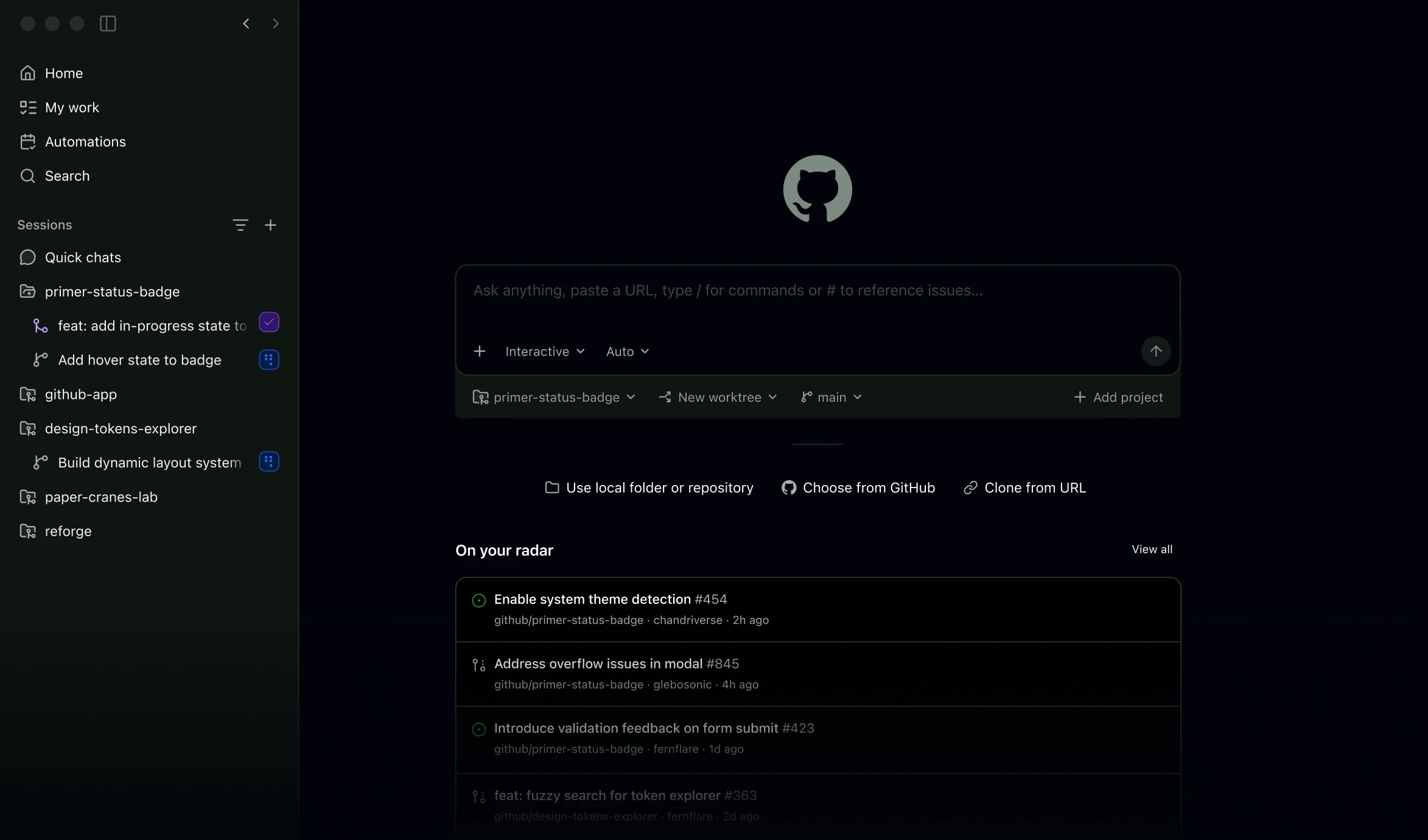
Get code suggestions, ask questions about a repository and delegate coding tasks with GitHub Copilot across supported editors, its desktop app, the terminal and GitHub.
Explore AI tools for writing, research, coding, images, video and business. Browse free and paid products, with detailed reviews, features, pricing and alternatives.
Saved in this browser.
128 tools · Page 9 of 11
Get code suggestions, ask questions about a repository and delegate coding tasks with GitHub Copilot across supported editors, its desktop app, the terminal and GitHub.

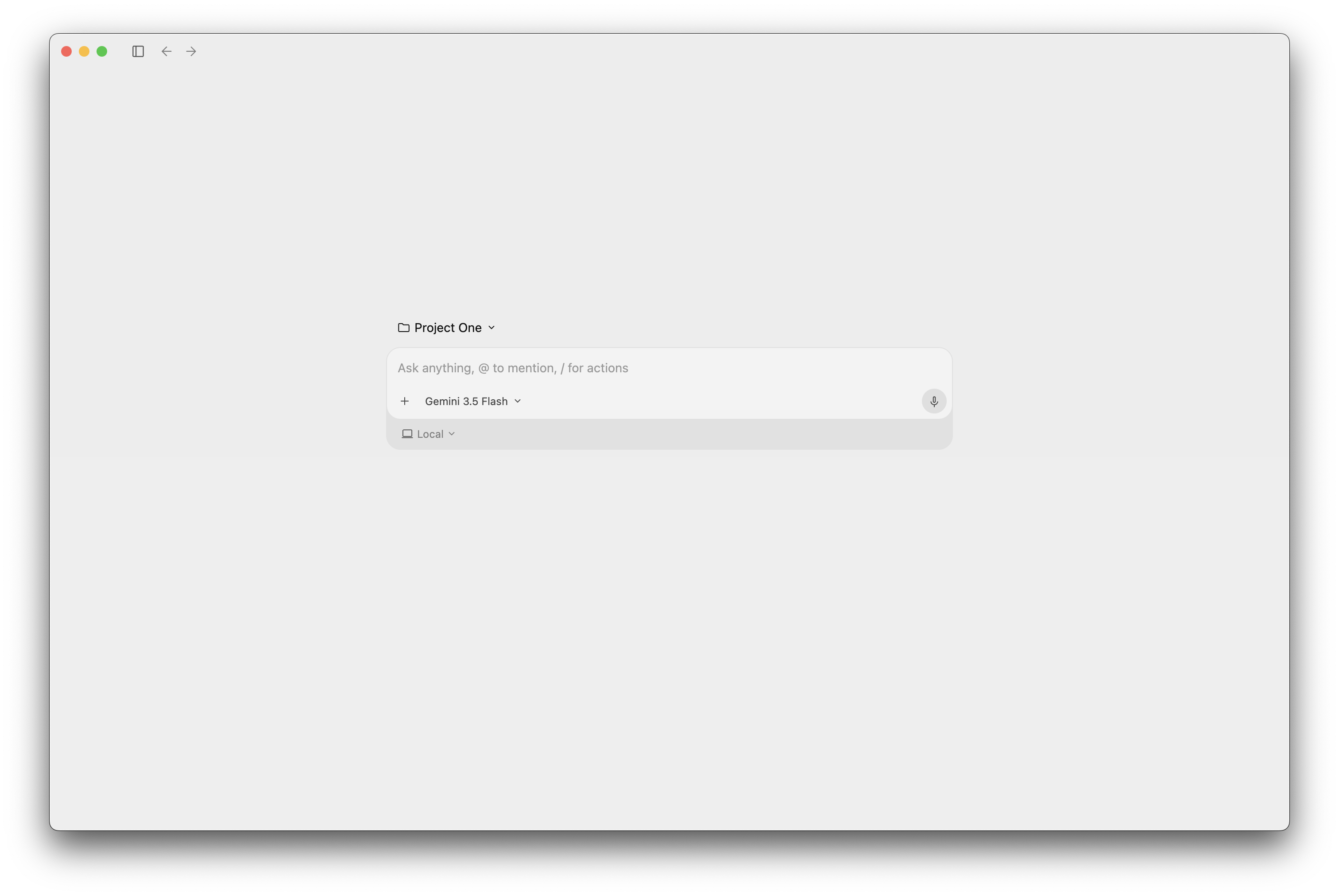
Google Antigravity brings coding agents to a desktop command centre, the terminal and supported IDEs. Free access includes limited agent usage; Google AI subscriptions expand capacity, and Google Cloud provides a separate business route.

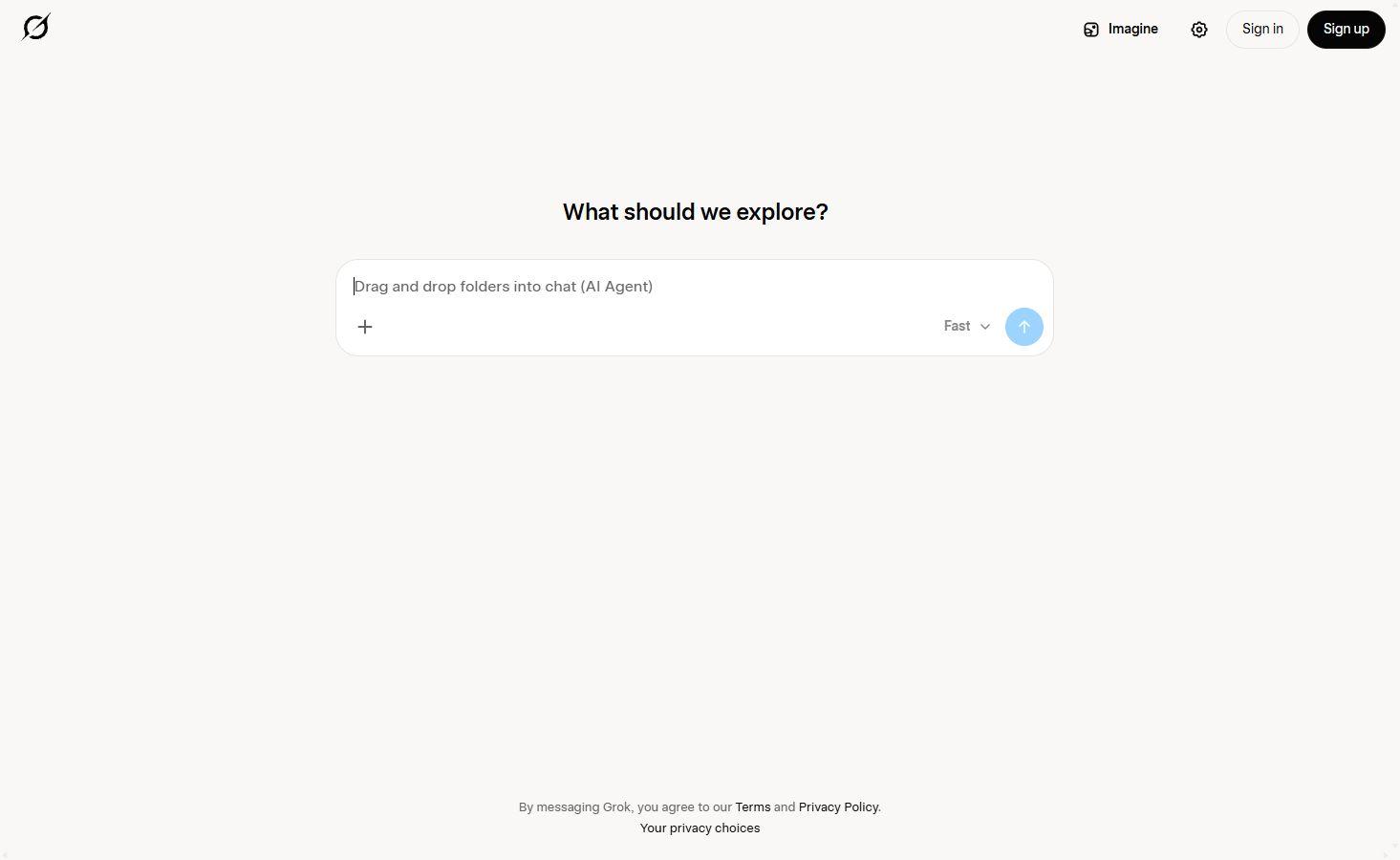
Explore current information with cited web and X search, bring your own files into the conversation, and create images or video with Grok Imagine.

Ideogram generates and edits AI images, with a particular focus on designs with text, editable typography and repeated changes to an existing image.

JetBrains Junie is a coding agent for the terminal and supported IDEs. It can inspect a repository, change code and run tests, with a free Junie Lite model, JetBrains AI subscriptions and separately billed bring-your-own-key access.

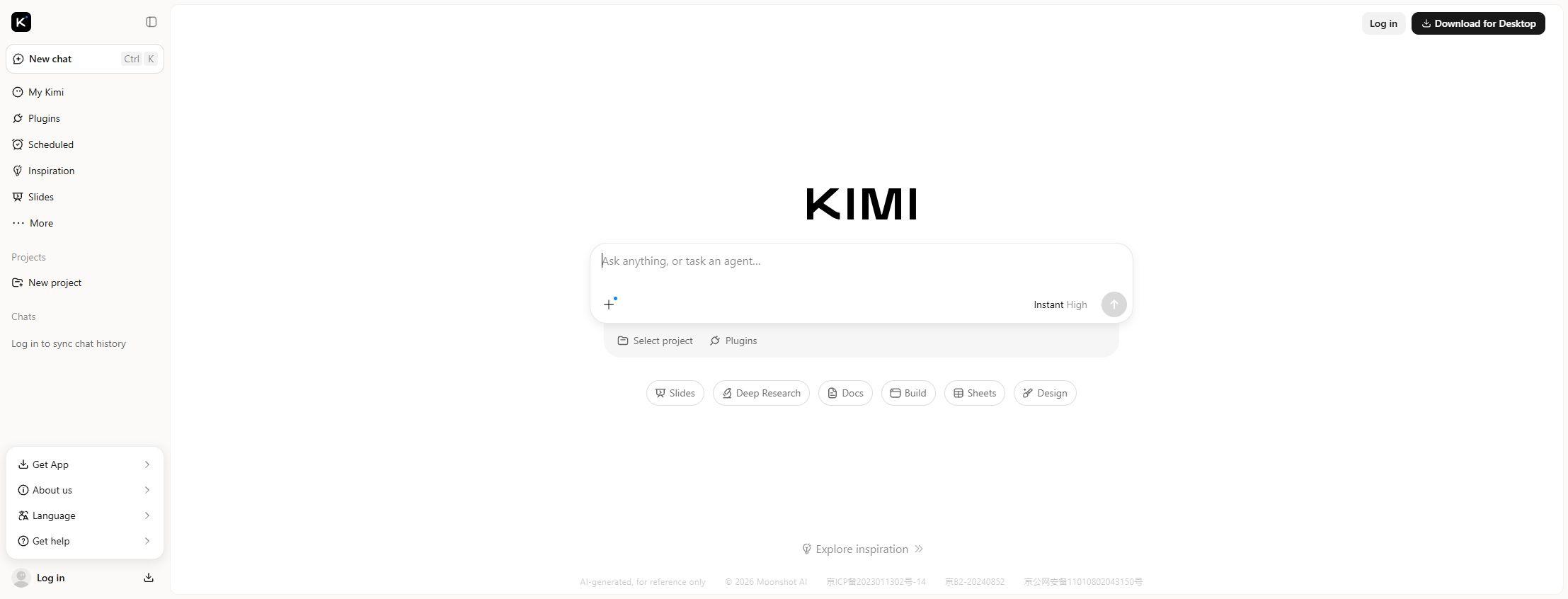
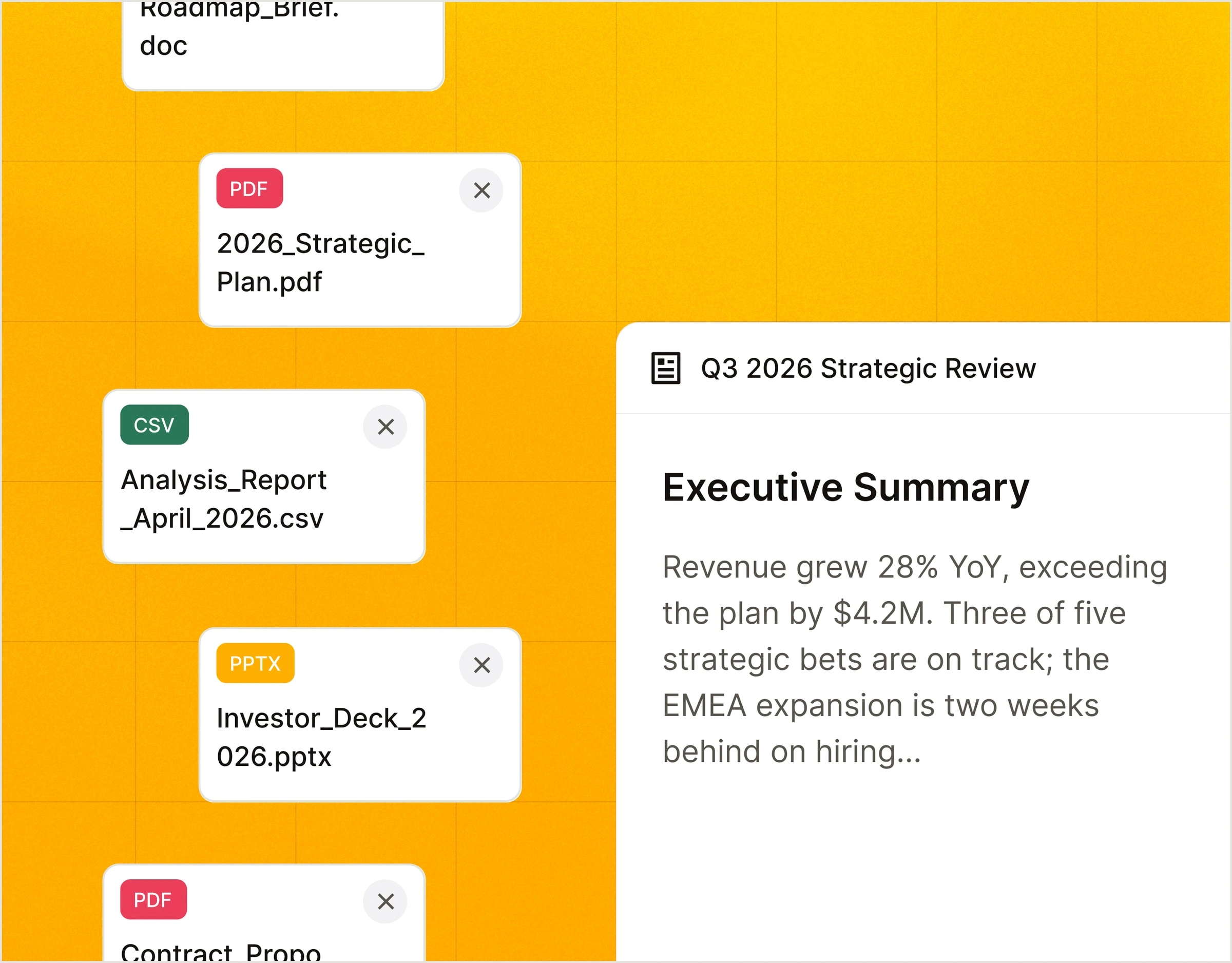
Create cited research reports, editable Word and Excel files, and PowerPoint presentations with Moonshot AI’s Kimi assistant.

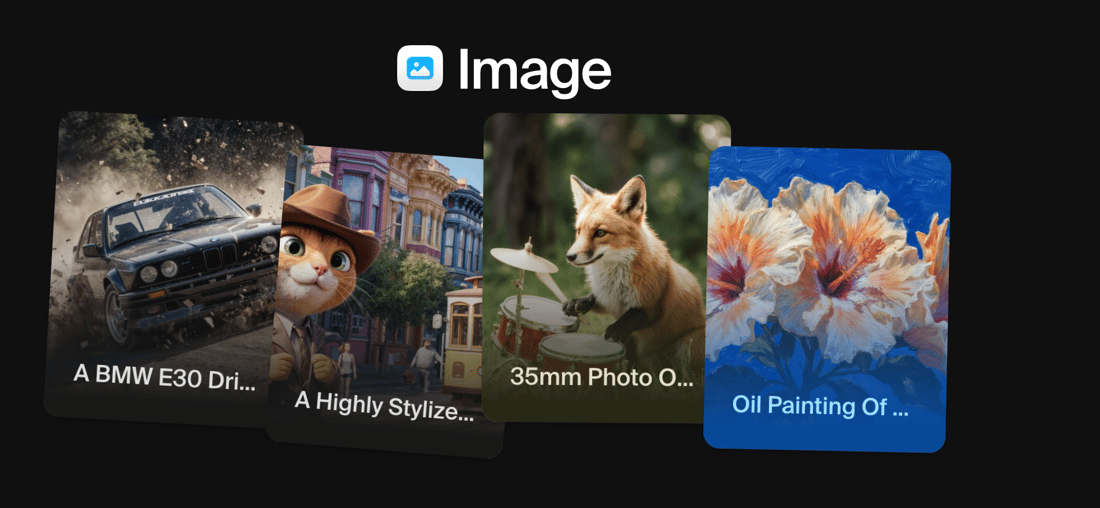
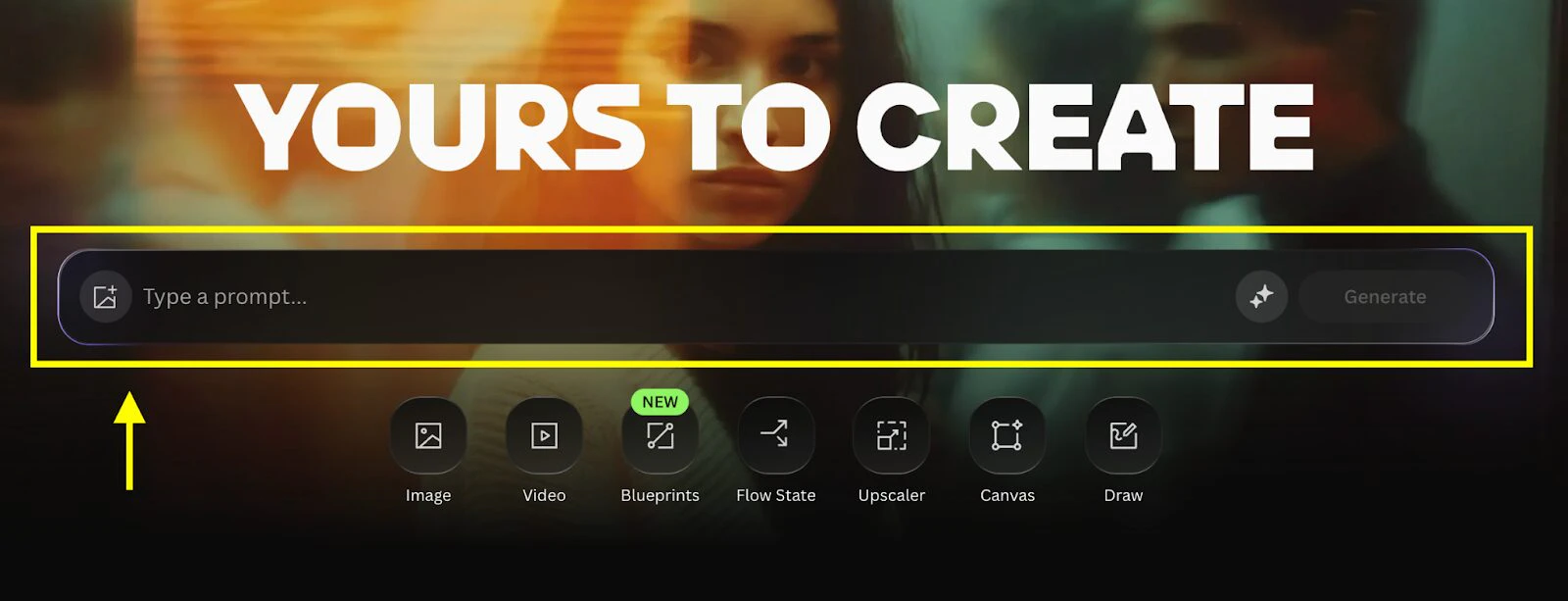
Krea brings its own image models and third-party generators into one creative suite, with a live drawing canvas, prompt-based editing, custom styles and image upscaling.

Leonardo.Ai brings AI image generation, prompt-based editing, custom visual Elements and upscaling into one workspace, with tools for moving images into video.

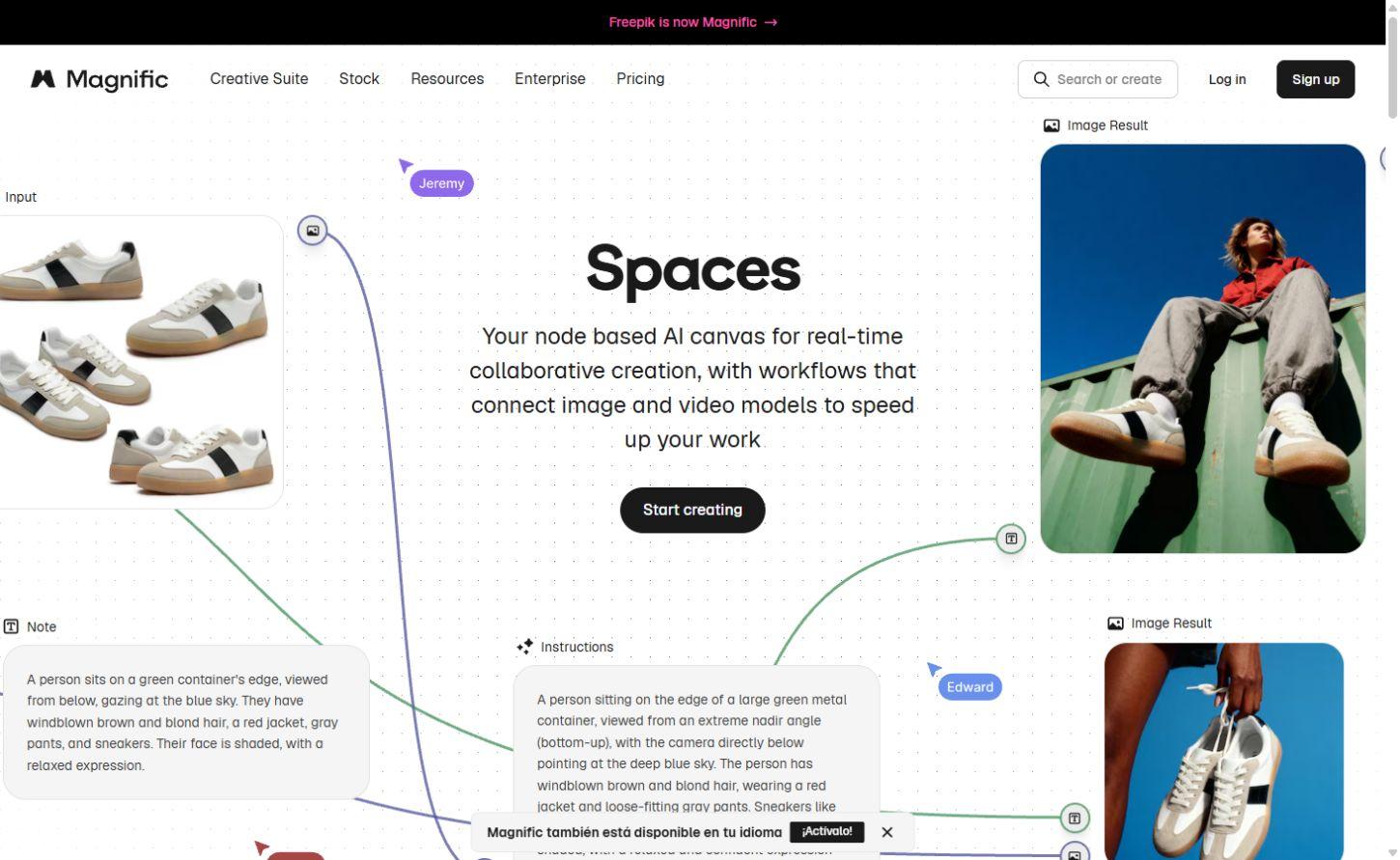
Magnific, the creative platform formerly Freepik, combines AI image models, editing and upscaling with a stock library and a canvas for connected creative work.

Draft documents, explore information and build presentations with Microsoft’s AI assistant. Free chat covers everyday questions; Microsoft 365 subscriptions bring Copilot into familiar productivity apps.

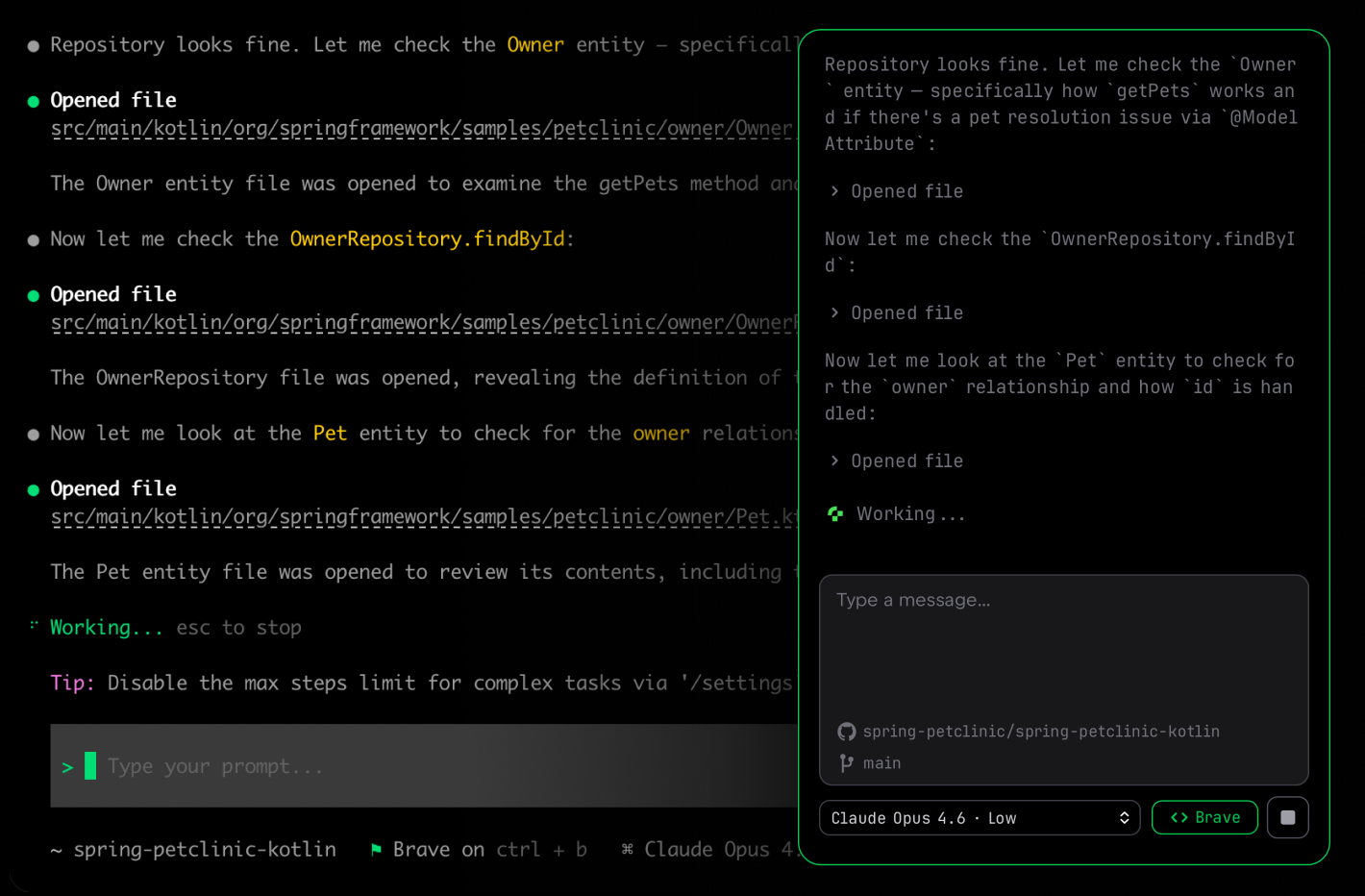
Research a topic, create documents and connect your work apps, then delegate coding tasks through Vibe’s terminal, editor and web agents.
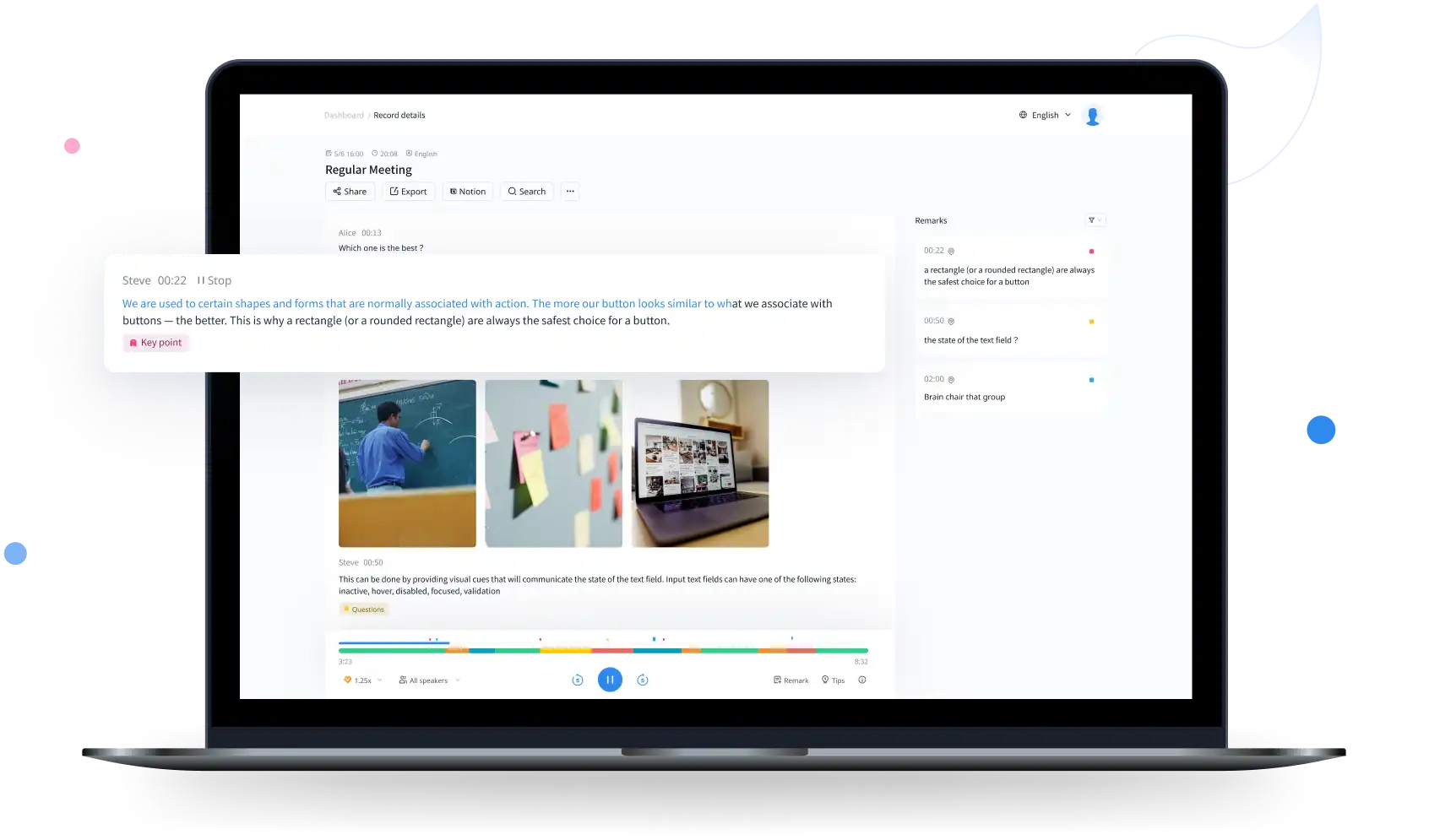
Notta transcribes recorded files and meetings, identifies speakers and provides translated transcripts and AI notes. Its web, mobile and desktop apps cover different recording needs. Desktop Privacy Mode offers a separate local transcription option with narrower language support than the cloud service.
Explore conversational assistants for questions, documents, research and everyday work, including ChatGPT, Claude and Gemini.
Explore AI assistants →Find web answers, search academic papers and explore evidence with AI search engines and research assistants.
Explore search and research →Generate, explain and refactor code with editor assistants, repository agents and coding tools for the terminal.
Explore coding assistants →Create images from prompts and references, edit existing pictures and explore tools for illustration, photography and visual concepts.
Explore image generation →Explore AI video generators, avatar presenters and editing tools for clips, tutorials, campaigns and longer productions.
Explore video creation →Generate narration and synthetic speech, create custom voices and explore dubbing tools for audio and video.
Explore voice generation →Explore free products and free plans for writing, research, creative projects and more. Free plans often include a usage allowance or a smaller set of features; paid plans can offer higher limits and additional tools.
Yes. The directory includes free products and products with a free plan. A free plan may limit usage, features or exports. Free trials are listed separately because their access ends after the trial period.
Our product pages cover key features, supported platforms, pricing, limitations and alternatives. Category guides bring related products together, from image generators and coding assistants to research and audio tools.
The AI directory covers third-party products, with links to their own websites. Our browser tools are BestOnline.Tools utilities for editing images, organising PDFs, converting audio and working with text. You can use those tools directly on this site.
Edit images, organise PDFs, convert audio and work with text in your browser.