
Krea
AI image generation, realtime creation and custom visual styles
Krea brings its own image models and third-party generators into one creative suite, with a live drawing canvas, prompt-based editing, custom styles and image upscaling.
Free plan availableAccount required
- Access
- Free and paid plans
- Example plan
- USD 35 / monthPro monthly
- Available on
- Web, Mobile, API
What is Krea?
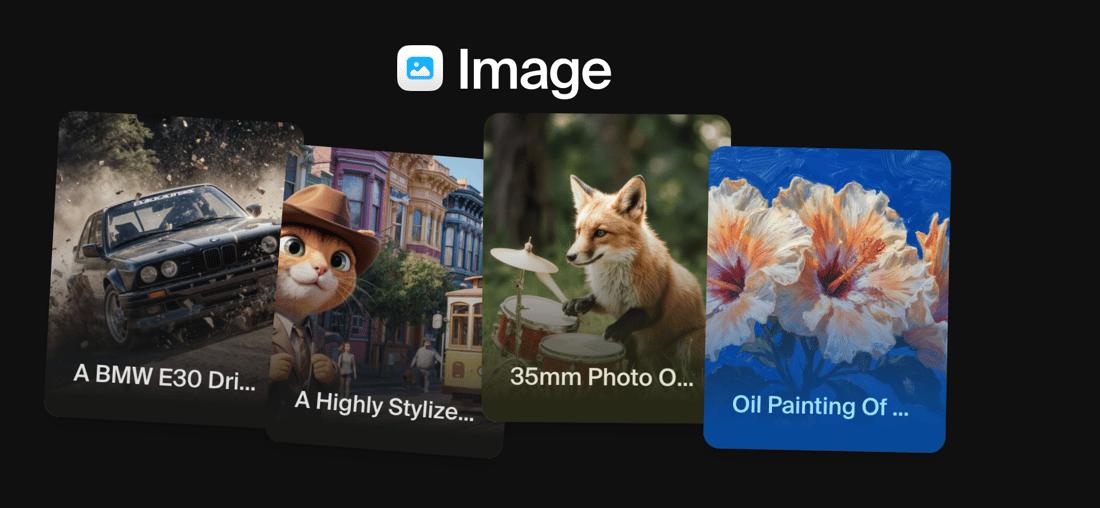
Krea is an AI creative suite for generating images and videos, editing existing assets and exploring visual ideas. Its Image tool puts a choice of models beside the prompt and reference controls. Krea’s own models sit alongside third-party models, and the available settings change with that choice.
Realtime gives Krea a distinct creative surface. A drawing canvas appears beside a generated result, with brushstrokes, shapes and prompt changes guiding the image as you work. It is useful for exploring composition visually. Conventional image generation offers a more deliberate alternative, with sessions and an asset library for organising results.
Custom training adds reusable styles or subjects to supported models. Editing and enhancement tools then help refine a chosen image, and video tools can continue from a still frame. For developers, API access uses a separate dollar balance; buying web-app compute does not fund API requests.
Best for
- Designers exploring compositions through drawing and visual references.
- Creators using several image models within the same workspace.
- Teams building reusable styles and shared creative assets.
Limitations
Free outputs are not commercially licensed. Compute cost varies by model and settings. Pro and Max monthly units do not roll over; one-time compute packs expire after 90 days. API usage has a separate prepaid dollar balance.
Krea features
Multi-model image generation
Use written prompts and image references with Krea’s own models or third-party generators. Model selection determines the available reference, aspect-ratio and style controls.
Realtime drawing canvas
Guide a live result with brushstrokes, shapes and colour changes. Realtime has separate fast and quality modes, with documented image resolutions of 512px and 1024px.
Custom visual styles
Train a LoRA on images of a style, character or object. Apply it to compatible models to give related assets a shared visual reference.
Targeted image editing
Use text and reference images to change an existing scene, replace details or expand a composition. Edits sit alongside generation and enhancement tools.
Image upscaling
Increase an image’s dimensions with selected upscaling models, including paid Topaz options up to 22K. Upscaling is a separate operation from native image generation.
Developer API
Generate, edit, enhance and train styles through model-specific endpoints. API-token usage draws from a separate USD balance; OAuth-based MCP connections instead use account compute.
Krea pricing
Free plan available. Subscription plans. Visit Krea for full plan details and current offers.
Example plans.
Pro monthly
USD 35 / month
Krea web app
Plan details
20,000 compute units/month, monthly billing. Units do not roll over; generation costs depend on the model and operation.
Max 60k monthly
USD 105 / month
Krea web app
Plan details
Selected 60,000-unit/month tier; monthly billing. Other credit tiers have different prices. Relaxed generation covers selected in-house image models.
Business 80k monthly
USD 200 / month
Krea web app
Plan details
Selected 80,000-unit/month workspace; includes up to 50 seats rather than a per-seat charge. Other compute tiers cost differently.
Technical specifications
Image generation
| Feature | Krea |
|---|---|
| Prompt and reference inputs | Text prompts, uploaded image references and model-specific style controls. Realtime accepts drawing, shapes and optional live visual input.Model and subscription dependent |
| Editing controls | Prompt-based image edits, background changes, variations, enhancement and upscaling within the creative suite.Model and subscription dependent |
| Output dimensions | Native generation dimensions depend on the model. Realtime documents 512px fast and 1024px quality modes; selected paid Topaz upscalers support outputs up to 22K.Model and subscription dependent |
| Style and character controls | Train LoRA styles from images of a character, object or visual style, then reuse them with supported models. Reference controls differ across models.Model and subscription dependent |
| Output licensing and privacy | Commercial output licensing requires a paid plan. Free outputs are not commercially licensed. Visibility and private-mode eligibility depend on the subscription; separate business terms apply to business workspaces.Model and subscription dependent |
| API access | SupportedModel and subscription dependent |
Krea alternatives
Related AI creative platforms
Leonardo.Ai
Image creation, trained Elements, editing and upscaling in one workspace.
Compare with KreaRecraft
Image generation, SVG artwork, custom styles and product mockups.
Compare with KreaMidjourney
An image platform with style references, moodboards and image editing.
Compare with KreaKrea FAQs
Is Krea free?
Krea’s Free plan provides 100 compute units each day with limited features. A compute unit is not a fixed number of images: consumption changes with the selected model and operation.
Can I use free Krea images commercially?
Krea’s image-generation FAQ says free outputs are not commercially licensed. Paid plans include commercial output licensing, subject to the terms and your rights in any uploaded source material.
Does a Krea subscription cover API usage?
API-token requests use a separate prepaid USD balance. Web-app compute units and the API balance are distinct. OAuth-based MCP connections use the signed-in account’s compute units.
Is this your product? Claim this page to update your listing.