
Productivity and knowledge
ClickUp
ClickUp brings tasks, documents and Brain AI into one team workspace. Explore project features, Super Agents, plan pricing, limits and alternatives.
Explore AI tools for writing, research, coding, images, video and business. Browse free and paid products, with detailed reviews, features, pricing and alternatives.
Saved in this browser.
14 tools · Page 1 of 2
ClickUp brings tasks, documents and Brain AI into one team workspace. Explore project features, Super Agents, plan pricing, limits and alternatives.

Gemini adds AI to Google Workspace email, documents, spreadsheets and meetings. Explore plan differences, usage limits, business controls and alternatives.

Glean brings company knowledge into AI search, answers and agents. Discover its workplace features, pricing models, permissions and alternatives.

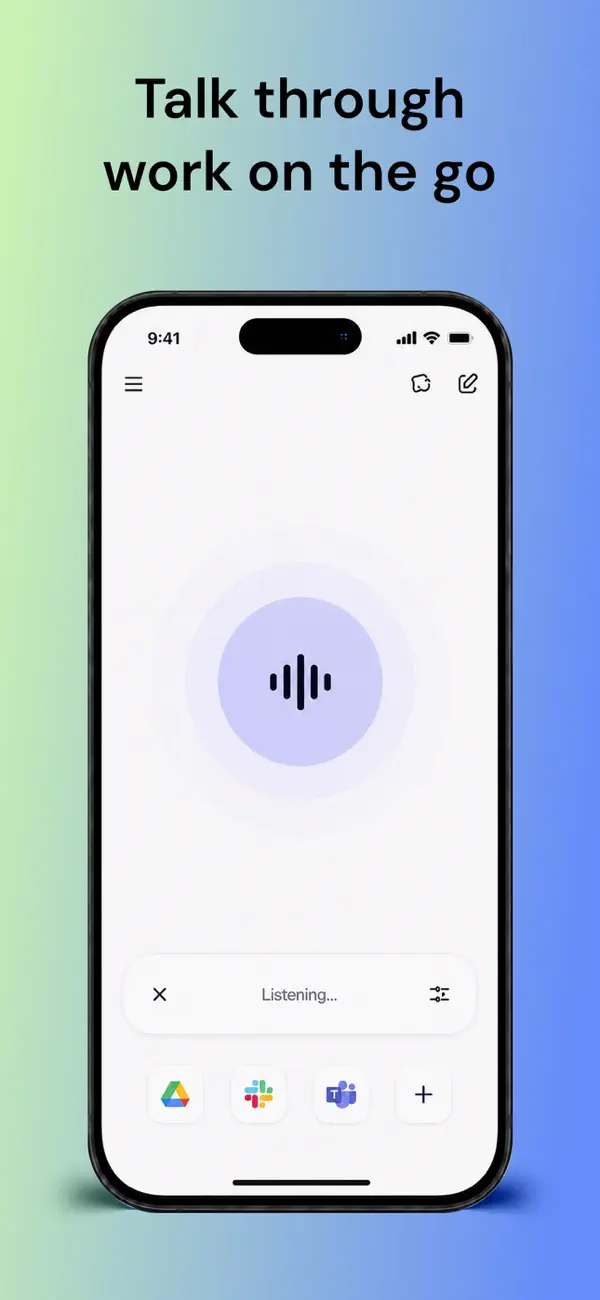
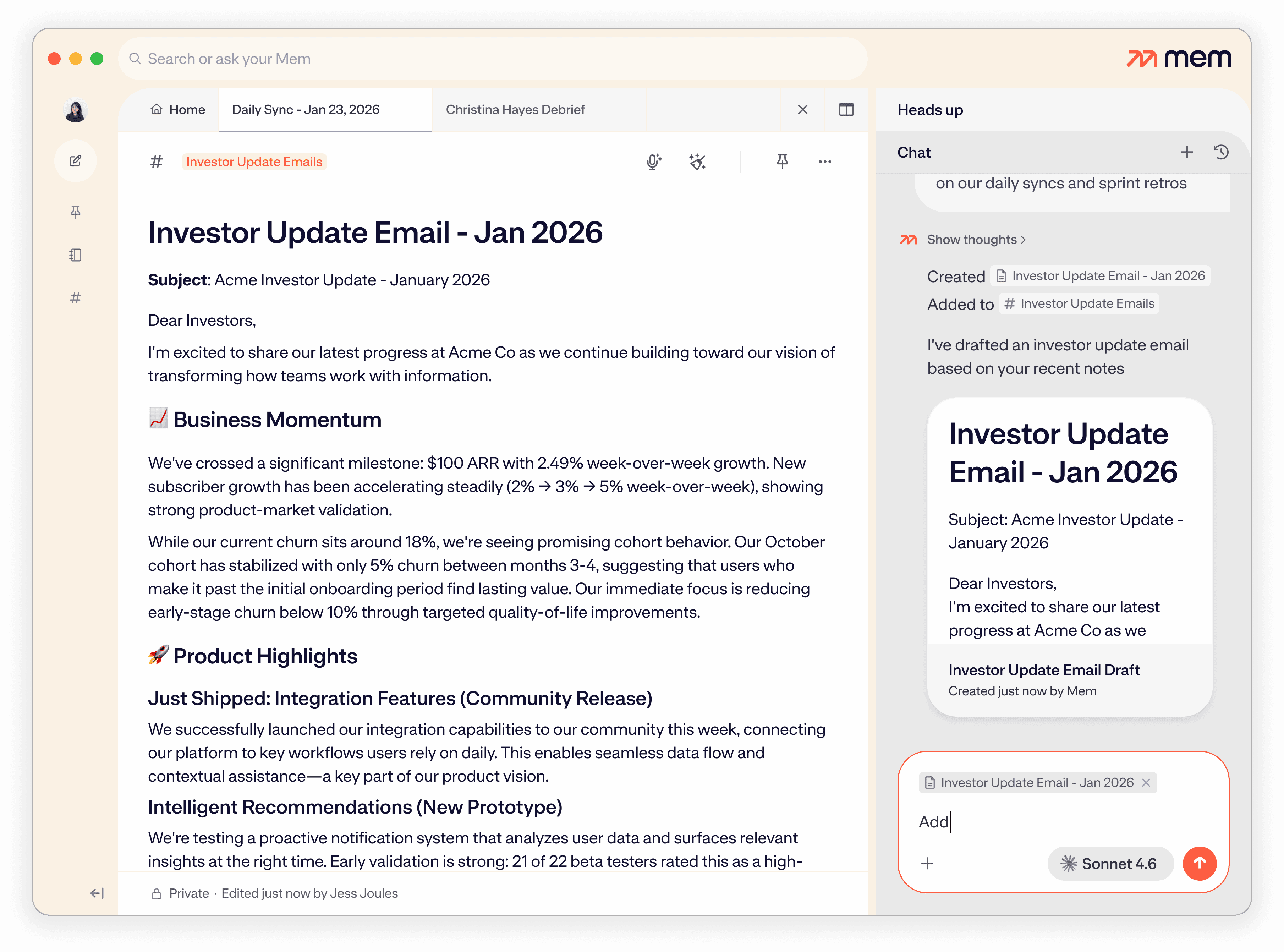
Mem combines AI notes, voice capture and a personal agent for follow-ups. Explore its search, sharing, pricing, platform limits and alternatives.

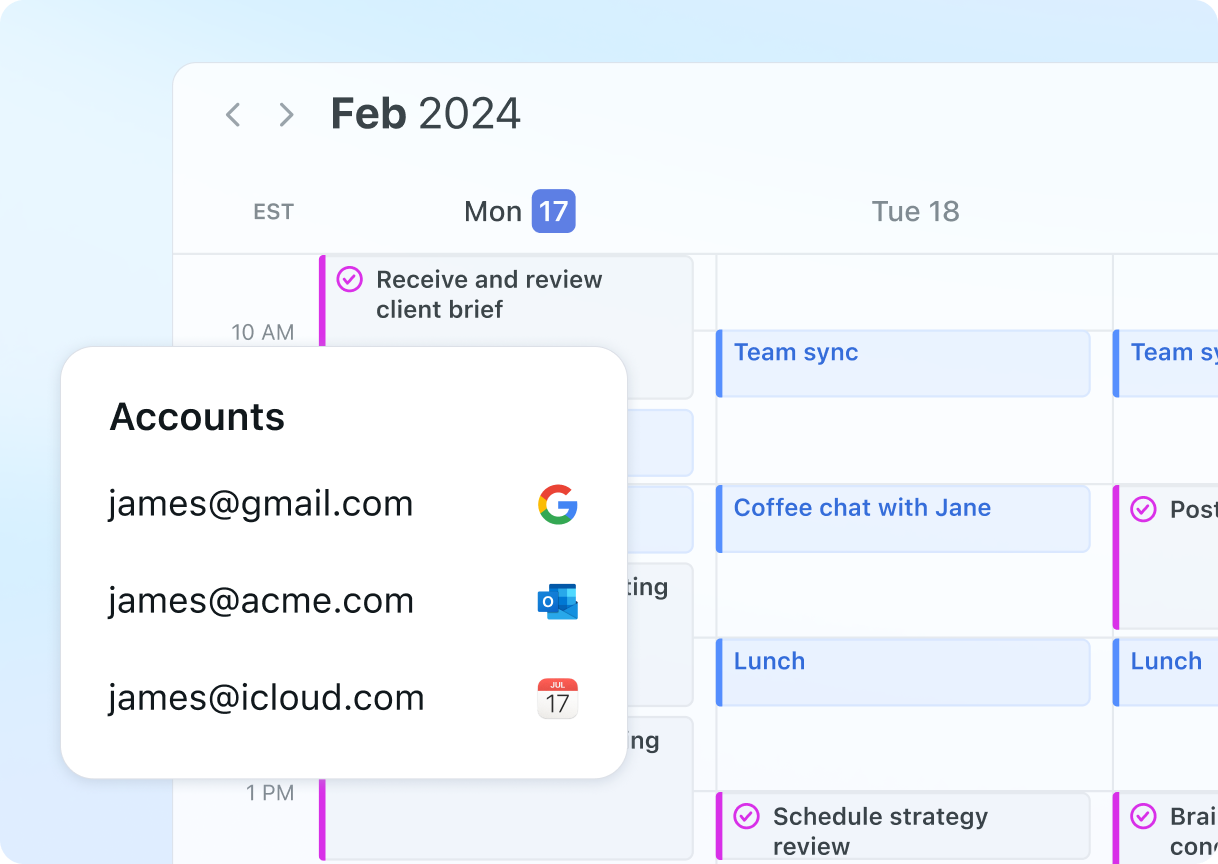
Motion combines AI task scheduling, projects and meeting notes. Explore calendar connections, scheduling controls, plan differences and alternatives.

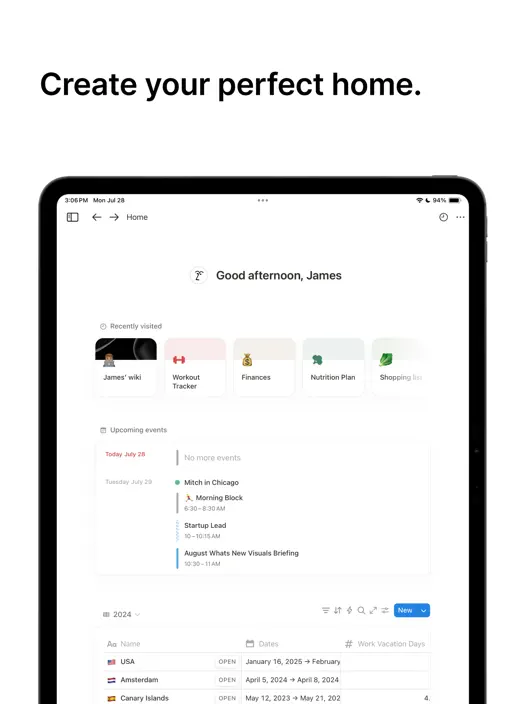
Notion brings AI writing, meeting notes and agents to shared documents and databases. Explore its features, Business plan pricing and alternatives.

Reclaim protects focus time in Google and Outlook calendars. Explore flexible routines, meeting controls, task recommendations, pricing and alternatives.

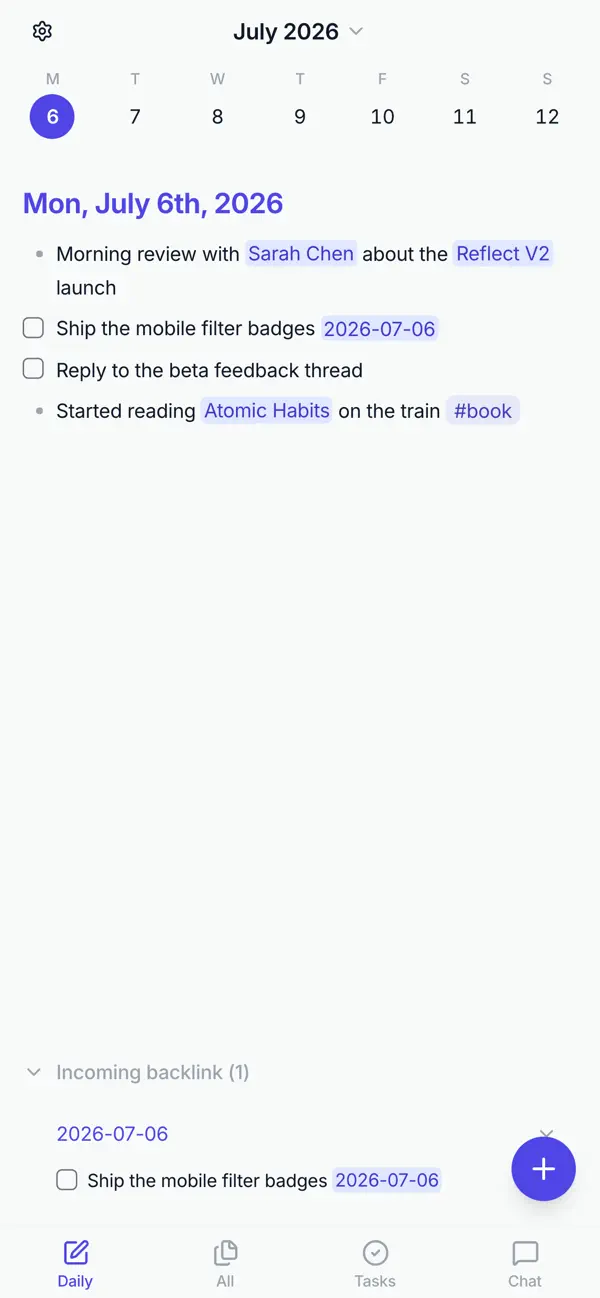
Reflect Open offers local Markdown notes, backlinks and optional AI on Mac and iOS. Explore its privacy controls, sync choices, pricing and alternatives.

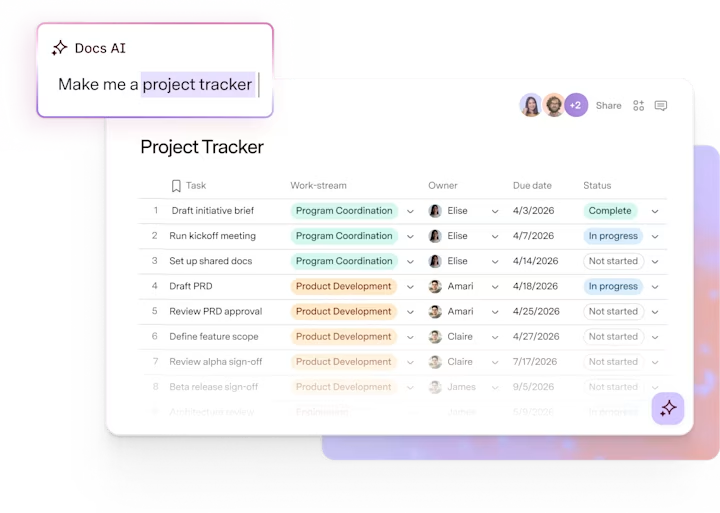
Superhuman Docs, formerly Coda, brings AI, documents and connected tables together. Explore its features, free plan, Maker pricing and alternatives.
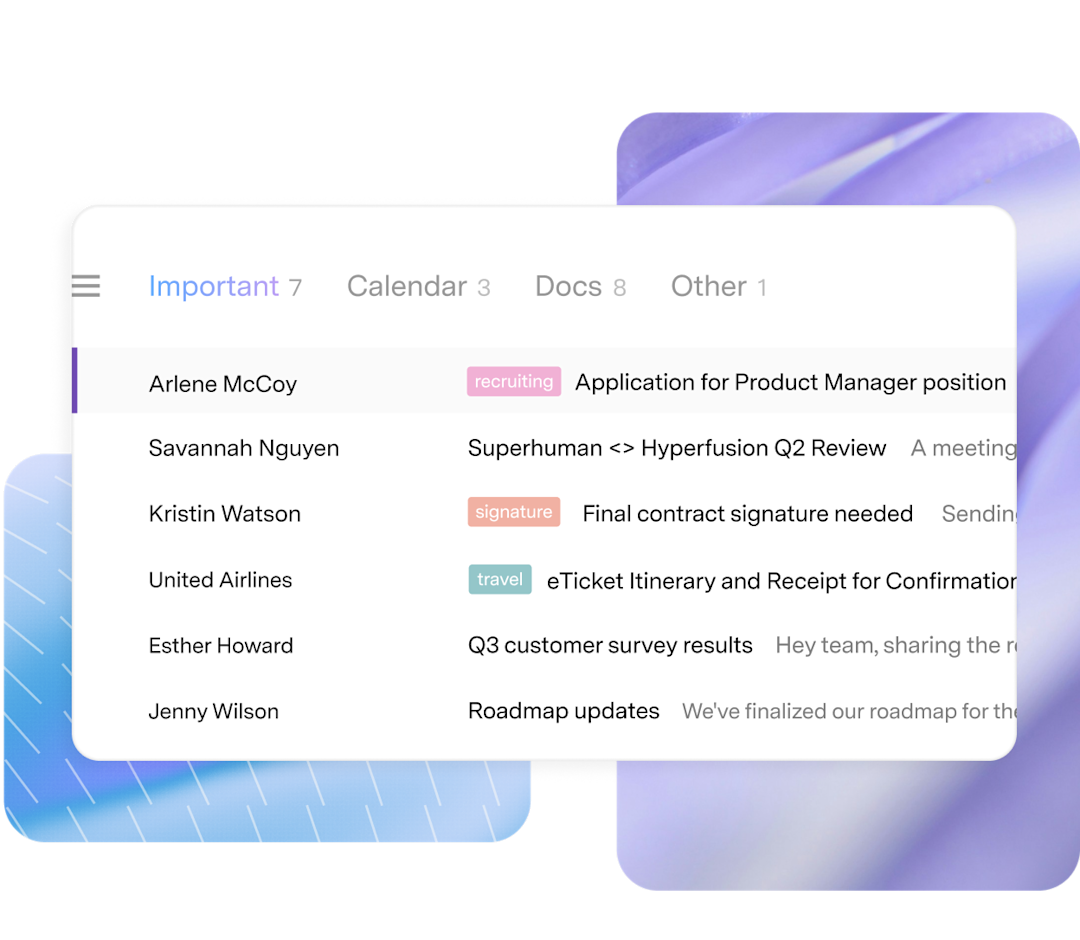
Superhuman Mail brings AI drafting, inbox organization and scheduling to Gmail and Outlook. Explore its features, subscription plans and alternatives.

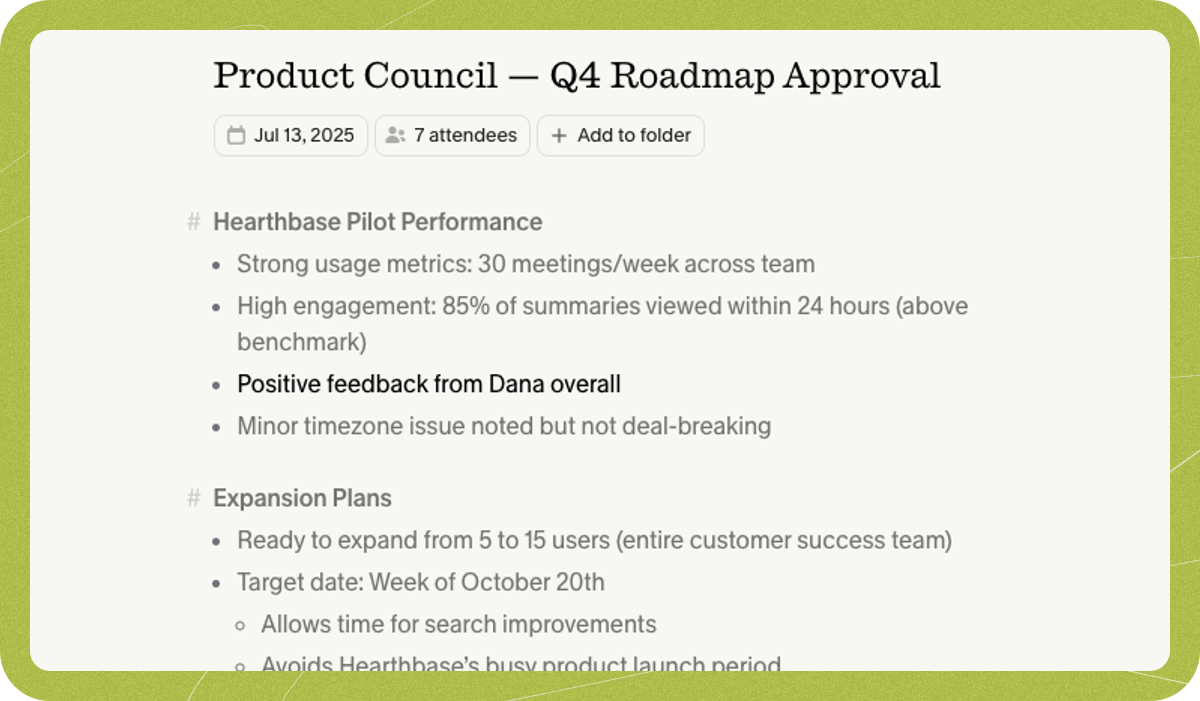
Take brief notes during a conversation and let Granola expand them with meeting context. Search the resulting notes and use them for follow-up work.

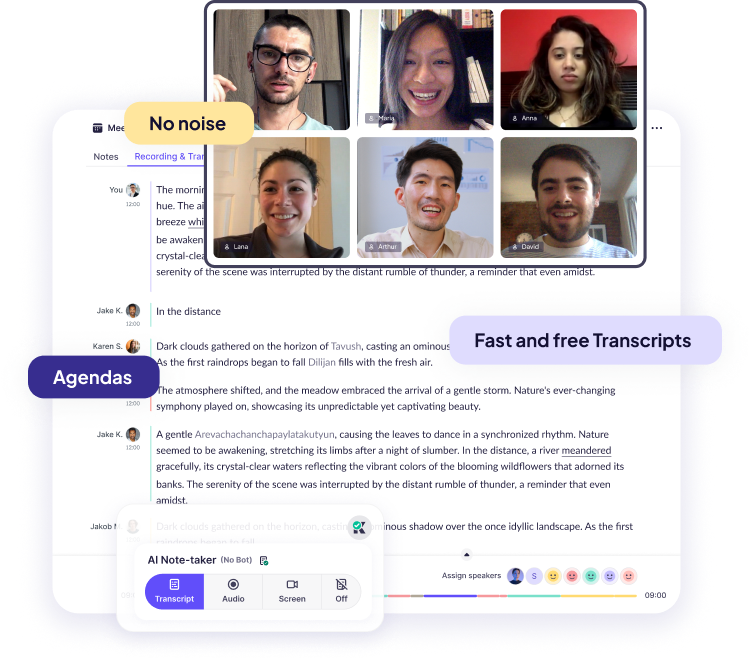
Reduce distracting call audio and keep meeting notes in one product. Krisp’s desktop noise cancellation runs locally, while meeting features have separate cloud processing and storage.
Explore conversational assistants for questions, documents, research and everyday work, including ChatGPT, Claude and Gemini.
Explore AI assistants →Find web answers, search academic papers and explore evidence with AI search engines and research assistants.
Explore search and research →Generate, explain and refactor code with editor assistants, repository agents and coding tools for the terminal.
Explore coding assistants →Create images from prompts and references, edit existing pictures and explore tools for illustration, photography and visual concepts.
Explore image generation →Explore AI video generators, avatar presenters and editing tools for clips, tutorials, campaigns and longer productions.
Explore video creation →Generate narration and synthetic speech, create custom voices and explore dubbing tools for audio and video.
Explore voice generation →Explore free products and free plans for writing, research, creative projects and more. Free plans often include a usage allowance or a smaller set of features; paid plans can offer higher limits and additional tools.
Yes. The directory includes free products and products with a free plan. A free plan may limit usage, features or exports. Free trials are listed separately because their access ends after the trial period.
Our product pages cover key features, supported platforms, pricing, limitations and alternatives. Category guides bring related products together, from image generators and coding assistants to research and audio tools.
The AI directory covers third-party products, with links to their own websites. Our browser tools are BestOnline.Tools utilities for editing images, organising PDFs, converting audio and working with text. You can use those tools directly on this site.
Edit images, organise PDFs, convert audio and work with text in your browser.