BestOnline.ToolsBestOnline.Tools
AI TOOL DIRECTORY

Discover the best AI tools

Explore AI tools for writing, research, coding, images, video and business. Browse free and paid products, with detailed reviews, features, pricing and alternatives.

More filters
Clear all filters
Your shortlist · 0/4

Saved in this browser.

128 tools · Page 10 of 11

Audio and voice

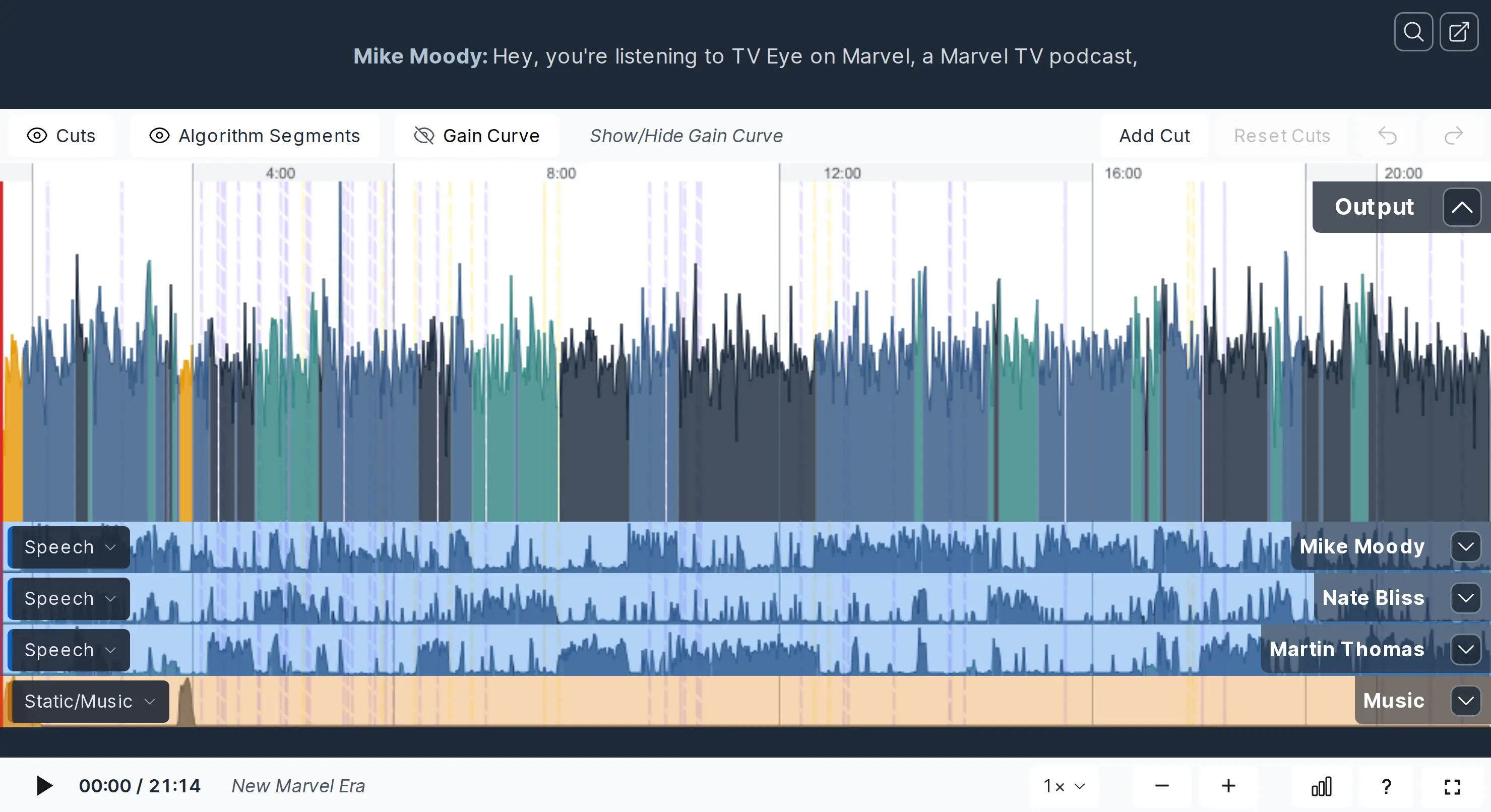
Otter.ai

Otter.ai records meetings, creates live transcripts and turns conversations into summaries and action items. Its web and mobile apps support recordings and uploads; the Mac and Windows apps also capture meeting audio without a bot joining. Shared transcripts, comments and AI Chat help teams revisit decisions.
Free plan availableWeb · Desktop · Mobile
Search and research

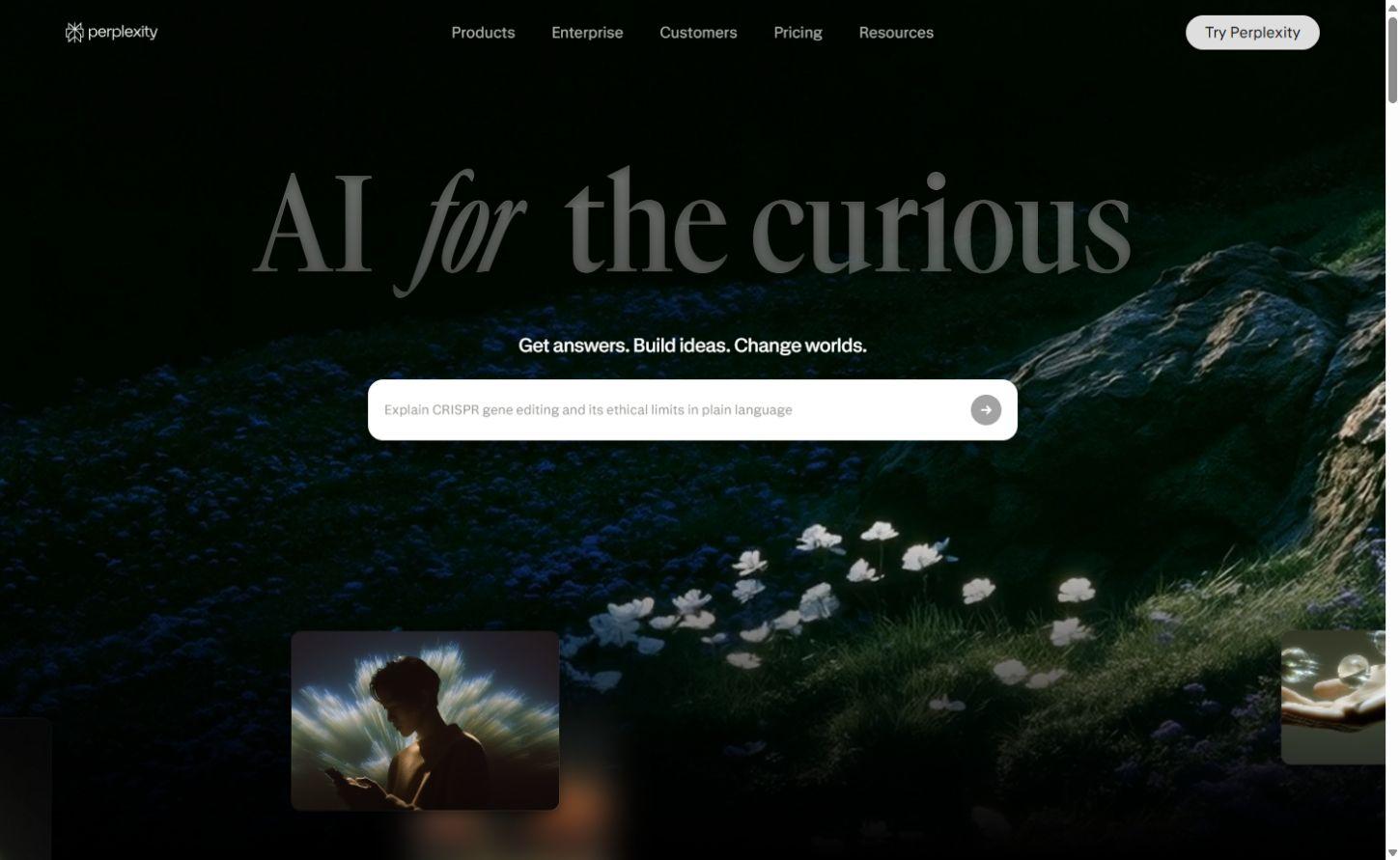
Perplexity

Perplexity brings web sources, document analysis and Research reports into one search workspace, with Projects that keep files and context together.

Free plan availableWeb · Desktop · Mobile
Image generation

Recraft

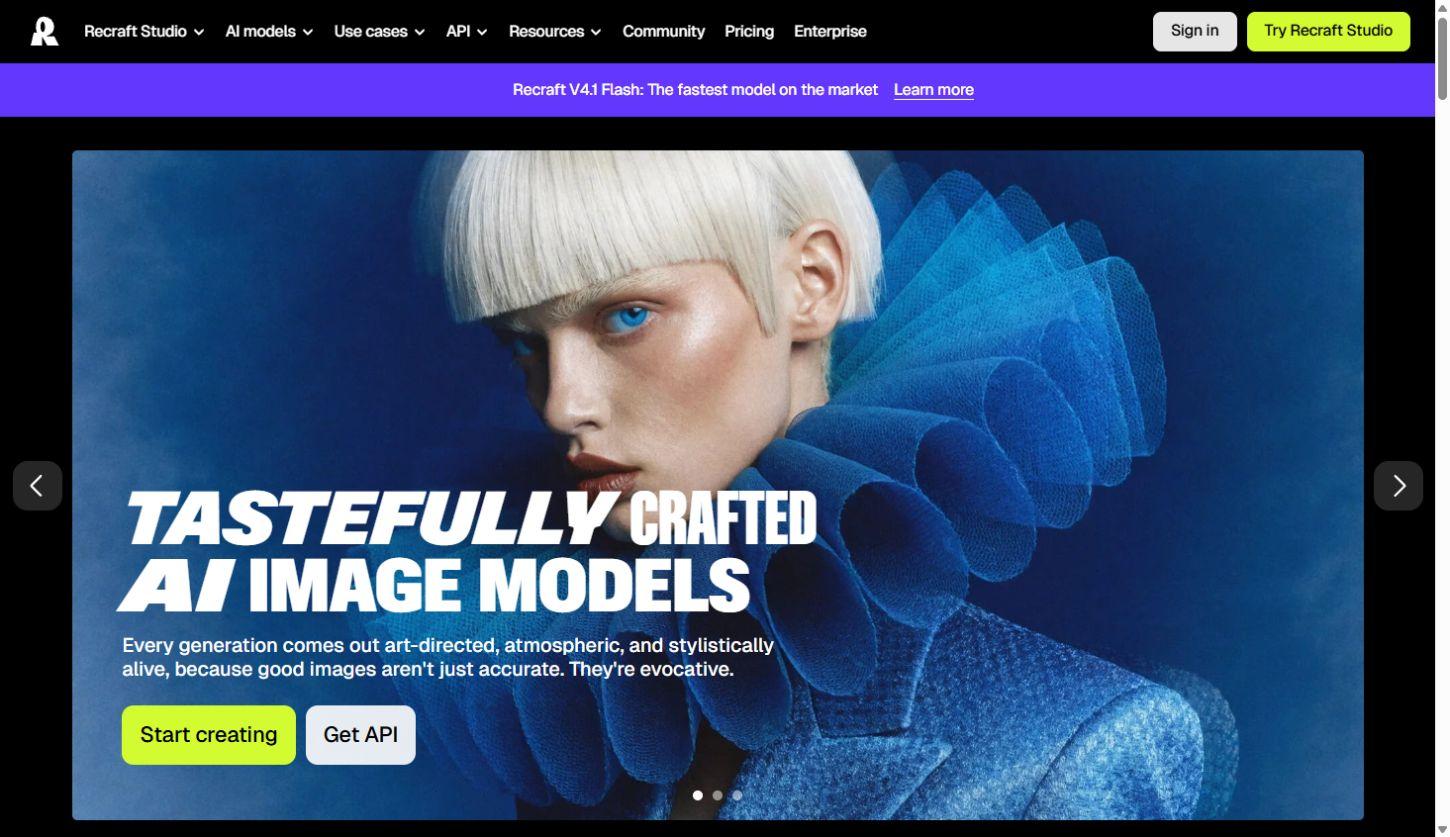
Recraft combines AI image and vector generation with editing, custom styles and mockups, helping designers create visual assets and refine them on a shared canvas.

Free plan availableWeb · Mobile · API
Transcription and meetings

Rev

Rev combines AI transcription, a transcript editor and paid human transcription services. Turn recordings into searchable text, review passages alongside playback and use AI to analyze multiple files. Its current platform emphasizes interviews, investigations and detailed document review, with language support and analysis features varying by plan.

Free plan availableWeb · Mobile · API
Audio and voice

TurboScribe

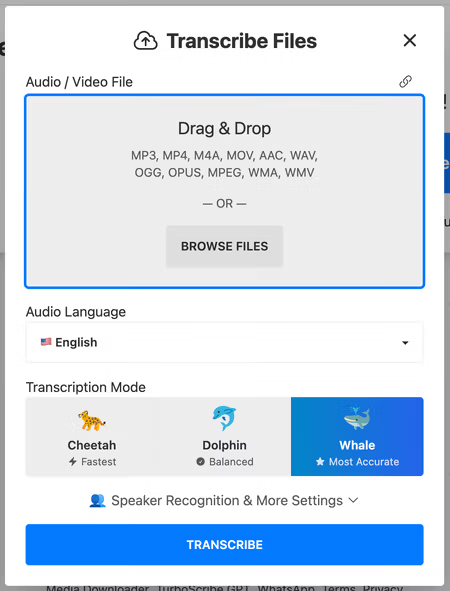
TurboScribe turns recorded audio and video into editable transcripts and subtitles. It supports 98+ transcription languages, speaker labels, audio-linked text and translated exports. Unlimited accepts files up to ten hours / 5 GB, with batches of up to 50 files.

Free plan availableWeb
Transcription and meetings

Granola

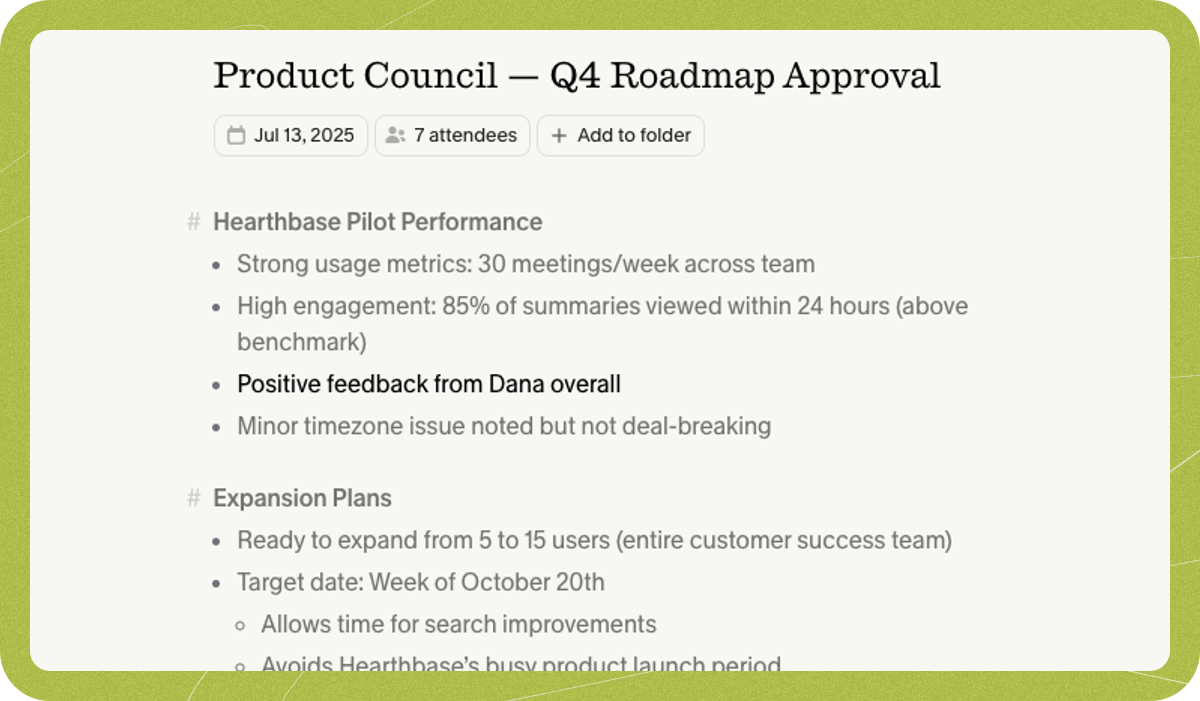
Take brief notes during a conversation and let Granola expand them with meeting context. Search the resulting notes and use them for follow-up work.

Free plan availableDesktop · Mobile
Audio and voice

LALAL.AI

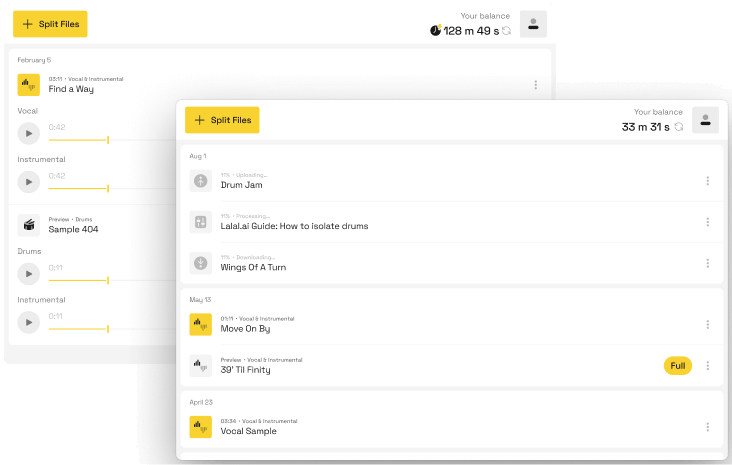
LALAL.AI separates vocals and instruments and offers voice cleanup and reverb reduction. Free access previews results; full downloads require a paid plan.

Free plan availableWeb · Desktop · Mobile · API
Graphic design

Napkin AI

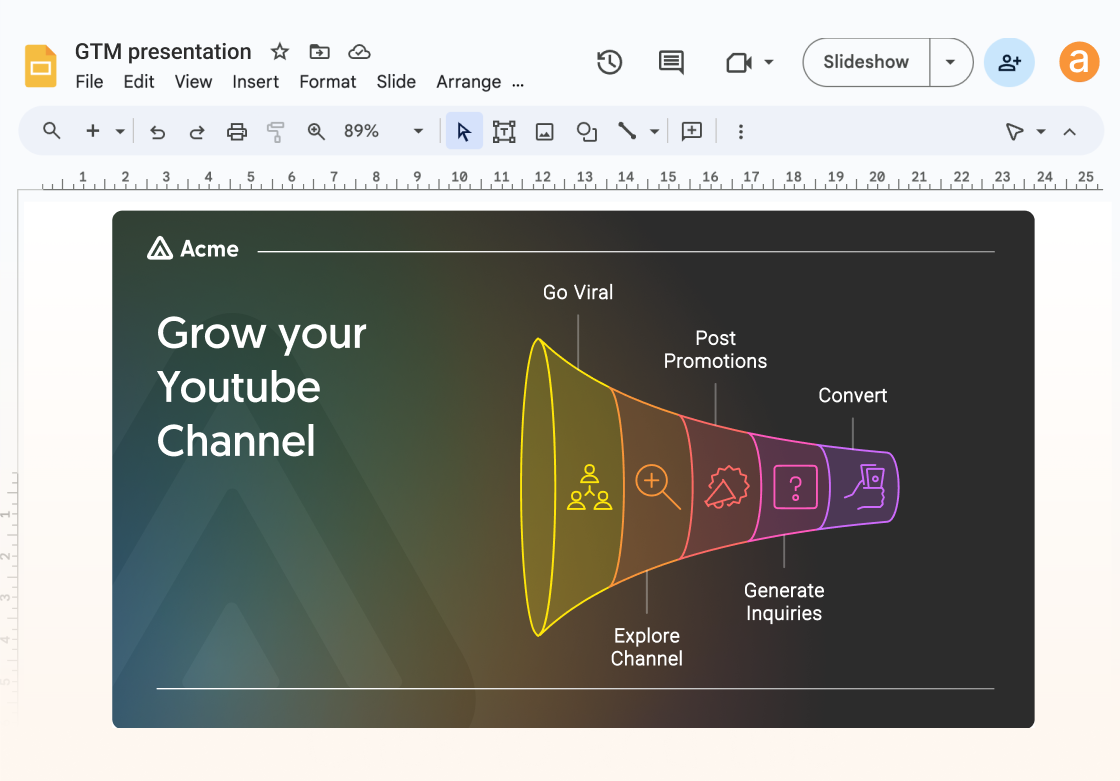
Turn a written explanation into a diagram you can refine and reuse in a document or presentation. Napkin focuses on communicating an idea visually.

Free plan availableWeb
Transcription and meetings

AudioPen

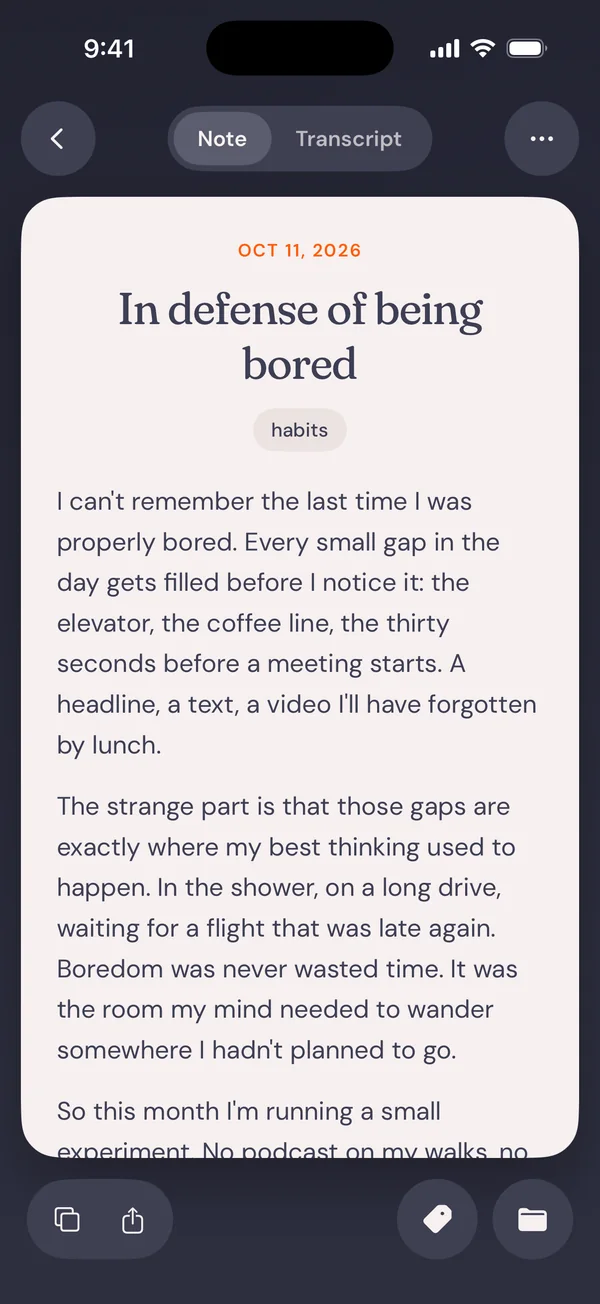
Speak a rough idea, choose a writing style and keep a polished draft beside the original transcript. AudioPen focuses on personal voice notes and dictation.

Free plan availableWeb · Desktop · Mobile
Audio and voice

Auphonic

Auphonic automates spoken-audio post-production with levelling, loudness targets, noise reduction and editable processing for podcasts, interviews and other recordings.

Free plan availableWeb · API
Audio and voice

Moises

Moises separates an existing song into parts for practice and production, with tempo, chord and lyric tools and exports for further work.

Free plan availableWeb · Desktop · Mobile
Video creation

OpusClip

Turn a webinar, interview or other long recording into short clips. OpusClip selects moments, reframes them for social feeds and adds captions.

Free plan availableWeb · API

Explore AI tools by category

All AI categories →

Free AI tools and free plans

Explore free products and free plans for writing, research, creative projects and more. Free plans often include a usage allowance or a smaller set of features; paid plans can offer higher limits and additional tools.

AI tools FAQs

Are there free AI tools?

Yes. The directory includes free products and products with a free plan. A free plan may limit usage, features or exports. Free trials are listed separately because their access ends after the trial period.

What can I find in an AI product review?

Our product pages cover key features, supported platforms, pricing, limitations and alternatives. Category guides bring related products together, from image generators and coding assistants to research and audio tools.

Are AI products the same as your browser tools?

The AI directory covers third-party products, with links to their own websites. Our browser tools are BestOnline.Tools utilities for editing images, organising PDFs, converting audio and working with text. You can use those tools directly on this site.

Free online tools from BestOnline.Tools

Edit images, organise PDFs, convert audio and work with text in your browser.

Browse browser tools