Video creation
CapCut
Edit social videos, add automatic captions and create AI scenes with CapCut. Explore its web, desktop and mobile editors, Pro plans and alternatives.
Explore AI tools for writing, research, coding, images, video and business. Browse free and paid products, with detailed reviews, features, pricing and alternatives.
Saved in this browser.
11 tools
Edit social videos, add automatic captions and create AI scenes with CapCut. Explore its web, desktop and mobile editors, Pro plans and alternatives.

Create AI video with Google Flow’s Veo and Gemini Omni models. Explore image generation, scene editing, pricing and alternatives.
Create avatar videos and translate existing footage with HeyGen. Explore Avatar IV and V, Video Agent, editing, pricing and team features.

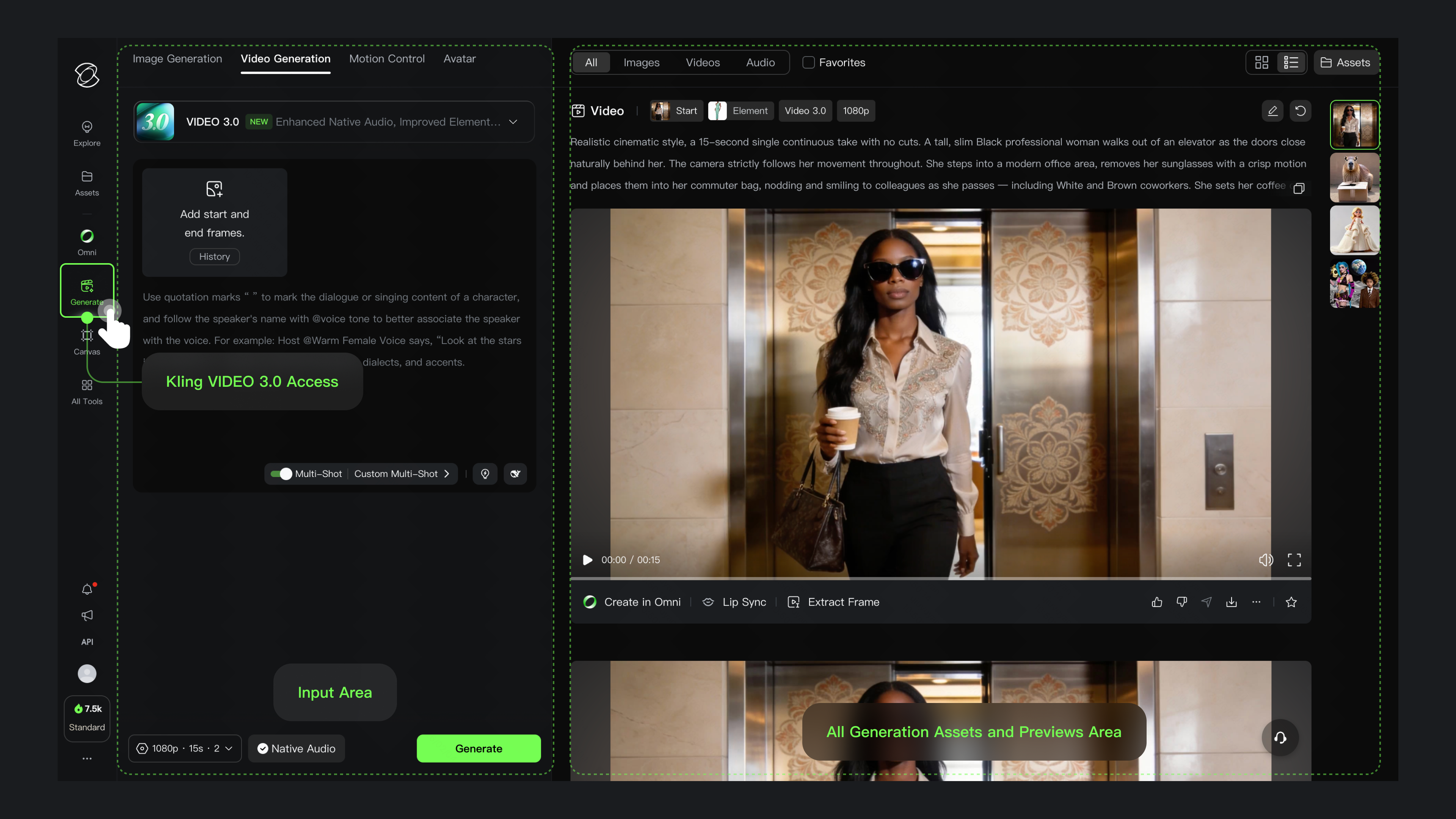
Kling AI turns prompts and reference images into video with sound, multi-shot scenes and motion controls. Explore its features, pricing and alternatives.

Create and edit AI video with Luma’s Ray3.2, creative agents and frame controls. Explore Dream Machine’s successor, pricing and alternatives.

Create AI videos, animate photos and remix footage with Pika. Explore Pika 2.5, keyframes, audio tools, current pricing and alternatives.

Runway creates AI video from prompts and images, edits footage with Aleph and assembles clips in Agent. Explore its features, pricing and alternatives.
Create AI avatar videos for training, onboarding and explainers with Synthesia. Explore its editor, Syren video agent, pricing and alternatives.

Adobe Firefly creates and edits images with text prompts and visual references, with moodboards, generative editing and a choice of Adobe and partner AI models.

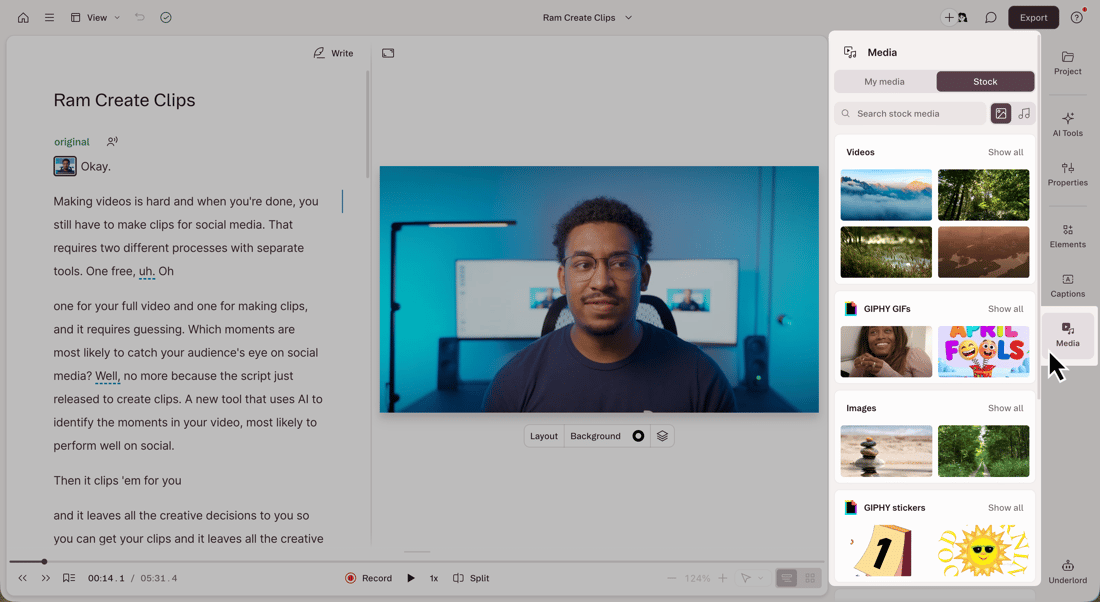
Descript edits recorded video and audio through a linked transcript. Its editor brings together captions, voice cleanup, screen recording and AI-assisted production, with an API for automated projects.

Turn a webinar, interview or other long recording into short clips. OpusClip selects moments, reframes them for social feeds and adds captions.
Explore conversational assistants for questions, documents, research and everyday work, including ChatGPT, Claude and Gemini.
Explore AI assistants →Find web answers, search academic papers and explore evidence with AI search engines and research assistants.
Explore search and research →Generate, explain and refactor code with editor assistants, repository agents and coding tools for the terminal.
Explore coding assistants →Create images from prompts and references, edit existing pictures and explore tools for illustration, photography and visual concepts.
Explore image generation →Explore AI video generators, avatar presenters and editing tools for clips, tutorials, campaigns and longer productions.
Explore video creation →Generate narration and synthetic speech, create custom voices and explore dubbing tools for audio and video.
Explore voice generation →Explore free products and free plans for writing, research, creative projects and more. Free plans often include a usage allowance or a smaller set of features; paid plans can offer higher limits and additional tools.
Yes. The directory includes free products and products with a free plan. A free plan may limit usage, features or exports. Free trials are listed separately because their access ends after the trial period.
Our product pages cover key features, supported platforms, pricing, limitations and alternatives. Category guides bring related products together, from image generators and coding assistants to research and audio tools.
The AI directory covers third-party products, with links to their own websites. Our browser tools are BestOnline.Tools utilities for editing images, organising PDFs, converting audio and working with text. You can use those tools directly on this site.
Edit images, organise PDFs, convert audio and work with text in your browser.